God of War Ragnarok
Updated:
/
6189750
 76 GB
76 GB
3281 following
3281 following · Settings
Release date: 19 Sep. 2024
Genre: Action, Adventure, RPG
Developer: Santa Monica Studio, Jetpack Interactive
Publisher: PlayStation Publishing LLC
Platform: PC
Release type: Repack
Interface language: Russian, English, MULTi
Voice-over: Russian, English
Crack: Built-in (RUNE)
System requirements:
OS: Windows 10, 11 (64-bit)
Processor: Intel Core i5-4670k
RAM: 8 GB RAM
Video card: GTX 1060, DirectX 12
Disk space: 190 GB
Genre: Action, Adventure, RPG
Developer: Santa Monica Studio, Jetpack Interactive
Publisher: PlayStation Publishing LLC
Platform: PC
Release type: Repack
Interface language: Russian, English, MULTi
Voice-over: Russian, English
Crack: Built-in (RUNE)
System requirements:
OS: Windows 10, 11 (64-bit)
Processor: Intel Core i5-4670k
RAM: 8 GB RAM
Video card: GTX 1060, DirectX 12
Disk space: 190 GB
Steam Reviews: Very Positive (89% of 50,987)
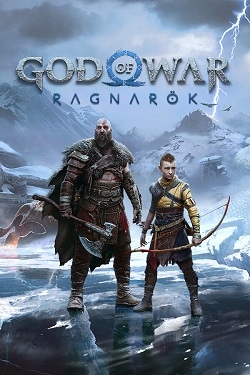
Year of War: Ragnarok – a third-person action game that will be the final chapter in the story of the great Kratos. This time, he will face dangerous enemies, including Thor himself, who will prove far more brutal than all previous foes. So, if you're eager to battle this god, all you need to do is download the God of War: Ragnarok torrent for PC and then set off on your journey. Another bonus is that Kratos's son has also grown up and can now fight on par with his father. Make sure to utilize all these opportunities wisely, and you're sure to enjoy the game.
Considering this is the final part of the adventure, it's worth understanding that the action is set to be incredible. You'll need to use your full potential to defeat all your enemies. Be prepared for a wide variety of characters. For example, you might meet Loki or even his giantess lover, who later gave birth to Fenrir. Just don't get your hopes up, as the game's mythology is traditional, and there's not much that's exciting about it. We're confident you'll appreciate this approach and achieve not only a favorable outcome but also a great gaming experience.
Incidentally, Kratos himself will also become even more powerful. Whereas previously he destroyed everything with his bare hands, he will now gain the god's attention, which will subsequently be marked by a total strengthening. This attention should help him defeat other powerful gods. And to fully immerse yourself in the adventure, all you need to do is download GOW via torrent in Russian, and the adventure will then be available in full.
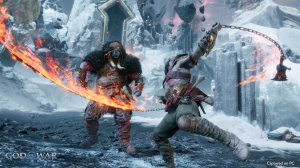
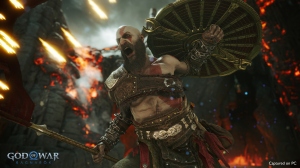
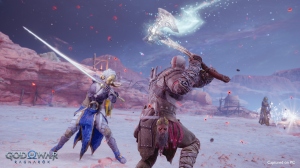
Repack features:
- Based on the Steam release
- Nothing cut / nothing re-encoded
- Game version: 1.0.668.5700 (Build 18979360)
- Change the language in the game settings
- Installation time ~ 5 minutes (depends on your PC)
Extras:
Solutions to the black screen problem:
Solutions to the SDK PC Runtime error:
 17 GB
17 GB 118 GB
 833 MB
 7.1 GB
Another mess
Considering this is the final part of the adventure, it's worth understanding that the action is set to be incredible. You'll need to use your full potential to defeat all your enemies. Be prepared for a wide variety of characters. For example, you might meet Loki or even his giantess lover, who later gave birth to Fenrir. Just don't get your hopes up, as the game's mythology is traditional, and there's not much that's exciting about it. We're confident you'll appreciate this approach and achieve not only a favorable outcome but also a great gaming experience.
Incidentally, Kratos himself will also become even more powerful. Whereas previously he destroyed everything with his bare hands, he will now gain the god's attention, which will subsequently be marked by a total strengthening. This attention should help him defeat other powerful gods. And to fully immerse yourself in the adventure, all you need to do is download GOW via torrent in Russian, and the adventure will then be available in full.
Features of the game
- The return of Kratos and his son.
- The battle with the gods will become the basis for the destruction of worlds.
- New techniques and types of weapons.
- The opportunity to fight Thor himself.
We recommend:

80%



Trailer / Gameplay:
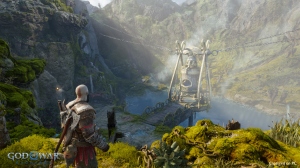
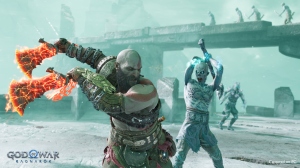
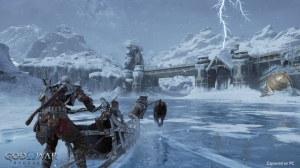
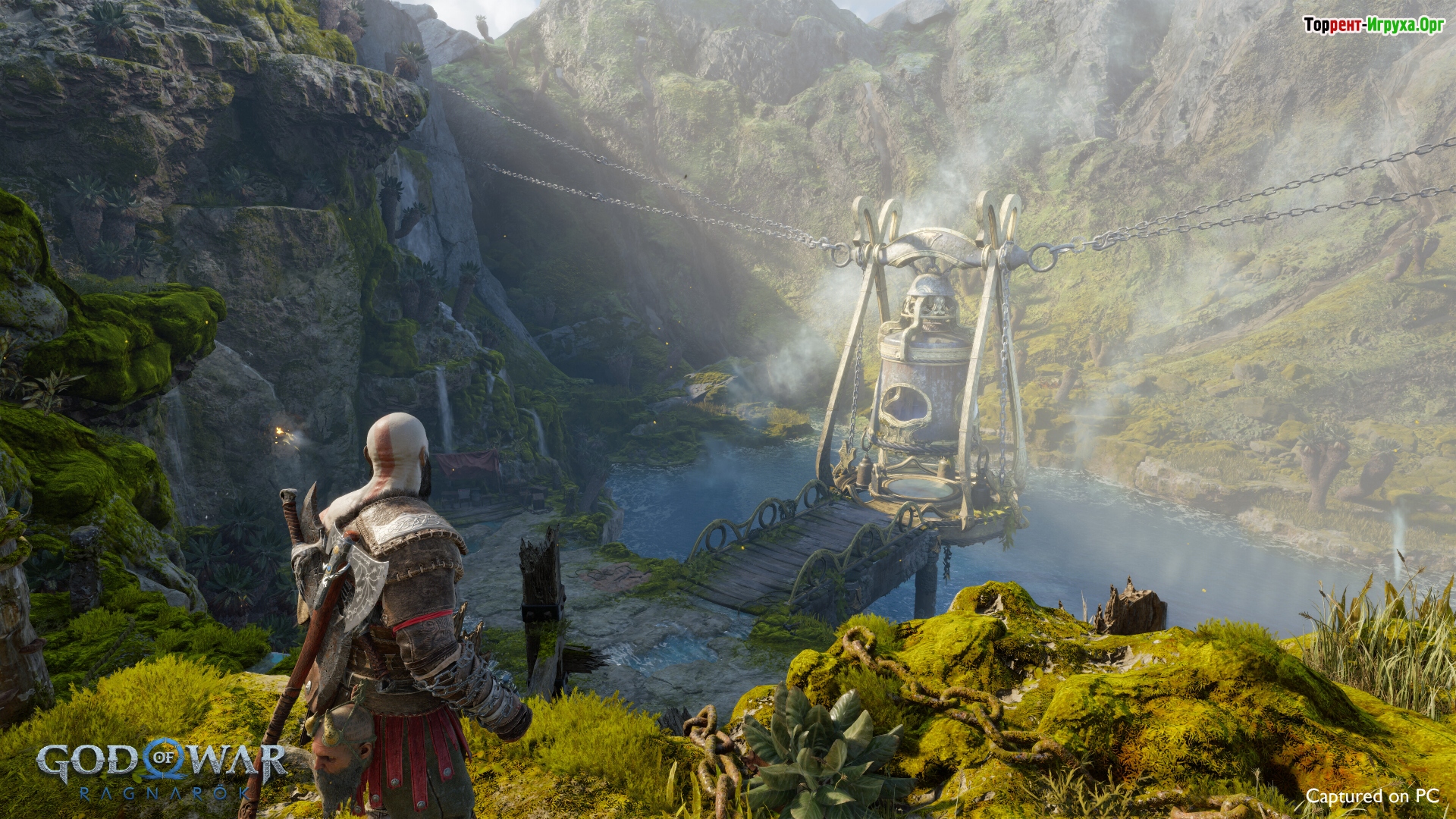
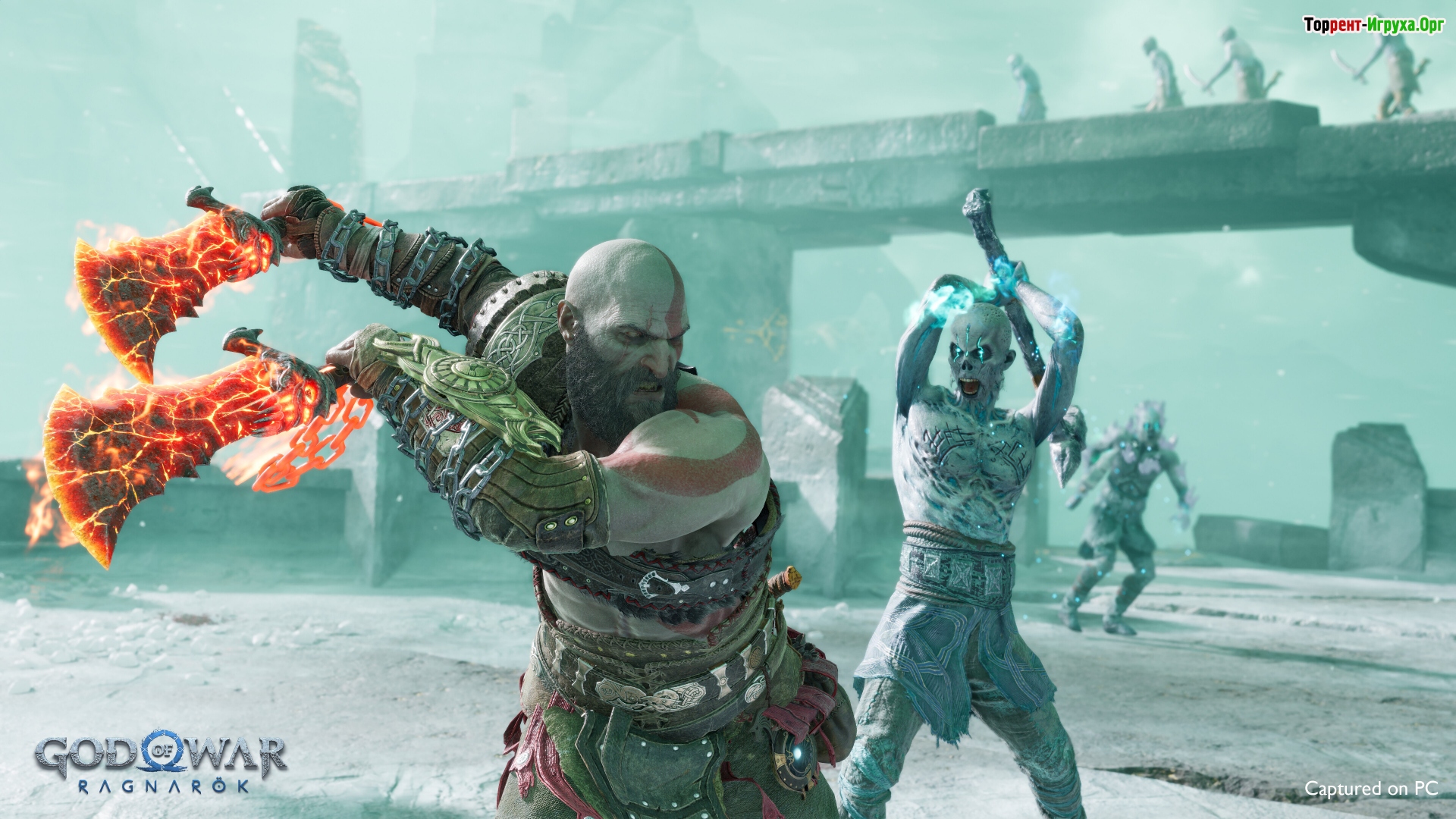
Screenshots:
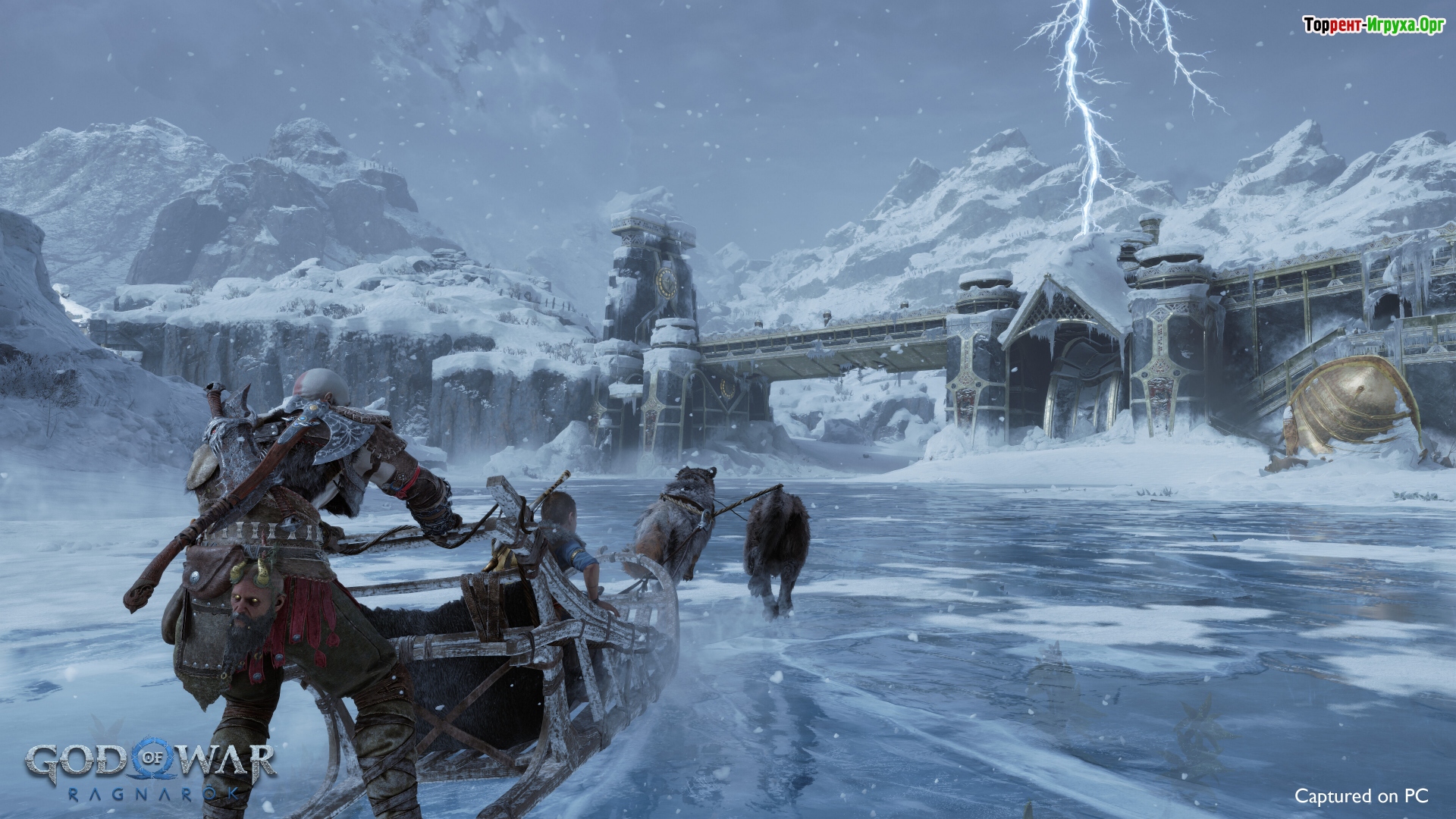
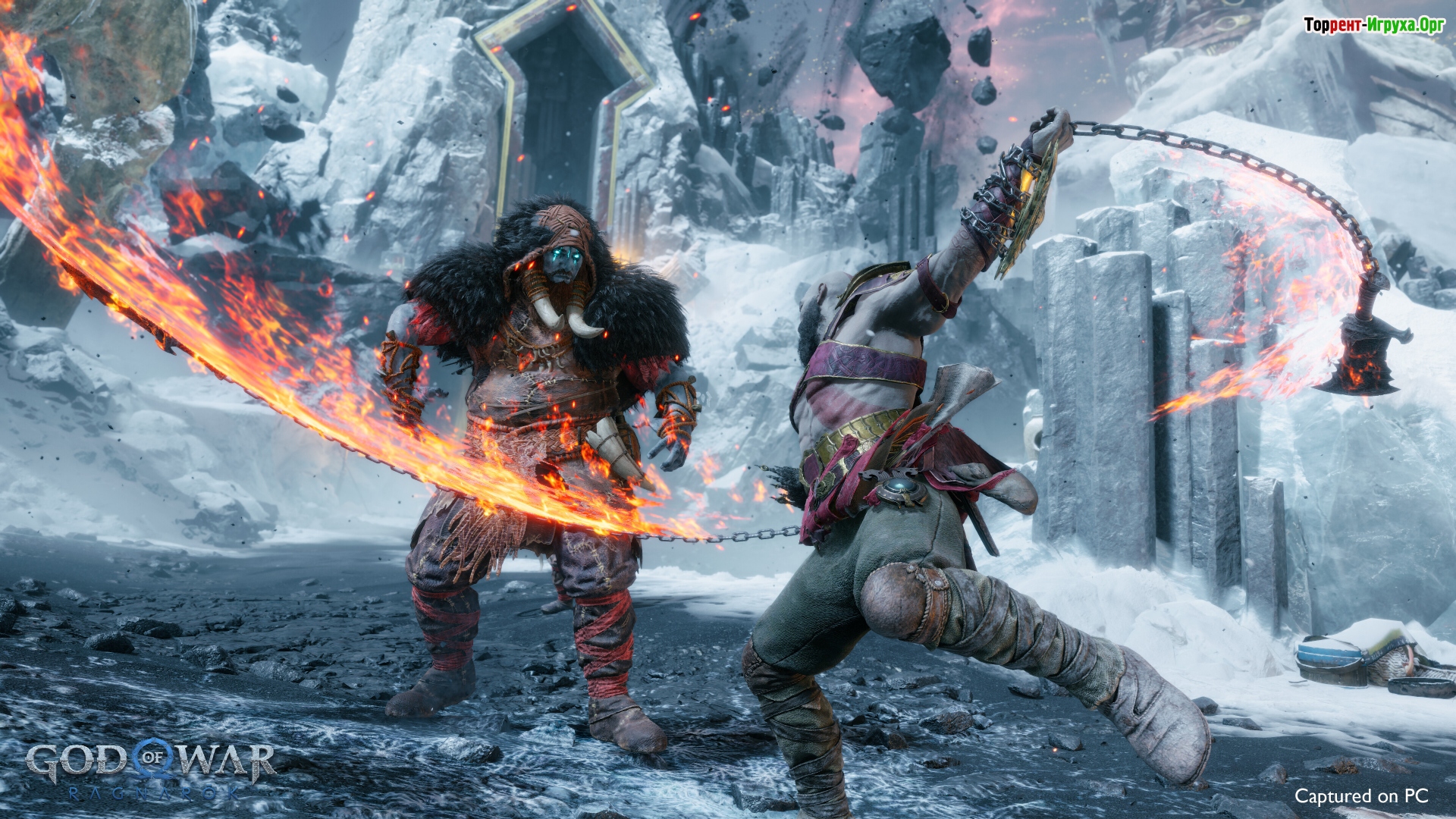
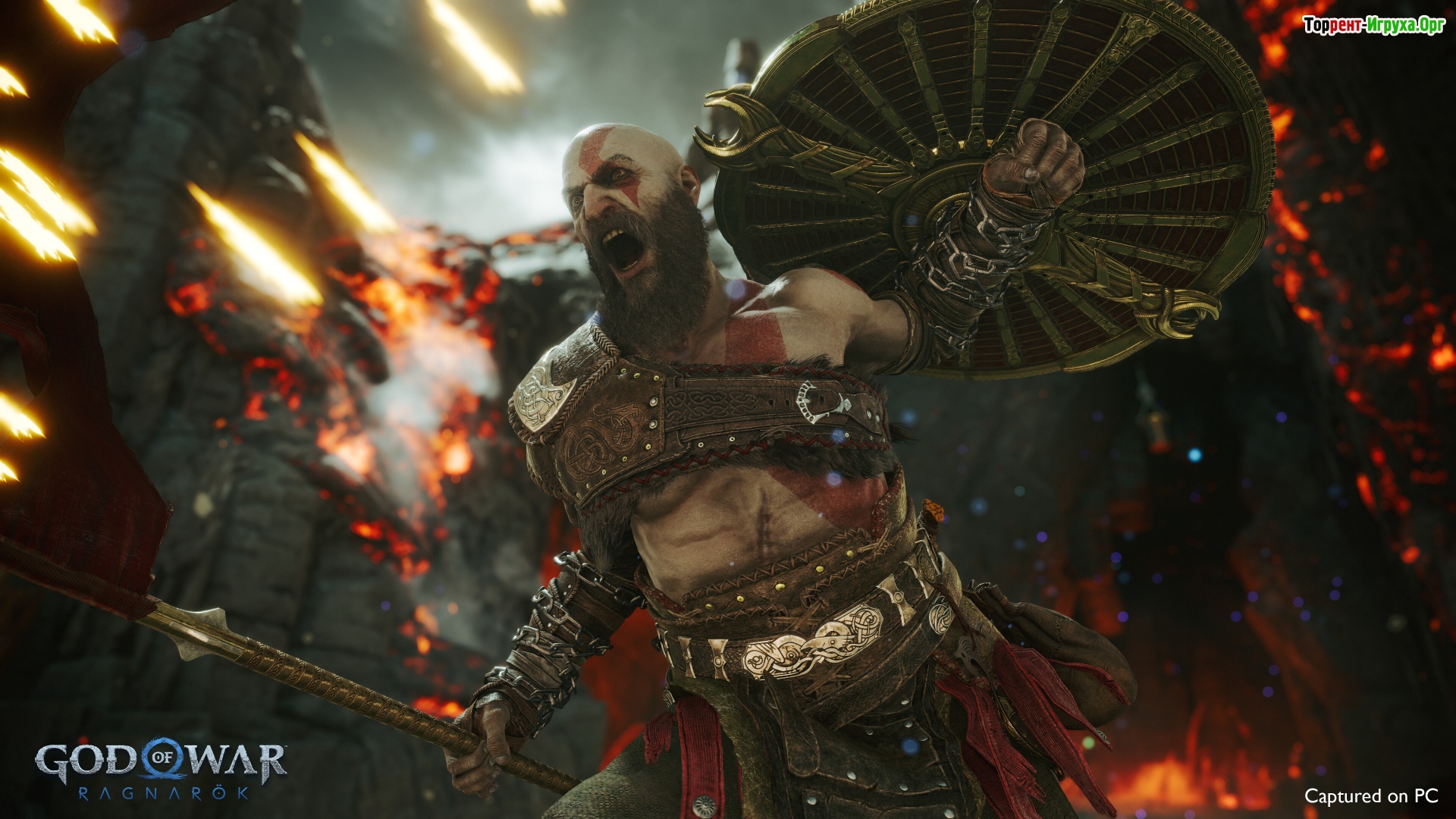
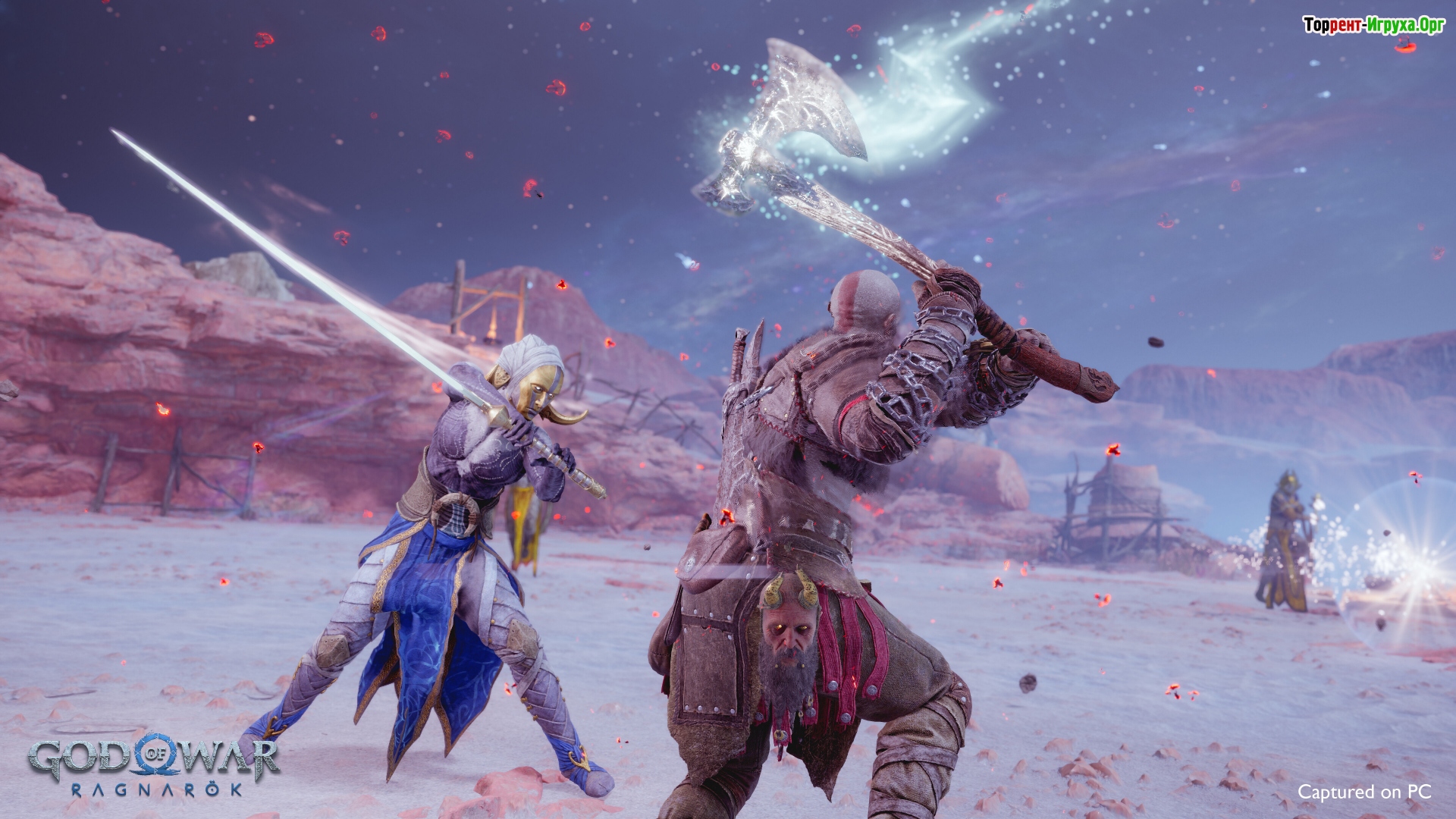
How to start playing
You can download the cracked version or buy license activation

Size: 75.68 GB | RePack by Igruha
Repack features:
- Based on the Steam release
- Nothing cut / nothing re-encoded
- Game version: 1.0.668.5700 (Build 18979360)
- Change the language in the game settings
- Installation time ~ 5 minutes (depends on your PC)
Extras:
Solutions to the black screen problem:
Solutions to the SDK PC Runtime error:
Steam Tags
 17 GB
17 GB 118 GB
 833 MB7.1 GB
Comments: 7091
7091 comments in Russian. The discussion is on the Russian page, you can read it and reply there.
Read commentsOur picks

Popular games





