Jurassic World Evolution 2
Updated:
/
1013561
 9.9 GB
471 following
471 following · Settings
Release date: 9 nov. 2021
Genre: Simulation, Strategy
Developer: Frontier Developments
Publisher: Frontier Developments
Platform: PC
Release type: Repack
Interface language: Russian, English, MULTi
Voice-over: Russian, English, MULTi
Crack: Sewn in (CODEX/DenuvOwO)
System requirements:
OS: Windows 7, 8, 10, 11 (64-bit)
Processor: Intel Core i5-4590
RAM: 8 GB RAM
Video card: Nvidia GTX 1050Ti
Disk space: 14 GB
Genre: Simulation, Strategy
Developer: Frontier Developments
Publisher: Frontier Developments
Platform: PC
Release type: Repack
Interface language: Russian, English, MULTi
Voice-over: Russian, English, MULTi
Crack: Sewn in (CODEX/DenuvOwO)
System requirements:
OS: Windows 7, 8, 10, 11 (64-bit)
Processor: Intel Core i5-4590
RAM: 8 GB RAM
Video card: Nvidia GTX 1050Ti
Disk space: 14 GB
Steam Reviews: Very Positive (90% of 47,284)
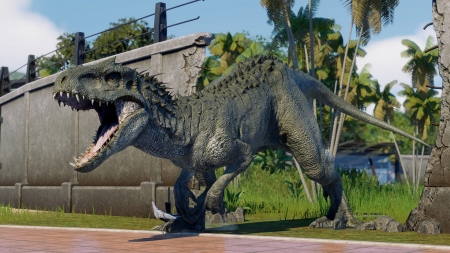
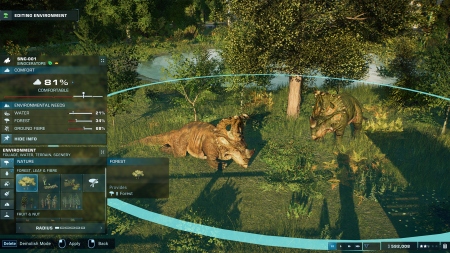
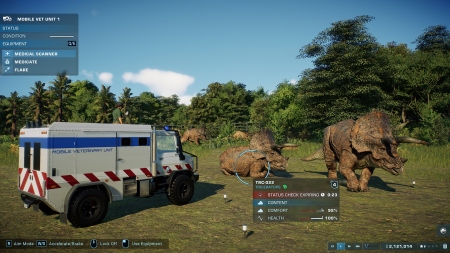
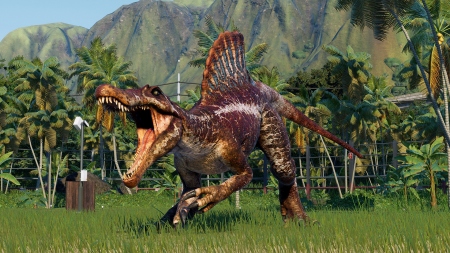
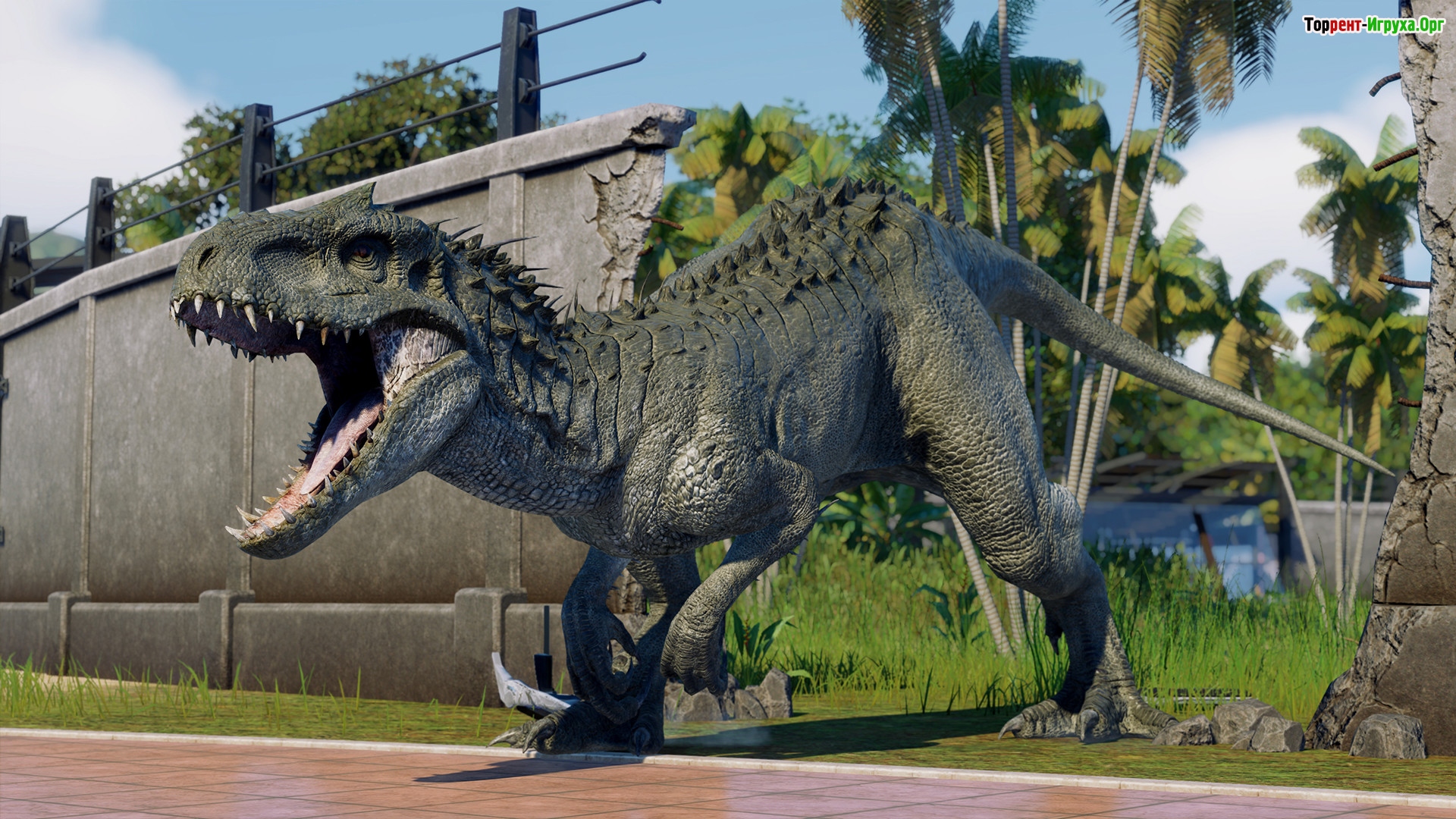
Jurassic World Evolution 2 — a gripping simulator and sequel to the acclaimed Jurassic World Evolution. A unique story campaign awaits you, filled with incredible opportunities, featuring impressive, terrifying dinosaurs, and awe-inspiring, realistic graphics. To get a closer look at the expansive Jurassic World, we recommend downloading Jurassic World Evolution 2 Free torrent in Russian.
The action unfolds after the horrific events depicted in the film "Jurassic World 2." You take on the role of a commander in chief, tasked with capturing and breeding dinosaurs to preserve them. Assisting you in your challenging task are legendary film actors Dr. Ian Malcolm and Claire Dearing.
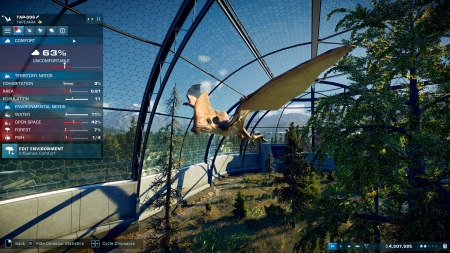
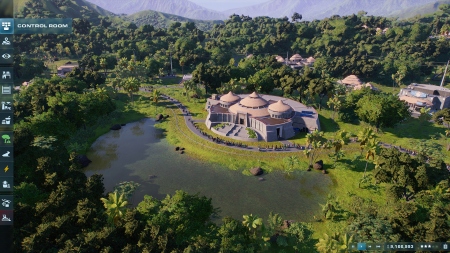
Players will have unlimited creative and commanding possibilities. They will be able to upgrade structures, build new ones, and demonstrate their leadership skills in dense jungles and rocky steppes. You will witness the interactions and competitions of sea and flying reptiles, which you must rescue. If you are interested in the game, we recommend downloading it. Jurassic World Evolution 2 Free torrent in Russian.


Repack features:
- Based on the Steam release
- Nothing cut / nothing re-encoded
- Game version: 1.11.3 (Build 18857191)
- Change the language in the game settings
- Installation time ~ 1 minute (depends on your PC)
Extras:
Starting the game:
Why might the game not launch?
- Based on the release by machine4578
- Nothing cut / nothing re-encoded
- Game version: 1.3.1 (test branch for developers)
- Change the language in steam_emu.ini (Russian by default)
- Installation time ~ 5 minutes (depends on your PC)
Extras:
 10 GB
10 GB 229 MB
 1.2 GB
 1.2 GB
 8.9 GB
 Call of Duty: Modern Warfare 4302comments this week
 Uncharted The Nathan Drake Collection279comments this week
 Bloodborne204comments this week
 Valor Mortis190comments this week
 God of War 3 (III) Remastered180comments this week
 Clive Barker's Hellraiser: Revival136comments this week
 inFamous: Second Son115comments this week
 Gears of War: E-Day101comment this week
 Killzone: Shadow Fall62comments this week
 Shadow of the Colossus60comments this week
Create and save
The action unfolds after the horrific events depicted in the film "Jurassic World 2." You take on the role of a commander in chief, tasked with capturing and breeding dinosaurs to preserve them. Assisting you in your challenging task are legendary film actors Dr. Ian Malcolm and Claire Dearing.
Many possibilities
Players will have unlimited creative and commanding possibilities. They will be able to upgrade structures, build new ones, and demonstrate their leadership skills in dense jungles and rocky steppes. You will witness the interactions and competitions of sea and flying reptiles, which you must rescue. If you are interested in the game, we recommend downloading it. Jurassic World Evolution 2 Free torrent in Russian.
Key Features
- The presence of more than 75 prehistoric types of reptiles.
- The highest level of realism.
- The Chaos Theory mode allows players to experience the main episodes of the beloved film. It allows players to witness the events of the Jurassic World and Jurassic Park series and learn about the challenges the teams faced along the way.
We recommend:
80 %
84 %
67 %

77 %


87 %
Trailer / Gameplay:
Screenshots:



Size: 9.86 GB | RePack by Igruha (Hypervisor)
Repack features:
- Based on the Steam release
- Nothing cut / nothing re-encoded
- Game version: 1.11.3 (Build 18857191)
- Change the language in the game settings
- Installation time ~ 1 minute (depends on your PC)
Extras:

Starting the game:
Why might the game not launch?
Size: 4.67 GB | RePack from Igruha (Hack)
Repack features:- Based on the release by machine4578
- Nothing cut / nothing re-encoded
- Game version: 1.3.1 (test branch for developers)
- Change the language in steam_emu.ini (Russian by default)
- Installation time ~ 5 minutes (depends on your PC)
Extras:
Steam Tags

 10 GB229 MB1.2 GB1.2 GB8.9 GB
Similar games:





Trending in commentsthis week
Call of Duty: Modern Warfare 4302comments this week
Uncharted The Nathan Drake Collection279comments this week
Bloodborne204comments this week
Valor Mortis190comments this week
God of War 3 (III) Remastered180comments this week
Clive Barker's Hellraiser: Revival136comments this week
inFamous: Second Son115comments this week
Gears of War: E-Day101comment this week
Killzone: Shadow Fall62comments this week
Shadow of the Colossus60comments this week
Comments: 140To the latestp. 10
Information
Comments on this game are for VIP and Regular members only.