EA SPORTS FC 26 (FIFA 26)
Updated:
/
846249
 67 GB
67 GB
567 following
567 following · Settings
Release date: 26 Sep. 2025
Genre: Simulation, Sports
Developer: EA Canada
Publisher: Electronic Arts
Platform: PC
Publication type: RePack
Interface language: Russian, English, MULTi
Voice-over: English, MULTi
Crack: Sewn in (DenuvOwO-CRACKFIX)
System requirements:
OS: Windows 10, 11 (64-bit)
Processor: AMD Ryzen 5 1600 or Intel Core i5 6600k
RAM: 8 GB RAM
Video card: AMD RX 570 or Nvidia GTX 1050 Ti
DirectX: version 12
Disk space: 100 GB
Genre: Simulation, Sports
Developer: EA Canada
Publisher: Electronic Arts
Platform: PC
Publication type: RePack
Interface language: Russian, English, MULTi
Voice-over: English, MULTi
Crack: Sewn in (DenuvOwO-CRACKFIX)
System requirements:
OS: Windows 10, 11 (64-bit)
Processor: AMD Ryzen 5 1600 or Intel Core i5 6600k
RAM: 8 GB RAM
Video card: AMD RX 570 or Nvidia GTX 1050 Ti
DirectX: version 12
Disk space: 100 GB
Steam Reviews: Mixed (51% of 109,624)
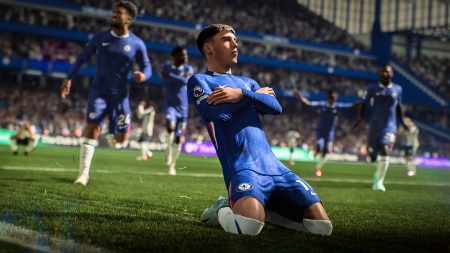
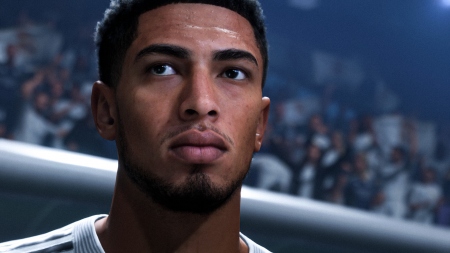
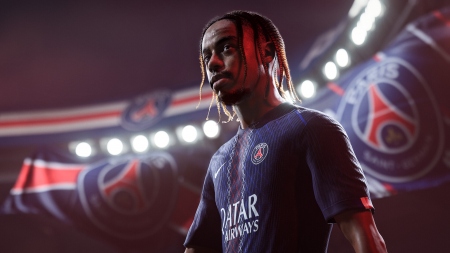
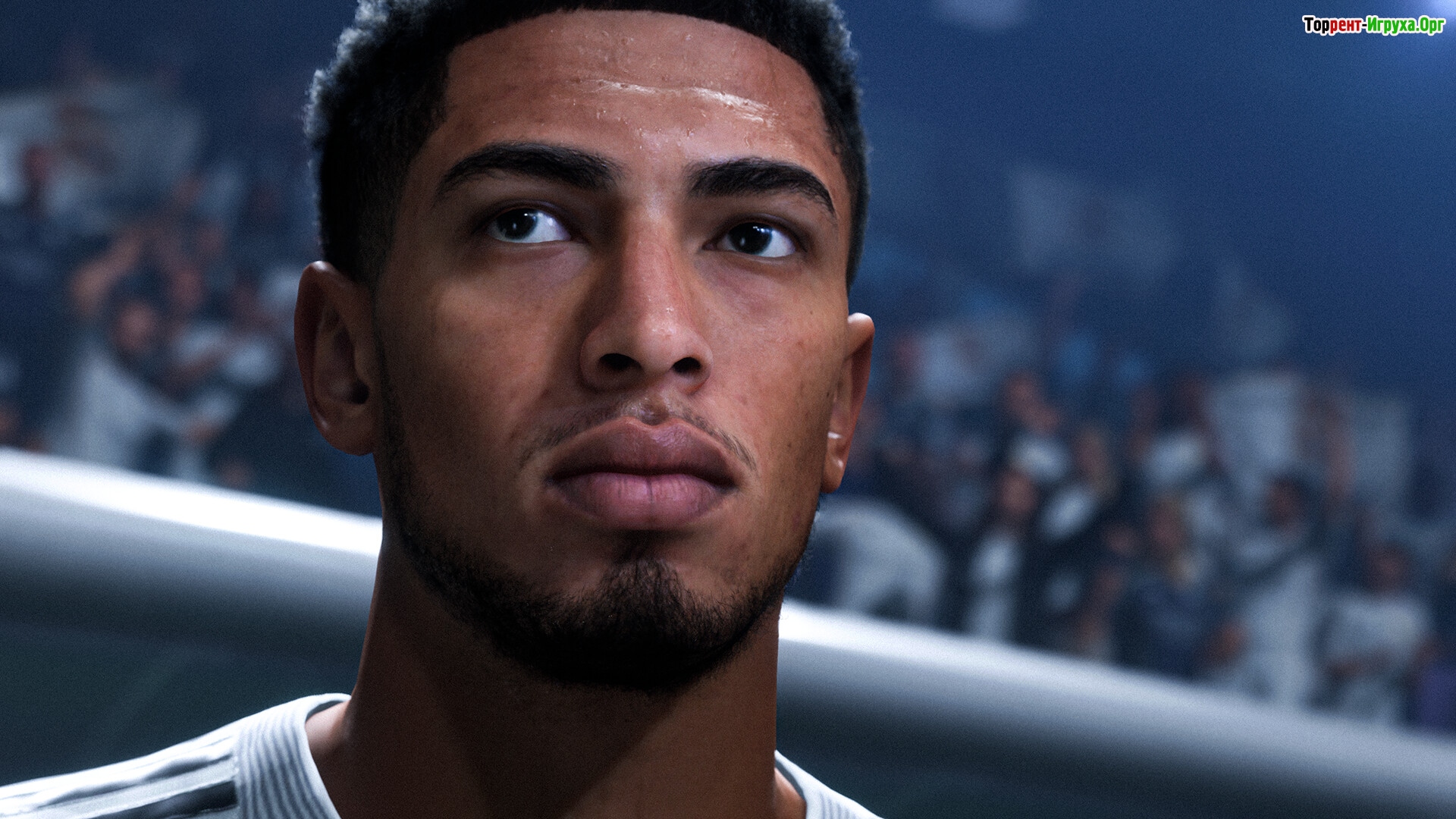
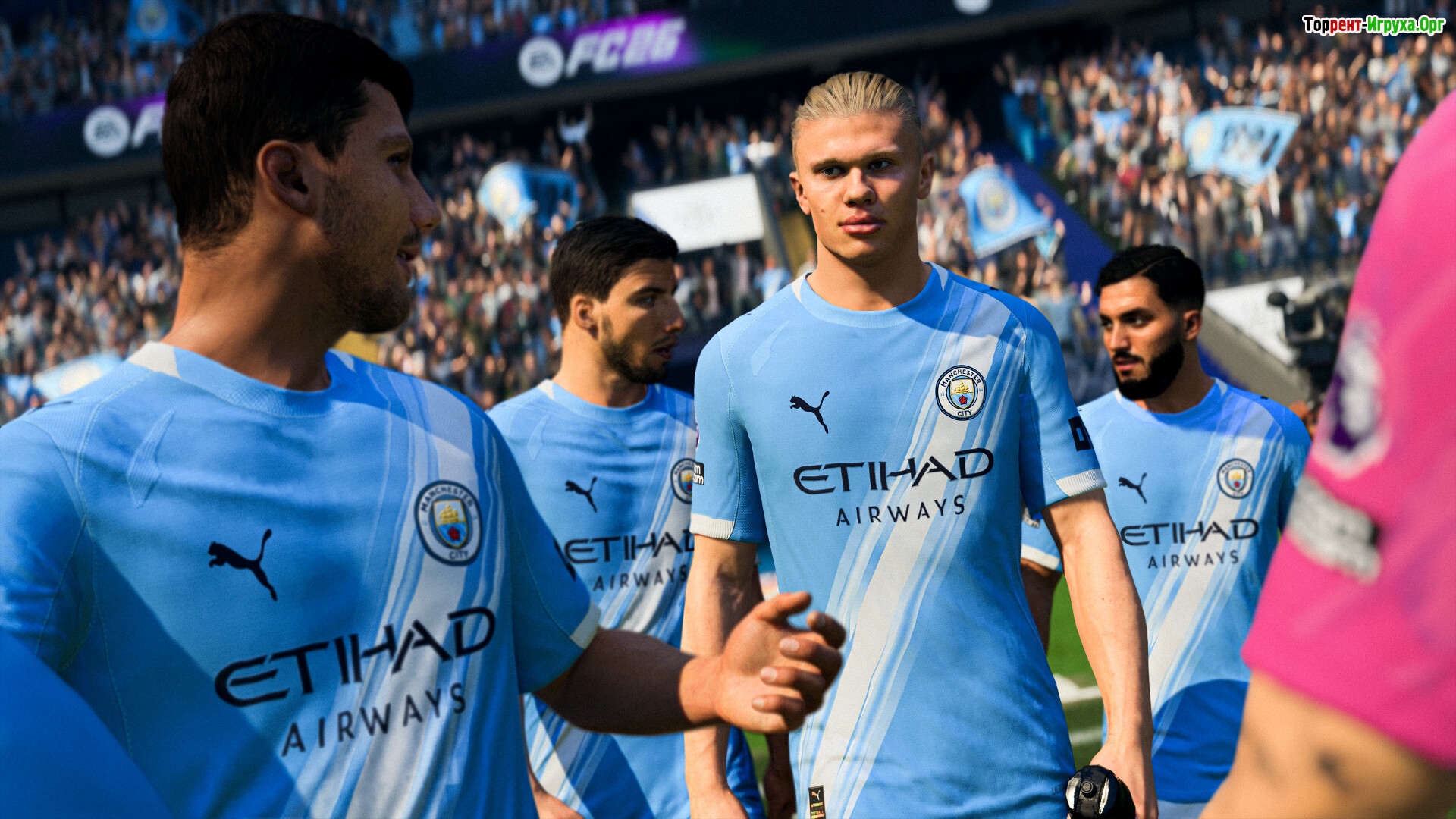
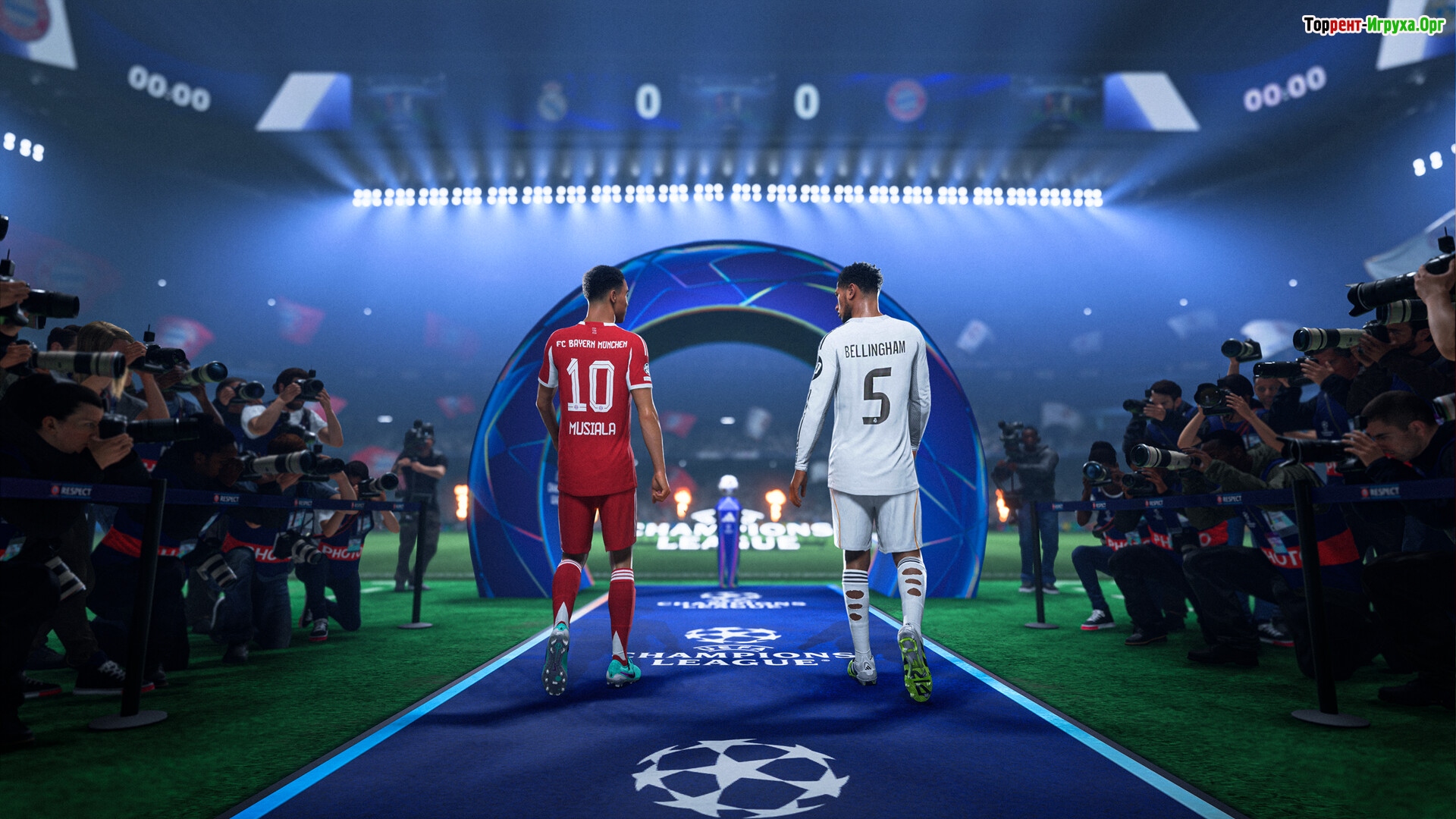
EA SPORTS FC™ 26 — is a comprehensive reimagining of the football simulator, tailored to player needs. Completely updated gameplay, career modes with vibrant scenarios, and deep customization await you in the new season.
Experience updated passing, dribbling, and positioning mechanics, based on community feedback. Controls are now more responsive, and ball physics are more realistic. Competitive play is suited to online modes, while realistic gameplay truly shines in Career Mode. Tailor the game to your style and define what modern football should look like.
The manager mode now features a dynamic challenge system built into the season. You'll react to real-life scenarios: injuries, transfers, form dips, crises, and key matches. Player career mode offers player development through archetypes — each choice impacts a player's abilities, playstyle, and development. Finally, Ultimate Team now features dynamic events, improved tournaments, and updated progression.



Repack features:
- Based on the Steam release
- Nothing cut / nothing re-encoded
- Game version: 1.01.02 (Build 22565118)
- Change the language in the game settings
- Installation time ~ 5 minutes (depends on your PC)
Extras:
Starting the game:
Why might the game not launch?
 41 GB
41 GB 403 MB
 624 MB
 704 MB
 1018 MB
 Call of Duty: Modern Warfare 4768comments this week
 Uncharted The Nathan Drake Collection286comments this week
 Bloodborne212comments this week
 Valor Mortis197comments this week
 God of War 3 (III) Remastered190comments this week
 inFamous: Second Son136comments this week
 Clive Barker's Hellraiser: Revival131comment this week
 Gears of War: E-Day78comments this week
 EA Sports UFC 370comments this week
 Killzone: Shadow Fall67comments this week
A new level of control and freedom
Experience updated passing, dribbling, and positioning mechanics, based on community feedback. Controls are now more responsive, and ball physics are more realistic. Competitive play is suited to online modes, while realistic gameplay truly shines in Career Mode. Tailor the game to your style and define what modern football should look like.
The manager mode now features a dynamic challenge system built into the season. You'll react to real-life scenarios: injuries, transfers, form dips, crises, and key matches. Player career mode offers player development through archetypes — each choice impacts a player's abilities, playstyle, and development. Finally, Ultimate Team now features dynamic events, improved tournaments, and updated progression.
Features of the game
- Completely redesigned mechanics based on player feedback.
- Scenario-based campaigns and career twists as a coach or player.
- A variety of archetypes with active upgrades and bonuses.
- Real leagues, clubs and 20,000+ licensed football players.
We recommend:
80 %
84 %
67 %

77 %


87 %
Trailer / Gameplay:
Screenshots:



How to start playing
There is no crack yet - you can wait for it or buy license activation

Size: 67.26 GB | RePack by Igruha
Repack features:
- Based on the Steam release
- Nothing cut / nothing re-encoded
- Game version: 1.01.02 (Build 22565118)
- Change the language in the game settings
- Installation time ~ 5 minutes (depends on your PC)
Extras:
Starting the game:
Why might the game not launch?
Steam Tags
 41 GB403 MB624 MB704 MB
 1018 MB
Similar games:





Trending in commentsthis week
Call of Duty: Modern Warfare 4768comments this week
Uncharted The Nathan Drake Collection286comments this week
Bloodborne212comments this week
Valor Mortis197comments this week
God of War 3 (III) Remastered190comments this week
inFamous: Second Son136comments this week
Clive Barker's Hellraiser: Revival131comment this week
Gears of War: E-Day78comments this week
EA Sports UFC 370comments this week
Killzone: Shadow Fall67comments this week
Comments: 286To the latestp. 19
Information
Comments on this game are for VIP and Regular members only.
Our picks

Popular games