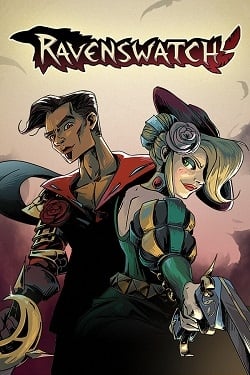
Ravenswatch
Updated:
/
349886
 580 MB
300 following
300 following · Settings
Release date: 26 Sep. 2024
Genre: Action Games, Adventure Games
Developer: Passtech Games
Publisher: Nacon
Platform: PC
Release type: Repack
Interface language: Russian, English, MULTi
Voice-over: English
Crack: Sewn in (Goldberg)
System requirements:
OS: Windows 10, 11 (64-bit)
Processor: Intel Core i5-4670K
RAM: 8 GB RAM
Video card: GeForce GTX 960
Disk space: 3 GB
Genre: Action Games, Adventure Games
Developer: Passtech Games
Publisher: Nacon
Platform: PC
Release type: Repack
Interface language: Russian, English, MULTi
Voice-over: English
Crack: Sewn in (Goldberg)
System requirements:
OS: Windows 10, 11 (64-bit)
Processor: Intel Core i5-4670K
RAM: 8 GB RAM
Video card: GeForce GTX 960
Disk space: 3 GB
Steam Reviews: Very Positive (80% of 23,062)
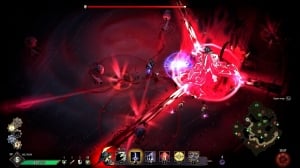
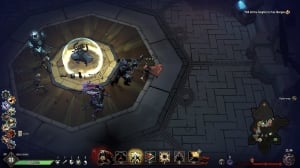
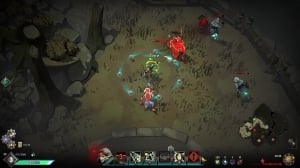
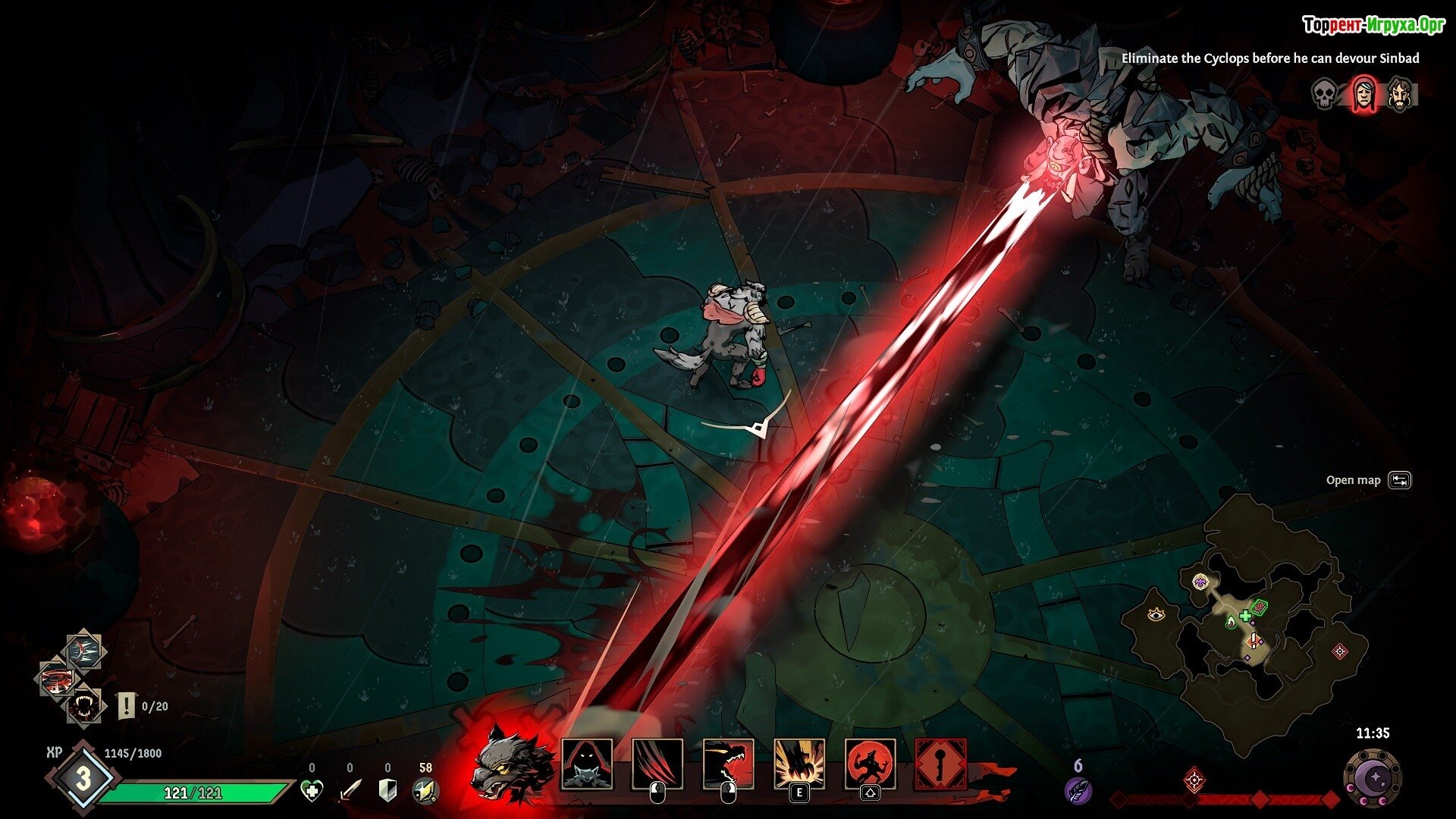
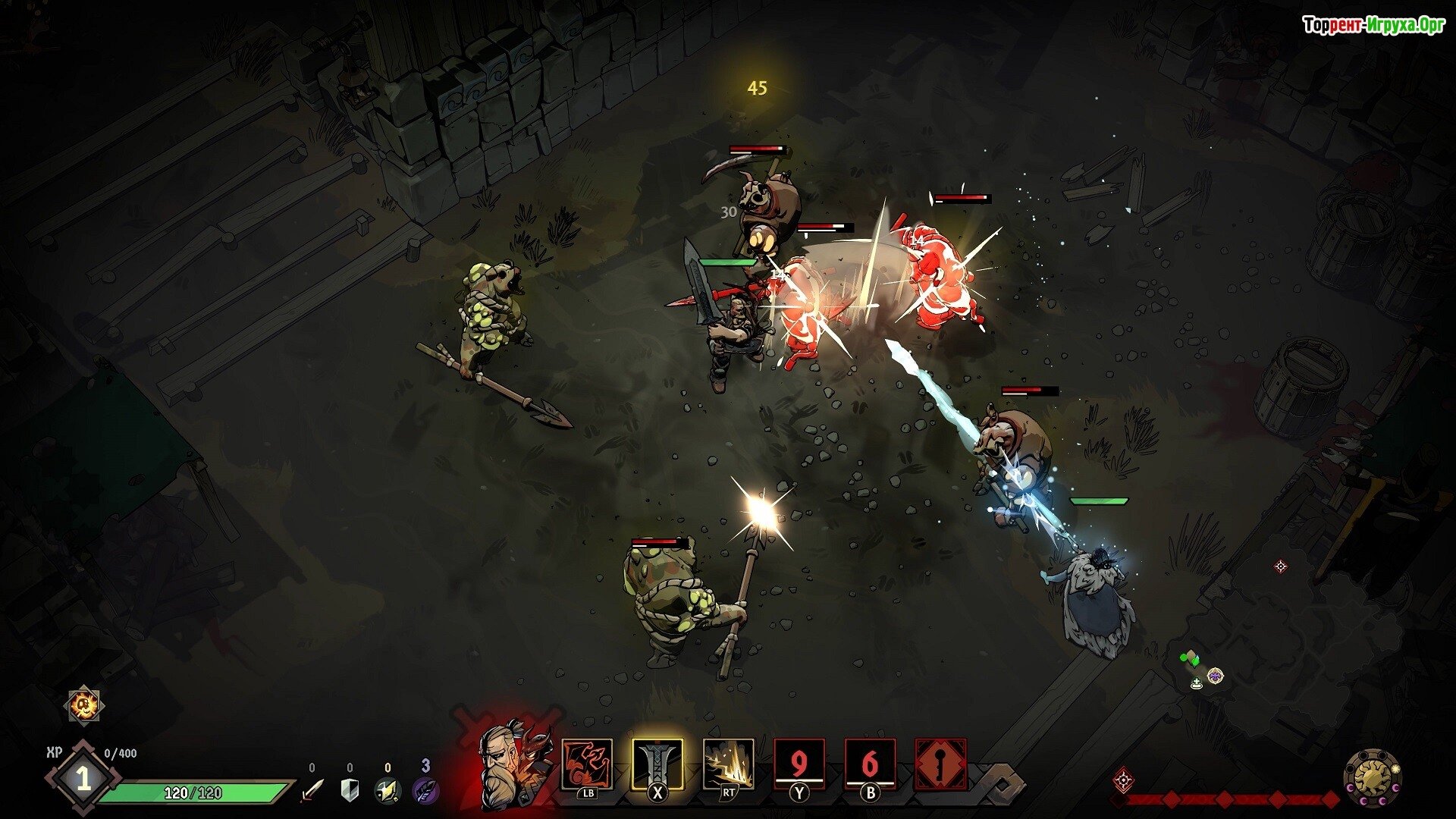
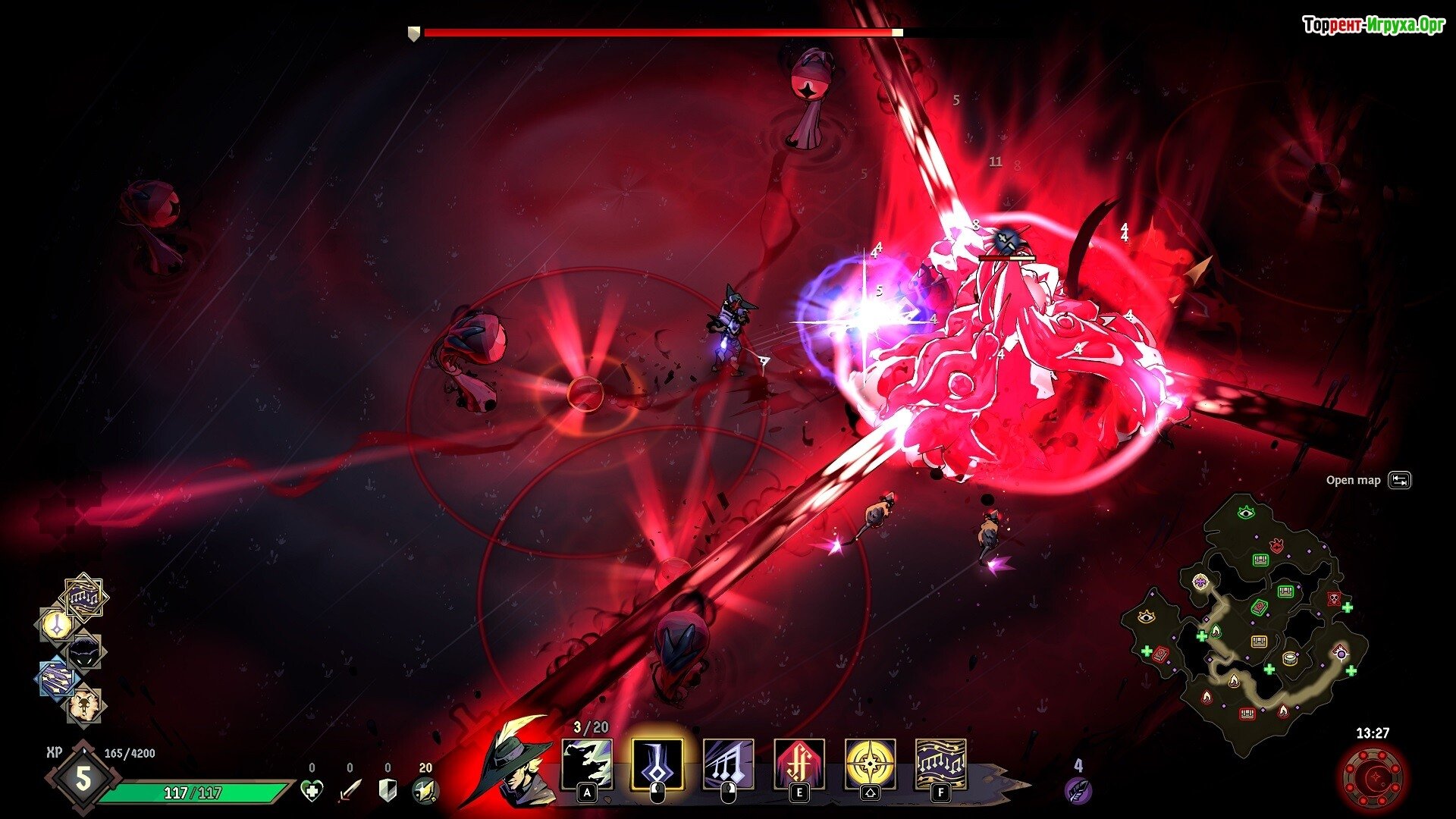
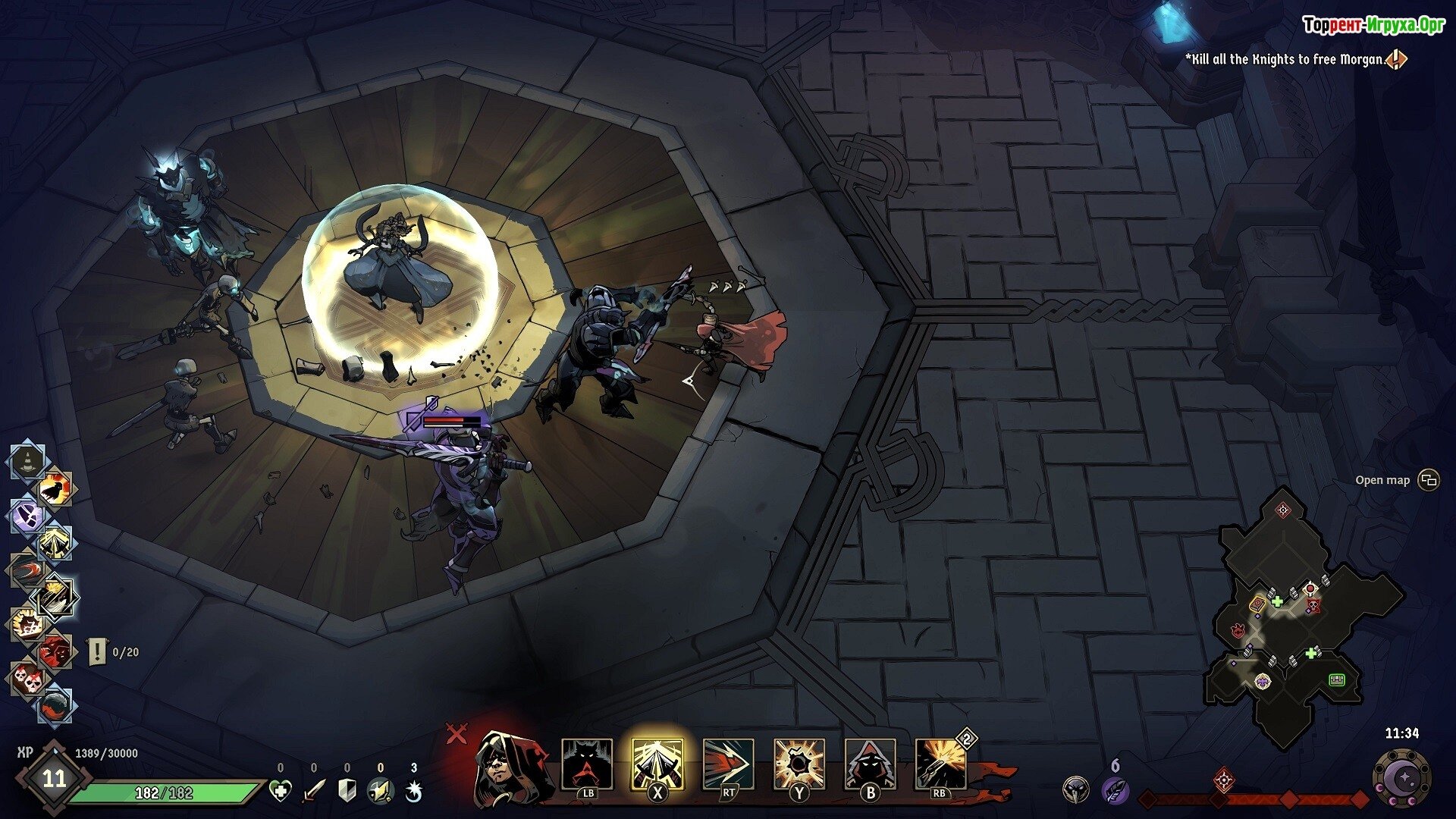
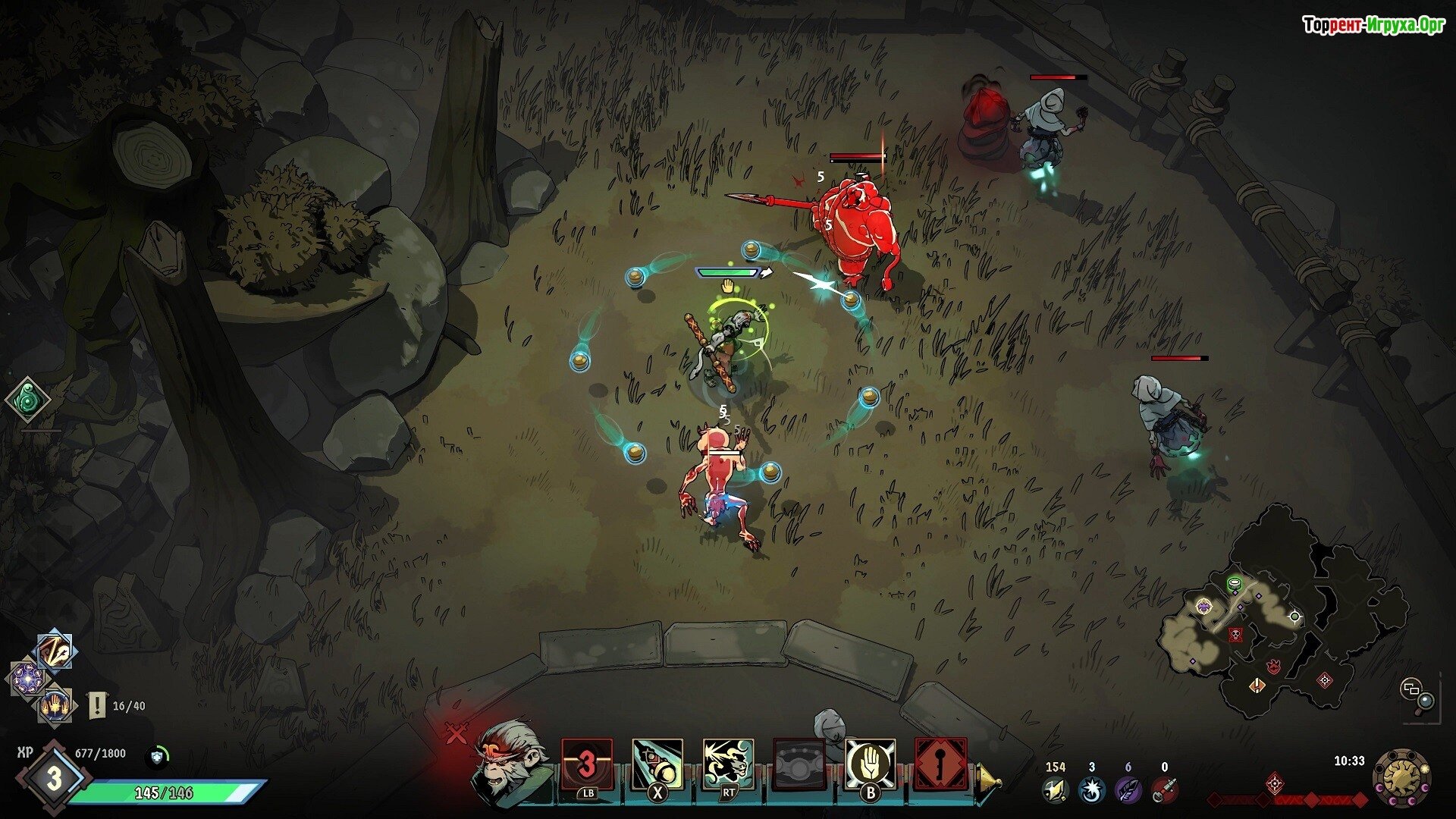
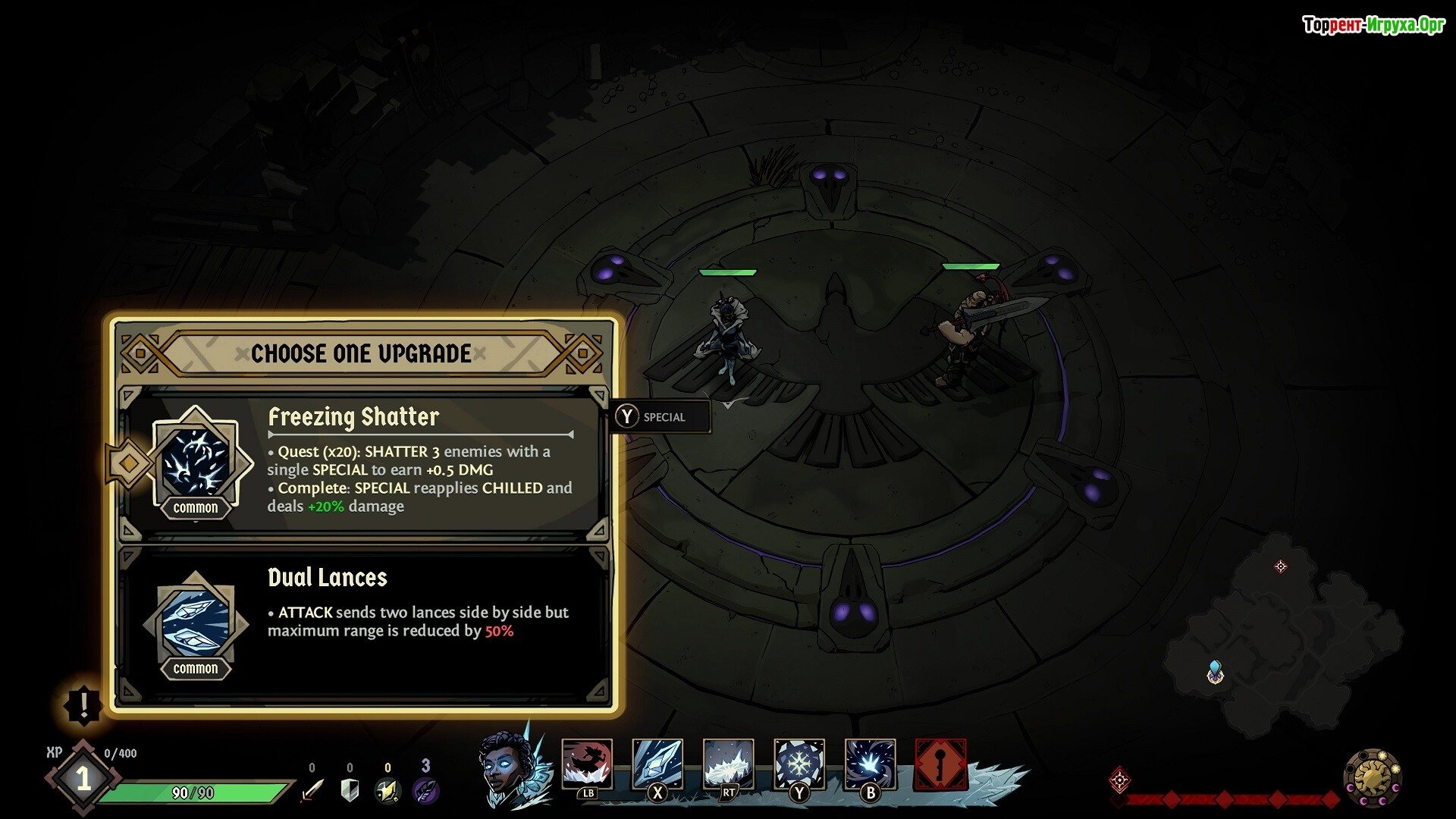
Ravenswatch – a role-playing adventure set in a vast kingdom called Reverie. It is here that the epicenter of darkness has emerged, giving birth to nightmares, monsters, and other nasty creatures. They have infested virtually every corner of the environment and are now determined to destroy all life. This cannot be allowed to happen, so various characters from folk tales are ready to defend humanity: Beowulf, the Snow Queen, the Rat Bard, and many others. If you want to join this adventure, all you have to do is download the torrent. Ravenswatch on your PC and after that you can set off on an exciting adventure.
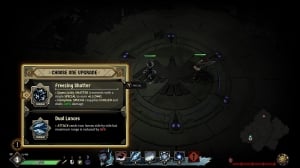
The main advantage of your adventure will be the opportunity to explore a vast world. Although it is teeming with various monsters and dangerous creatures, you will actually encounter a wide variety of mythical creatures. You will have to work hard to defeat these enemies, survive, and destroy the epicenter of all troubles. To do this, you will need to gain experience, develop a variety of skills, and strive to achieve victory by any means necessary. You will face both ordinary enemies and enormous bosses that are simply impossible to defeat.
Embark on an unforgettable adventure and plunge into a whirlwind of diverse events in the vast kingdom of Reveria. You'll defeat various enemies and do everything in your power to save humanity, but it's important to understand that everything that happens has a much deeper meaning that you'll yet to discover. We wish you good luck and a great mood, and remember that all you need to do to begin the adventure is download the game. Ravenswatch Free torrent in Russian. Be attentive and achieve success.
Repack features:
- Based on the Steam release
- Nothing cut / nothing re-encoded
- Game version: Build 10937238
- Change the language in the game settings
- Installation time ~ 1 minute (depends on your PC)
1. Unzip the archive (the main thing is that the path to the game folder does not contain Cyrillic characters).
2. Launch the game.
Extras:
 2.7 GB
 2.3 GB
 6.3 GB
 3.6 GB
 701 MB
 1.7 GB
 2.5 GB
 367 MB
 Call of Duty: Modern Warfare 4484comments this week
 Uncharted The Nathan Drake Collection282comments this week
 Bloodborne225comments this week
 Valor Mortis194comments this week
 God of War 3 (III) Remastered181comment this week
 Clive Barker's Hellraiser: Revival137comments this week
 inFamous: Second Son128comments this week
 Gears of War: E-Day95comments this week
 Killzone: Shadow Fall67comments this week
 Shadow of the Colossus60comments this week
Endless journey
The main advantage of your adventure will be the opportunity to explore a vast world. Although it is teeming with various monsters and dangerous creatures, you will actually encounter a wide variety of mythical creatures. You will have to work hard to defeat these enemies, survive, and destroy the epicenter of all troubles. To do this, you will need to gain experience, develop a variety of skills, and strive to achieve victory by any means necessary. You will face both ordinary enemies and enormous bosses that are simply impossible to defeat.
Embark on an unforgettable adventure and plunge into a whirlwind of diverse events in the vast kingdom of Reveria. You'll defeat various enemies and do everything in your power to save humanity, but it's important to understand that everything that happens has a much deeper meaning that you'll yet to discover. We wish you good luck and a great mood, and remember that all you need to do to begin the adventure is download the game. Ravenswatch Free torrent in Russian. Be attentive and achieve success.
Features of the game
- Play as any character from folk tales.
- Destroy enemies in whole crowds.
- Upgrade not only your hero, but also your weapons.
- Use magic and beware of curses.
We recommend:
80 %
85 %
67 %

77 %


87 %
Trailer / Gameplay:
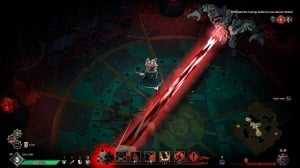
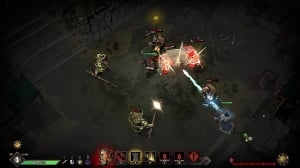
Screenshots:
Size: 580 MB | RePack from Igruha
Repack features:
- Based on the Steam release
- Nothing cut / nothing re-encoded
- Game version: Build 10937238
- Change the language in the game settings
- Installation time ~ 1 minute (depends on your PC)
Size: 3.86 GB (Build 25174305) | Archive
Installation:1. Unzip the archive (the main thing is that the path to the game folder does not contain Cyrillic characters).
2. Launch the game.
Extras:

Steam Tags
2.7 GB2.3 GB6.3 GB3.6 GB701 MB1.7 GB2.5 GB367 MBSimilar games:


Trending in commentsthis week
Call of Duty: Modern Warfare 4484comments this week
Uncharted The Nathan Drake Collection282comments this week
Bloodborne225comments this week
Valor Mortis194comments this week
God of War 3 (III) Remastered181comment this week
Clive Barker's Hellraiser: Revival137comments this week
inFamous: Second Son128comments this week
Gears of War: E-Day95comments this week
Killzone: Shadow Fall67comments this week
Shadow of the Colossus60comments this week
Comments: 61To the latestp. 4
Information
Comments on this game are for VIP and Regular members only.