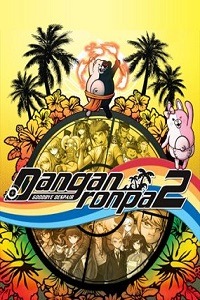
Danganronpa 2: Goodbye Despair
Updated:
/
80038
 3.5 GB
41 following
41 following · Settings
Release date: April 19, 2016
Genre: Adventure / Simulation
Developer: Spike Chunsoft Co., Ltd
Publisher: Spike Chunsoft Co., Ltd
Platform: PC
Publication type: License
Interface language: English
Voice-over: English / Japanese
Crack: Present (CODEX)
System requirements:
OS: Windows 7 / 8 / 10 (64-bit)
Processor: 2.8 GHz Intel Core 2 Duo
RAM: 3 GB RAM
Video card: 1 GB
Disk space: 5 GB
Genre: Adventure / Simulation
Developer: Spike Chunsoft Co., Ltd
Publisher: Spike Chunsoft Co., Ltd
Platform: PC
Publication type: License
Interface language: English
Voice-over: English / Japanese
Crack: Present (CODEX)
System requirements:
OS: Windows 7 / 8 / 10 (64-bit)
Processor: 2.8 GHz Intel Core 2 Duo
RAM: 3 GB RAM
Video card: 1 GB
Disk space: 5 GB
Steam Reviews: Overwhelmingly Positive (96% of 33,238)
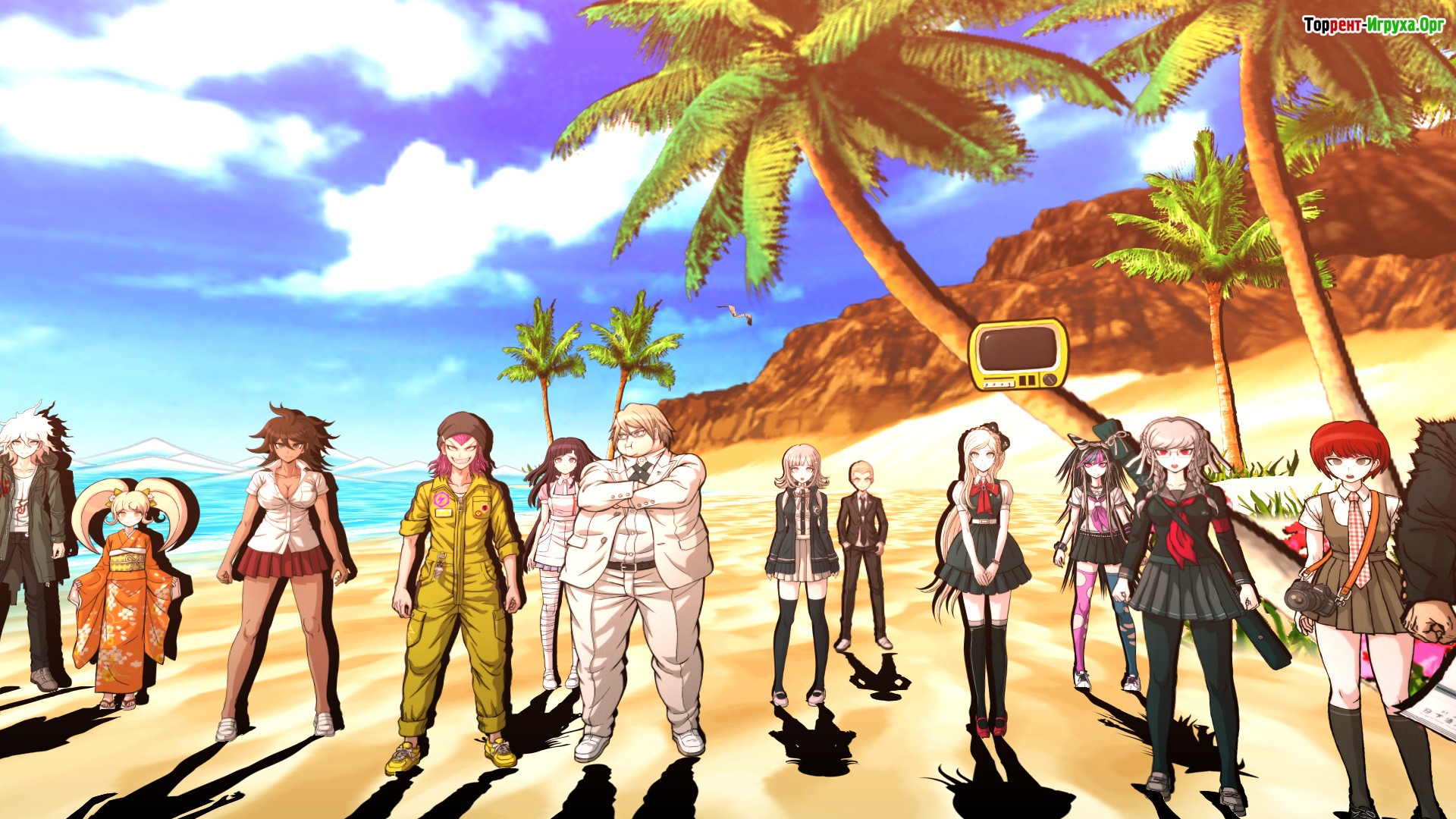
Danganronpa 2 Goodbye Despair is a sequel to a rather interesting visual adventure game. Like the first game, the story follows the same principles. However, instead of a school building, incredible exotic islands await you.
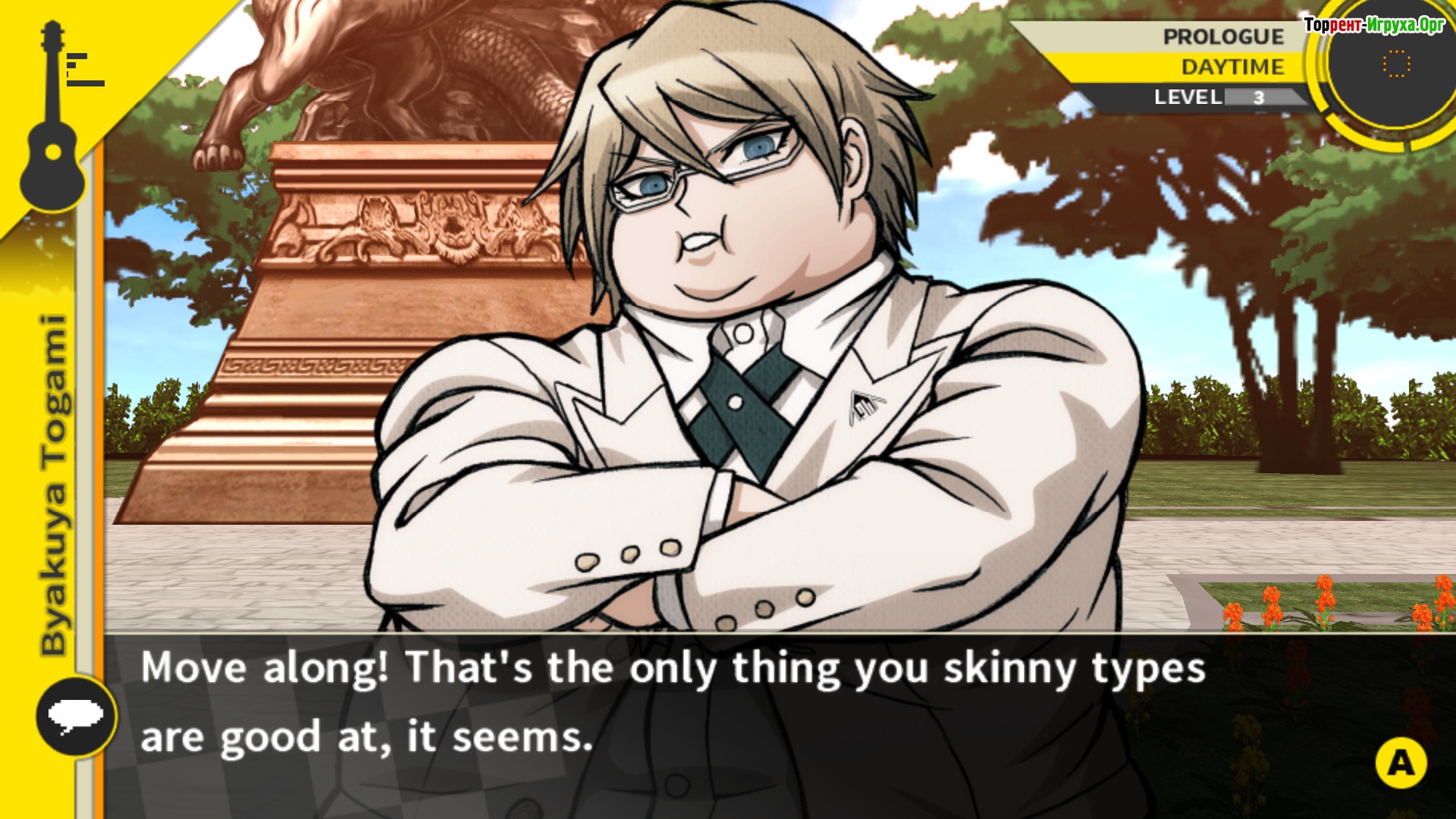
The main character is Hajime Hinata, a boy who has just entered an elite private school. It admits only intelligent people with achievements in various fields. However, at the very beginning of the game, the protagonist suffered from amnesia and couldn't understand how he got into the academy.
Afterwards, the hero goes on a school trip, where he learns of the existence of two talismans. But to escape the island, they must kill their colleague in a way that will prevent them from being caught. If Monokuma and Monomi don't do this, they will spend their entire lives on this island. Ready to embark on an exciting adventure? All you have to do is download. Danganronpa 2: Goodbye Despair via torrent on PC!



Installation:
1. Mount the image.
2. Install.
3. Copy the contents of the CODEX folder (located on the image) to the folder with the installed game.
4. Play! 567 MB
 Call of Duty: Modern Warfare 4817comments this week
 Uncharted The Nathan Drake Collection288comments this week
 Bloodborne208comments this week
 Valor Mortis197comments this week
 God of War 3 (III) Remastered190comments this week
 inFamous: Second Son137comments this week
 Clive Barker's Hellraiser: Revival132comments this week
 Gears of War: E-Day76comments this week
 EA Sports UFC 373comments this week
 Killzone: Shadow Fall68comments this week
The main character is Hajime Hinata, a boy who has just entered an elite private school. It admits only intelligent people with achievements in various fields. However, at the very beginning of the game, the protagonist suffered from amnesia and couldn't understand how he got into the academy.
Afterwards, the hero goes on a school trip, where he learns of the existence of two talismans. But to escape the island, they must kill their colleague in a way that will prevent them from being caught. If Monokuma and Monomi don't do this, they will spend their entire lives on this island. Ready to embark on an exciting adventure? All you have to do is download. Danganronpa 2: Goodbye Despair via torrent on PC!
Features:
- An interesting and eventful game plot.
- Exploring incredible tropical islands.
- Beautiful graphic design and musical background.
We recommend:
80 %
84 %
67 %

77 %


87 %
Trailer / Gameplay:
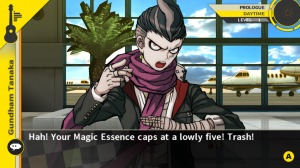
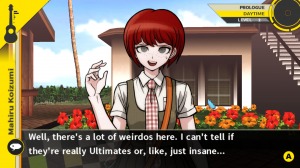
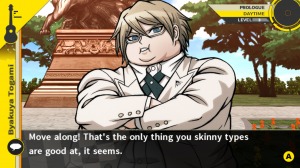
Screenshots:
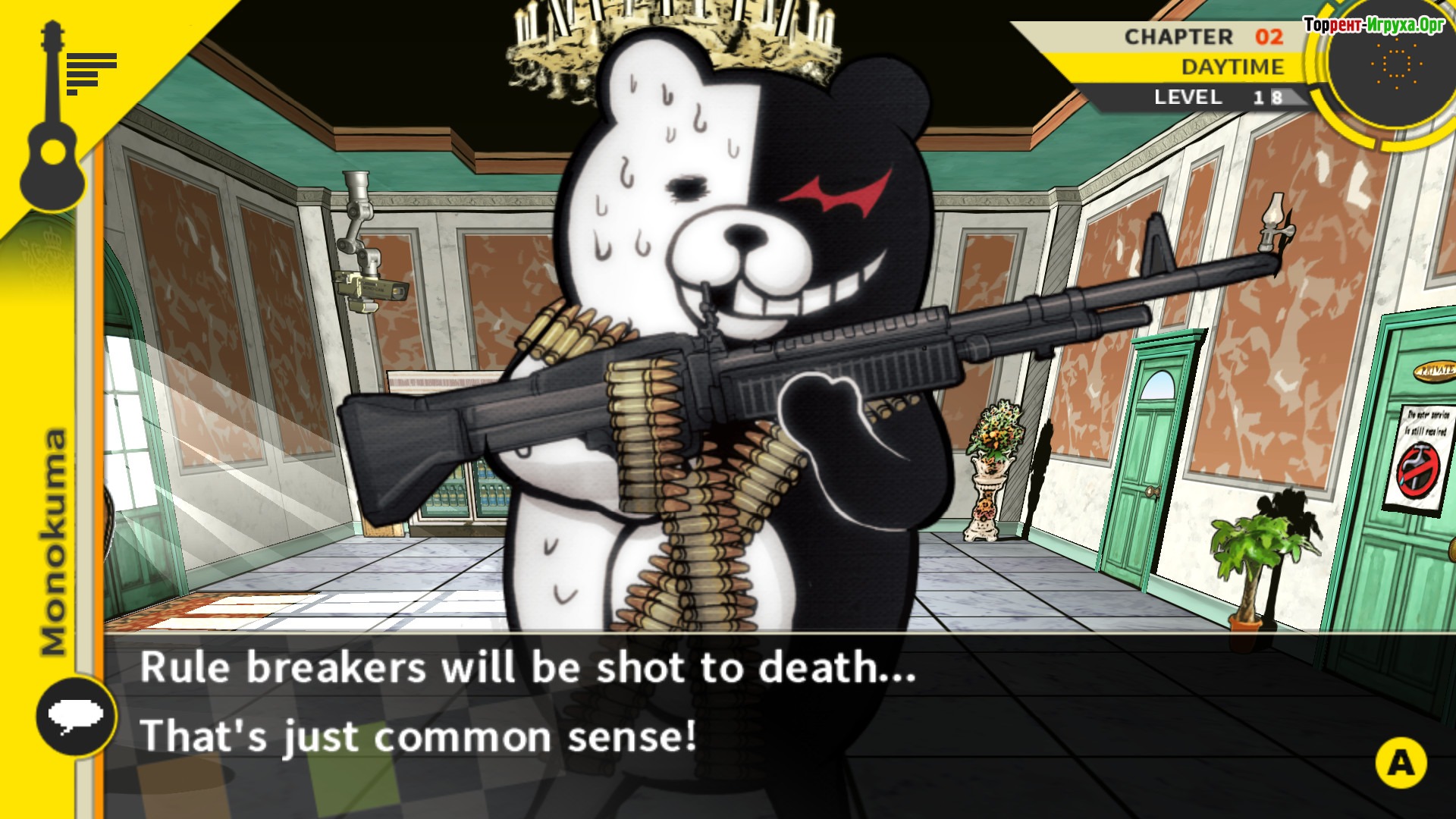
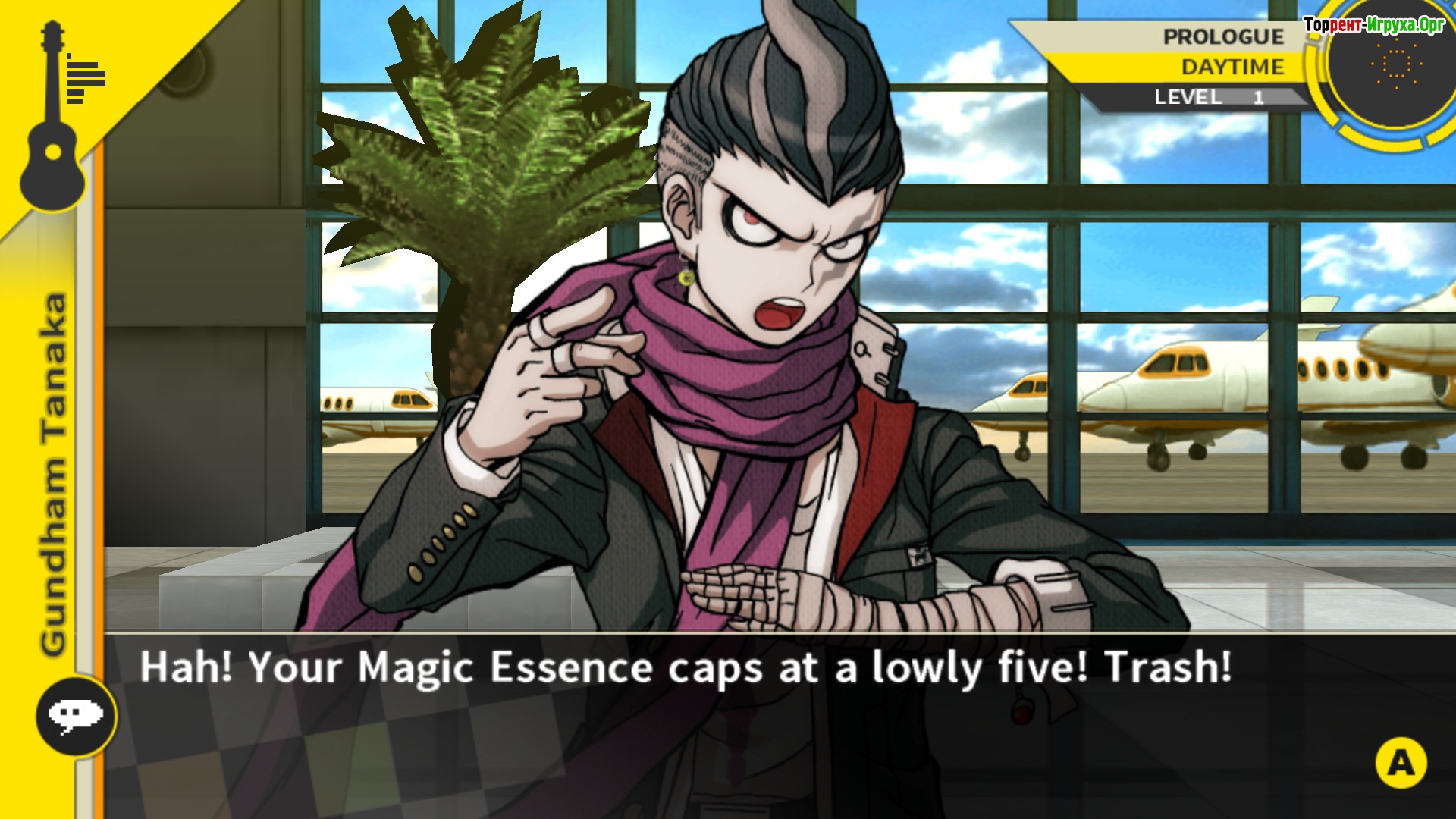
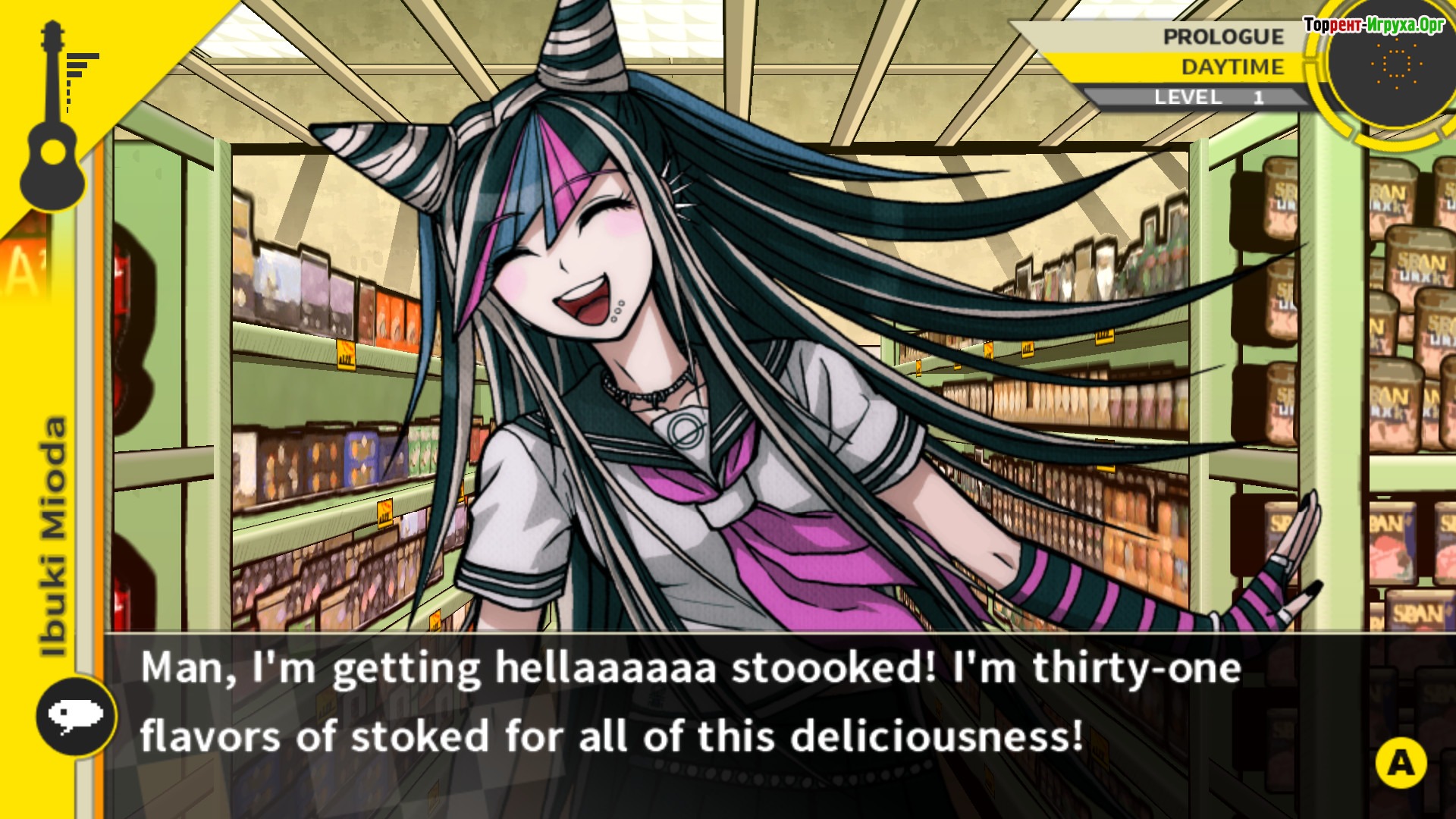
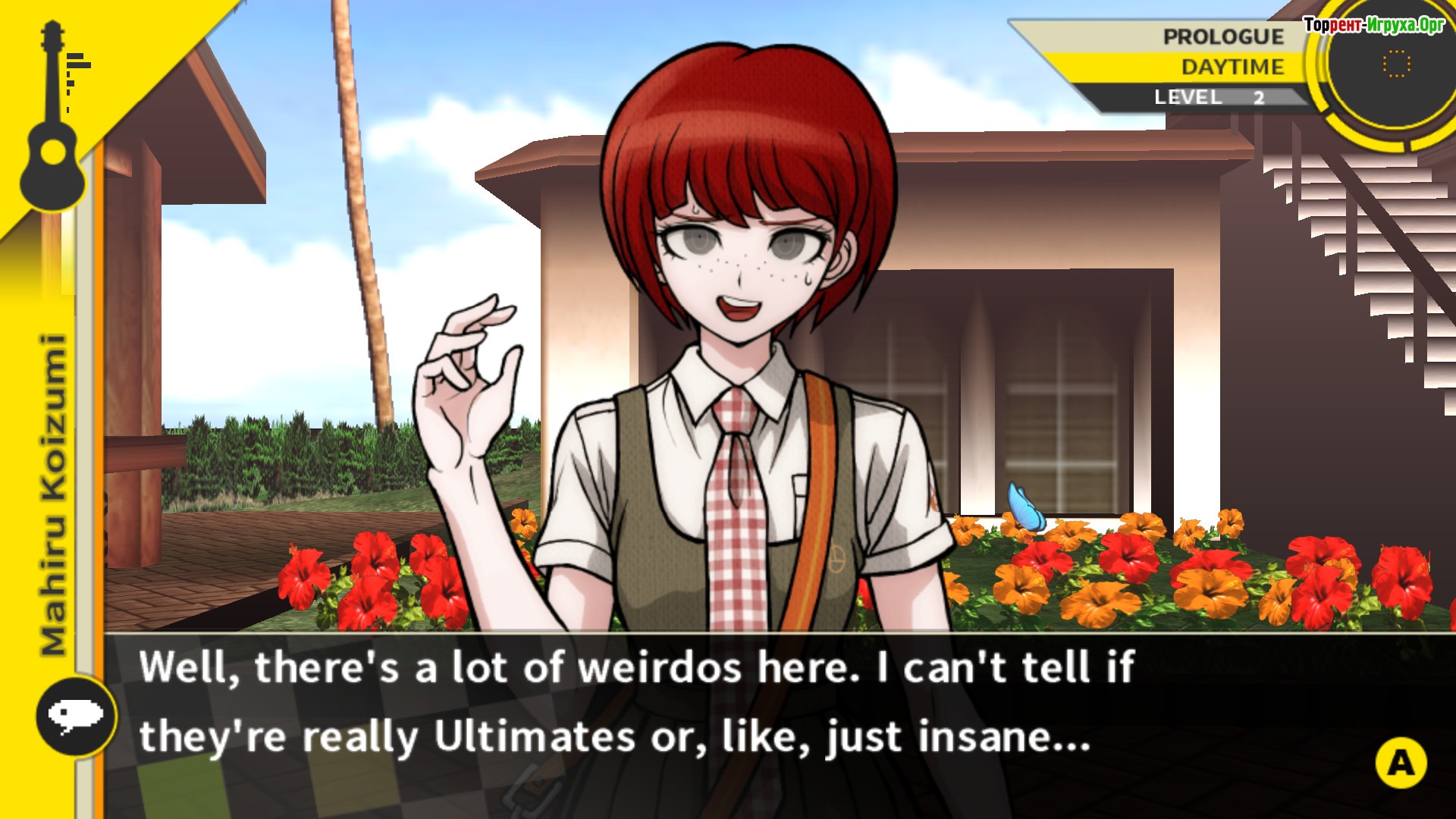
Size: 3.53 GB
Installation:
1. Mount the image.
2. Install.
3. Copy the contents of the CODEX folder (located on the image) to the folder with the installed game.
4. Play!
Steam Tags



 567 MB


Similar games:




Trending in commentsthis week
Call of Duty: Modern Warfare 4817comments this week
Uncharted The Nathan Drake Collection288comments this week
Bloodborne208comments this week
Valor Mortis197comments this week
God of War 3 (III) Remastered190comments this week
inFamous: Second Son137comments this week
Clive Barker's Hellraiser: Revival132comments this week
Gears of War: E-Day76comments this week
EA Sports UFC 373comments this week
Killzone: Shadow Fall68comments this week
Comments: 5
Information
Comments on this game are for VIP and Regular members only.
Our picks

Popular games



