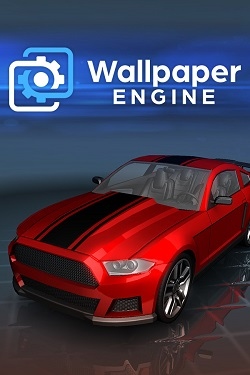
Wallpaper Engine
Updated:
/
1913345
 9.2 GB
229 following
229 following · Settings
Release date: 2016
Genre: Animation and Modeling, Design and Illustration, Utilities
Developer: Wallpaper Engine Team
Publisher: Wallpaper Engine Team
Platform: PC
Release type: Repack
Interface language: Russian, English, MULTi
Voice-over: -
Crack: Not required (DRM-Free)
System requirements:
OS: Windows 7, 8, 10, 11 (64-bit)
Processor: Intel or AMD, 1.66 Ghz
RAM: 1 GB RAM
Video card: Intel HD 4000
Disk space: 9 GB
Genre: Animation and Modeling, Design and Illustration, Utilities
Developer: Wallpaper Engine Team
Publisher: Wallpaper Engine Team
Platform: PC
Release type: Repack
Interface language: Russian, English, MULTi
Voice-over: -
Crack: Not required (DRM-Free)
System requirements:
OS: Windows 7, 8, 10, 11 (64-bit)
Processor: Intel or AMD, 1.66 Ghz
RAM: 1 GB RAM
Video card: Intel HD 4000
Disk space: 9 GB
Steam Reviews: Overwhelmingly Positive (98% of 1,022,964)
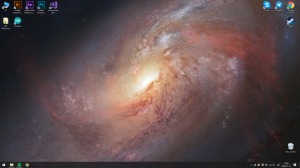
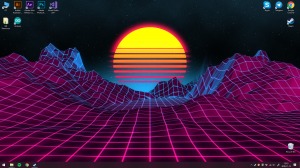
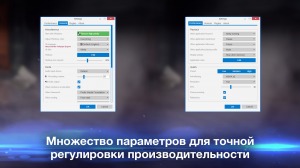
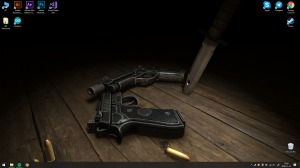
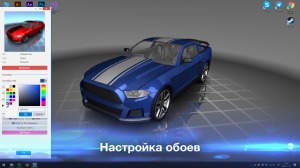
Wallpaper Engine – This is a cool software that allows you to replace static wallpapers with animated ones, literally bringing your Windows desktop to life.
If you're looking for something new and interesting to add to your desktop wallpaper, or want to make it animated, this 4K-compatible program will allow you to quickly and easily set the most incredible wallpapers. We invite you to liven up your desktop with videos, animated graphics, websites, and interesting apps, and download them. Wallpaper Engine torrent on pc.
Wallpaper Engine It can satisfy any user's needs and whims, decorating the desktop without disrupting the system, which is crucial when using live wallpapers. You can also create your own wallpapers using different colors and share them with your friends.
Repack features:
- Based on the Steam release
- Nothing cut / nothing re-encoded
- Assembly version: 2.4.82 + 210 Wallpapers
- Change the language in the settings
- Installation time ~ 5 minutes (depends on your PC)
How to download wallpapers from Steam:
1. Unzip the archive (the main thing is that the path to the game folder does not contain Cyrillic characters).
2. Launch the software.
 Call of Duty: Modern Warfare 4461comment this week
 Uncharted The Nathan Drake Collection282comments this week
 Bloodborne225comments this week
 Valor Mortis193comments this week
 God of War 3 (III) Remastered181comment this week
 Clive Barker's Hellraiser: Revival137comments this week
 inFamous: Second Son127comments this week
 Gears of War: E-Day95comments this week
 Killzone: Shadow Fall67comments this week
 Shadow of the Colossus60comments this week
For those tired of searching for desktop wallpapers
If you're looking for something new and interesting to add to your desktop wallpaper, or want to make it animated, this 4K-compatible program will allow you to quickly and easily set the most incredible wallpapers. We invite you to liven up your desktop with videos, animated graphics, websites, and interesting apps, and download them. Wallpaper Engine torrent on pc.
Create your own animated wallpaper!
Wallpaper Engine It can satisfy any user's needs and whims, decorating the desktop without disrupting the system, which is crucial when using live wallpapers. You can also create your own wallpapers using different colors and share them with your friends.
Key features of the program
- Using the mouse, you can interact with interactive wallpapers.
- During games, animation will be paused.
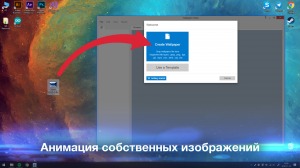
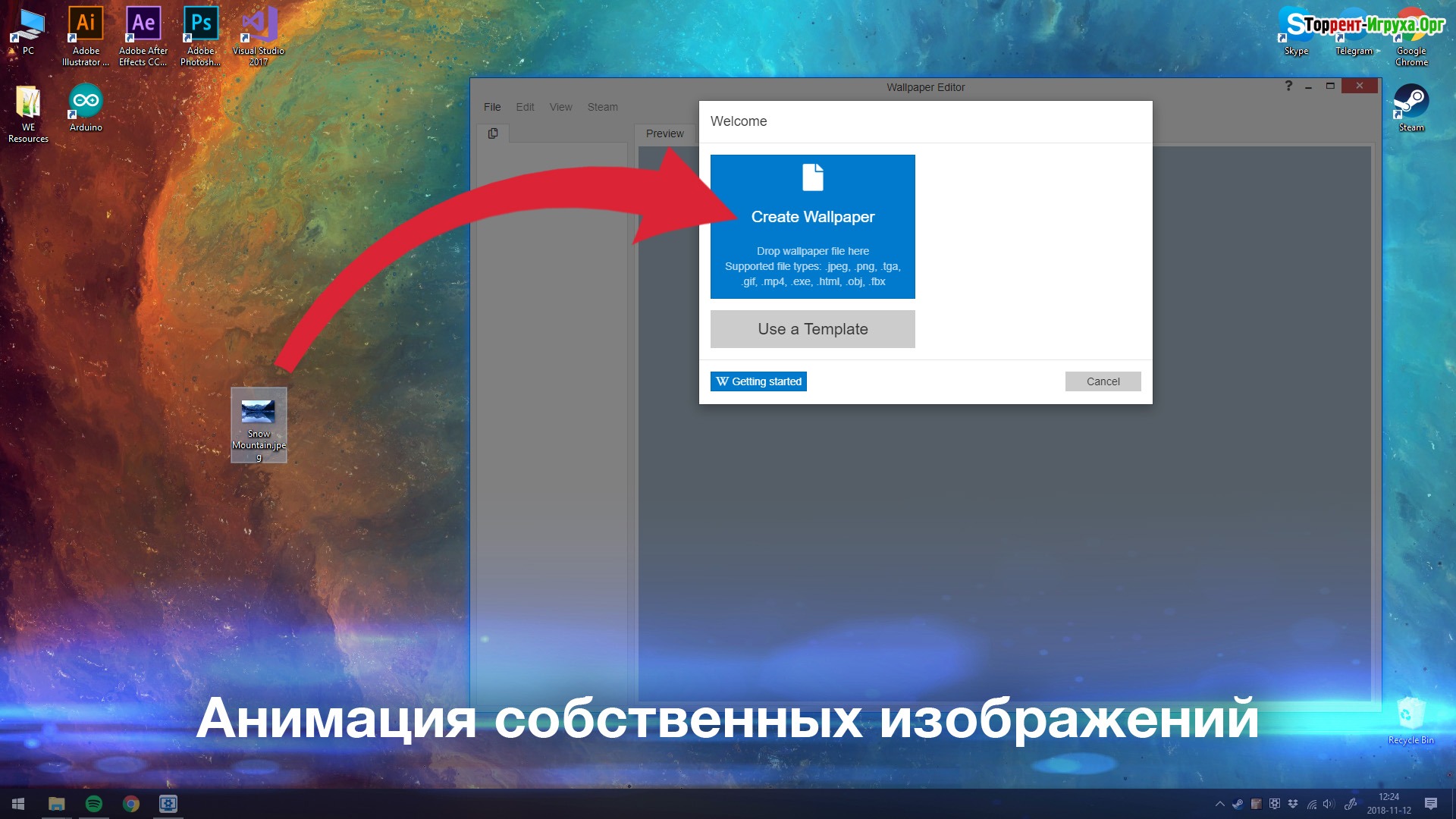
- Animate live wallpapers from simple image files.
- Import video or HTML files to create wallpapers.
- You can use the software simultaneously with games and applications on Steam.
- Supports video formats such as: WebM, wmv, mp4, avi, m4v and mov.
- Supports websites, Corsair iCUE, 2D and 3D animations.
- If you want to evaluate this program, create your own animated wallpapers, and share them on Steam, then you should definitely download it. Wallpaper Engine Free torrent in Russian – it's really cool!
We recommend:
80 %
84 %
67 %

77 %


87 %
Trailer / Gameplay:
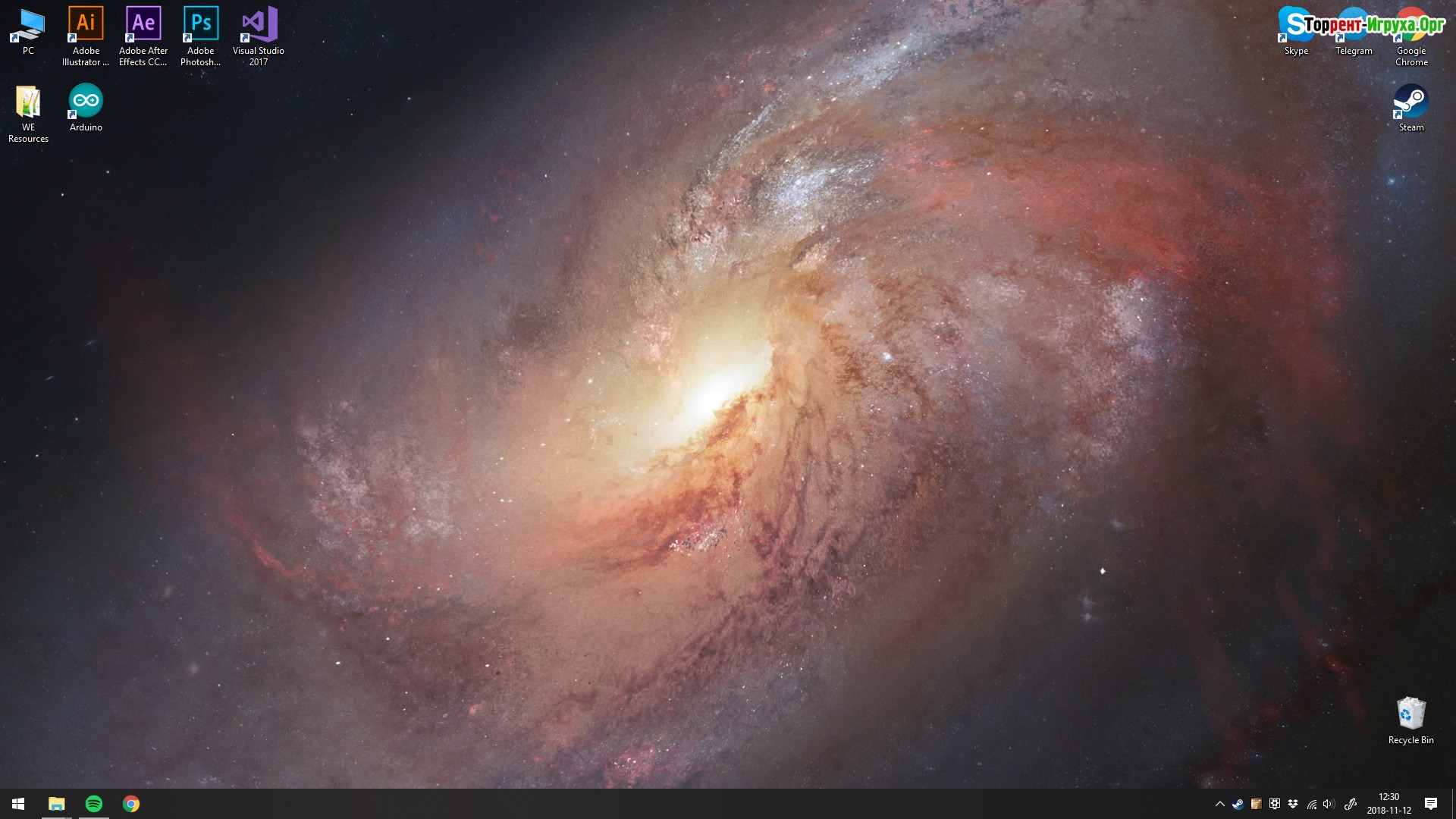
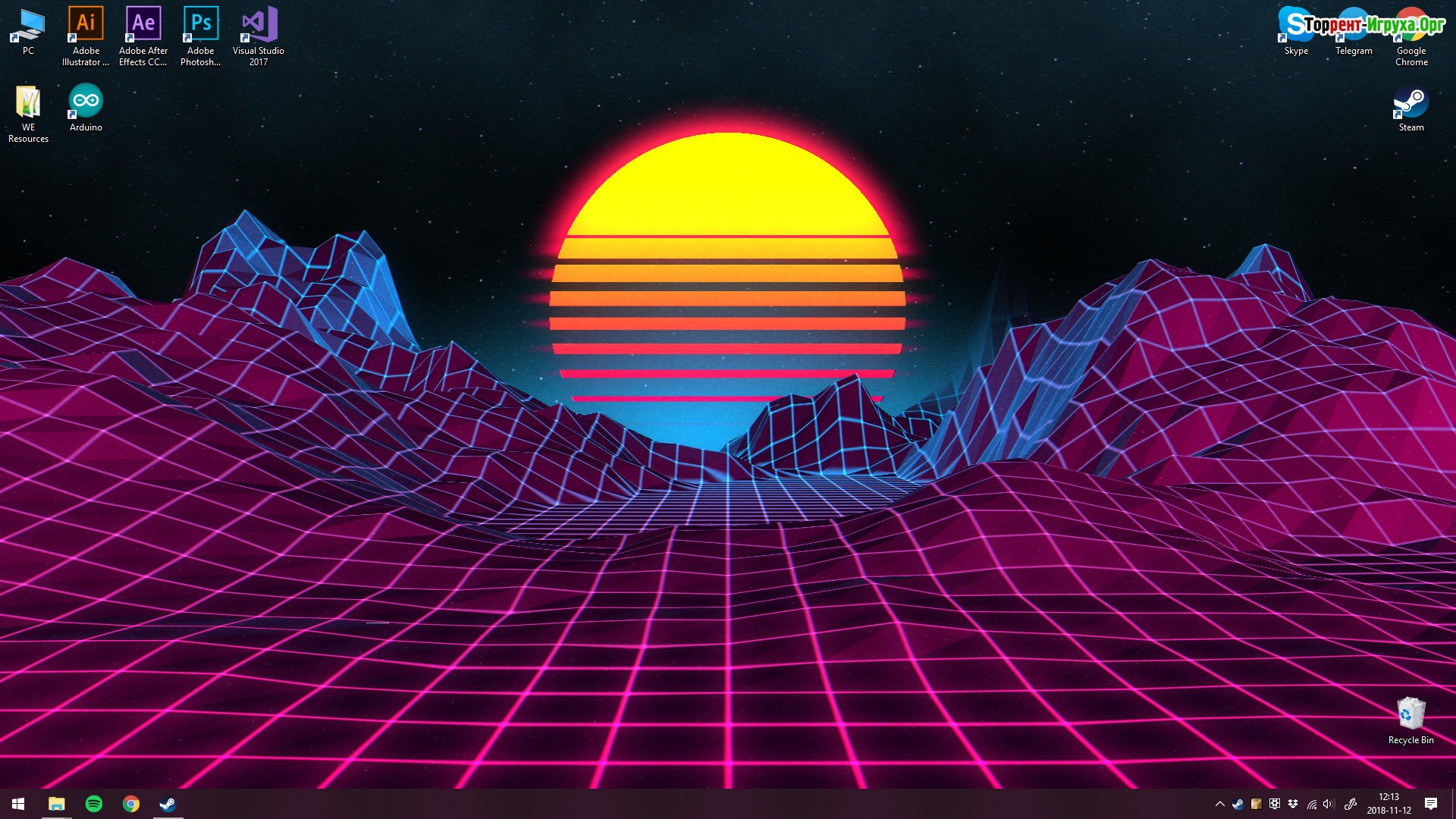
Screenshots:
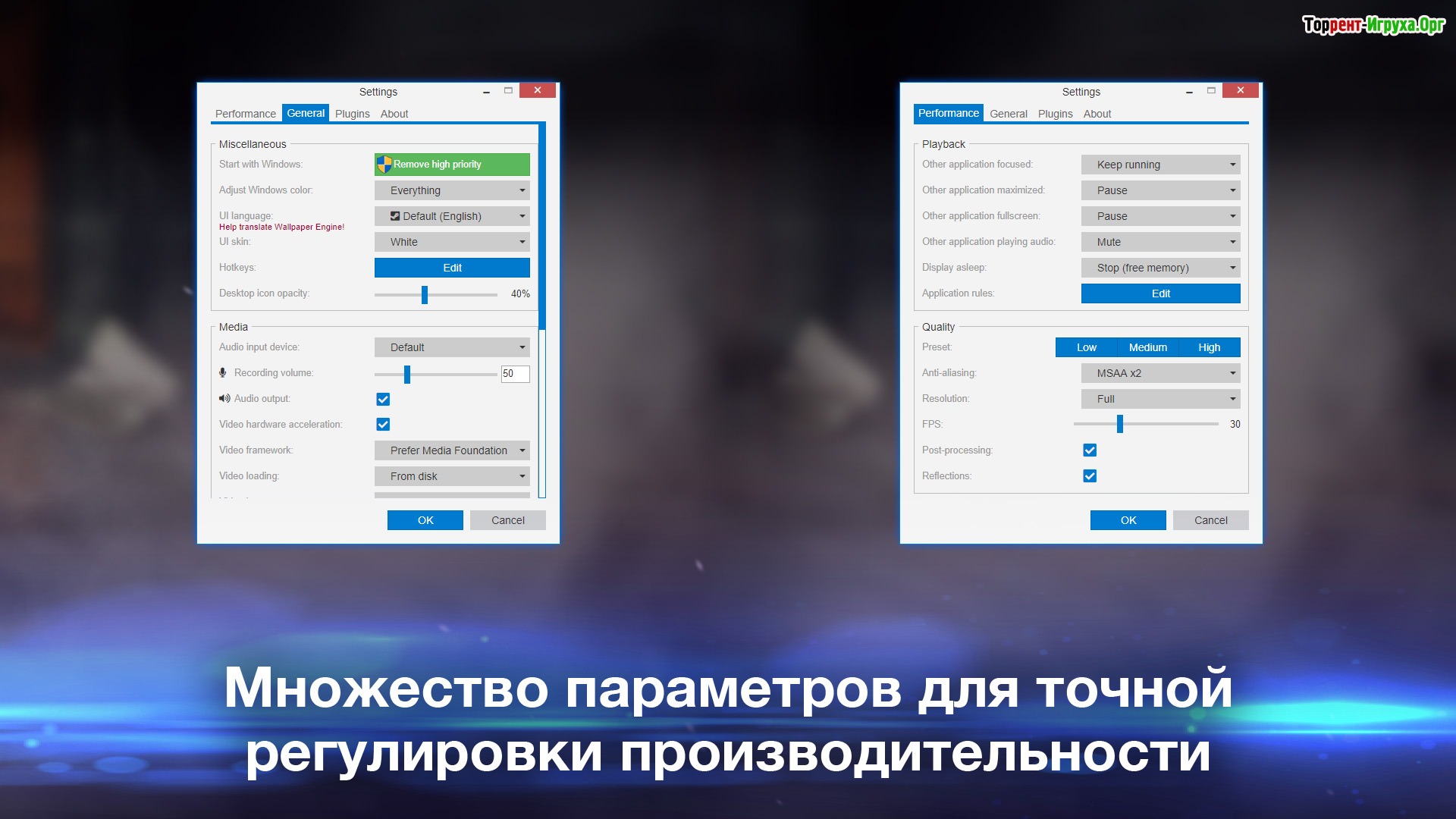
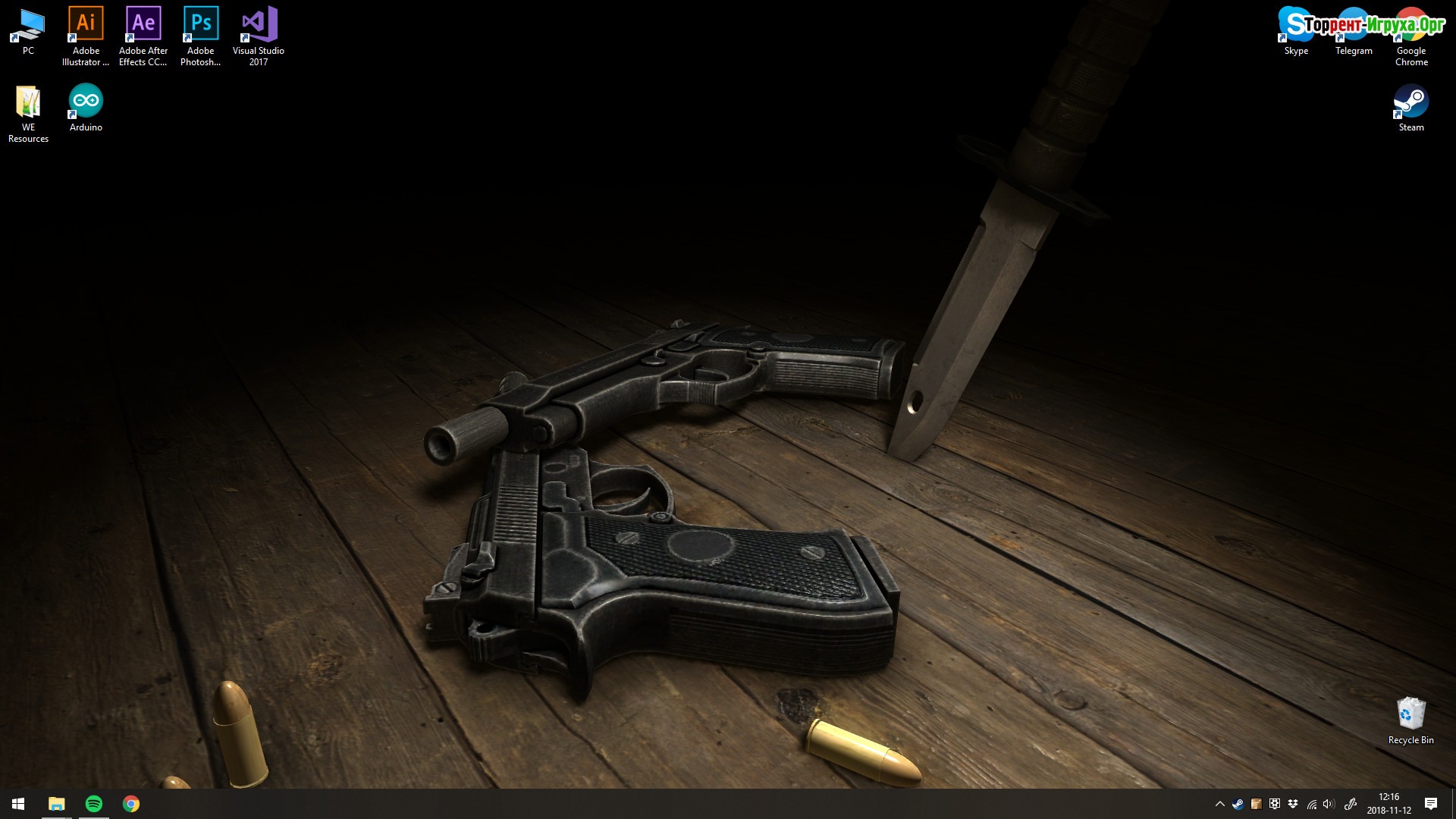
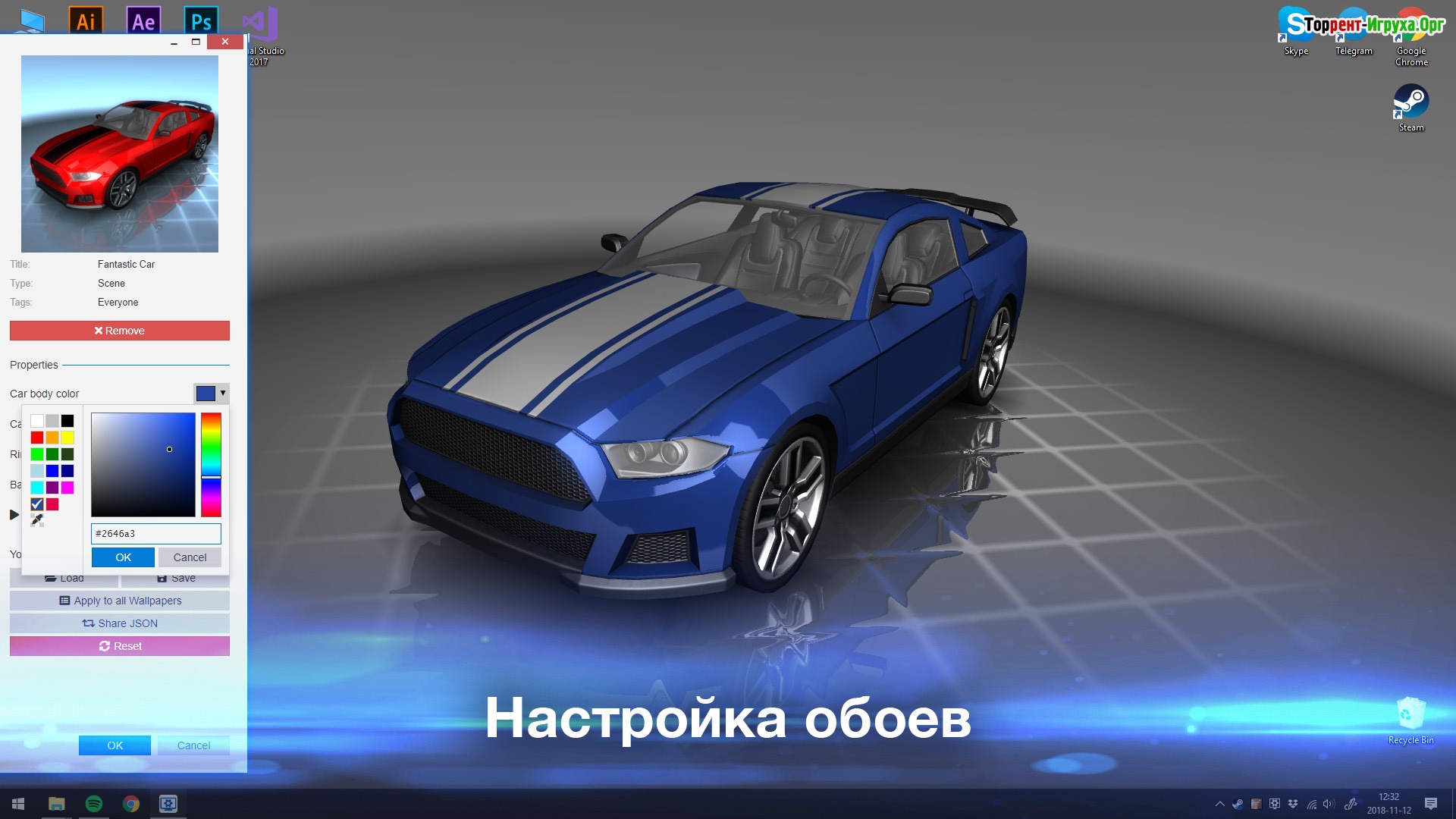
Size: 9.23 GB | RePack by Igruha
Repack features:
- Based on the Steam release
- Nothing cut / nothing re-encoded
- Assembly version: 2.4.82 + 210 Wallpapers
- Change the language in the settings
- Installation time ~ 5 minutes (depends on your PC)
How to download wallpapers from Steam:

Size: 270.4 MB v2.6.21 | Archive
Installation:1. Unzip the archive (the main thing is that the path to the game folder does not contain Cyrillic characters).
2. Launch the software.
Steam Tags
Similar games:





Trending in commentsthis week
Call of Duty: Modern Warfare 4461comment this week
Uncharted The Nathan Drake Collection282comments this week
Bloodborne225comments this week
Valor Mortis193comments this week
God of War 3 (III) Remastered181comment this week
Clive Barker's Hellraiser: Revival137comments this week
inFamous: Second Son127comments this week
Gears of War: E-Day95comments this week
Killzone: Shadow Fall67comments this week
Shadow of the Colossus60comments this week
Comments: 87To the latestp. 6
Information
Comments on this game are for VIP and Regular members only.