Gigantosaurus The Game
Updated:
/
28904
 1.6 GB
10 following
10 following · Settings
Release date: Mar 27, 2020
Genre: Adventure, Racing
Developer: WildSphere
Publisher: Outright Games LTD.
Release type: Licensed
Interface language: English / MULTI 13
Voice-over: English / MULTI 9
Crack: Included (PLAZA)
System requirements:
OS: Windows 7 / 8 / 10 (64-bit)
Processor: Core i5-2500K 3.3GHz / FX-8150 3.6GHz
Memory: 4 GB
Graphics: GTX 550 Ti / HD 6790 / 2GB VRAM*
DirectX: Version 11
Storage: 4 GB
Genre: Adventure, Racing
Developer: WildSphere
Publisher: Outright Games LTD.
Release type: Licensed
Interface language: English / MULTI 13
Voice-over: English / MULTI 9
Crack: Included (PLAZA)
System requirements:
OS: Windows 7 / 8 / 10 (64-bit)
Processor: Core i5-2500K 3.3GHz / FX-8150 3.6GHz
Memory: 4 GB
Graphics: GTX 550 Ti / HD 6790 / 2GB VRAM*
DirectX: Version 11
Storage: 4 GB
Steam Reviews: Mostly Positive (76% of 72)
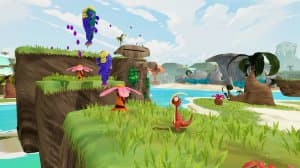
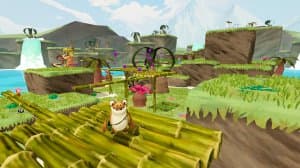
Gigantosaurus The Game – a children's game based on the animated series "Gigantosaurus" by WildSphere, published by Outright Games, was released on March 27, 2020. It alternates between two activities: puzzle adventures and racing between zones.
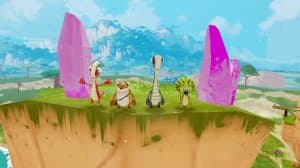
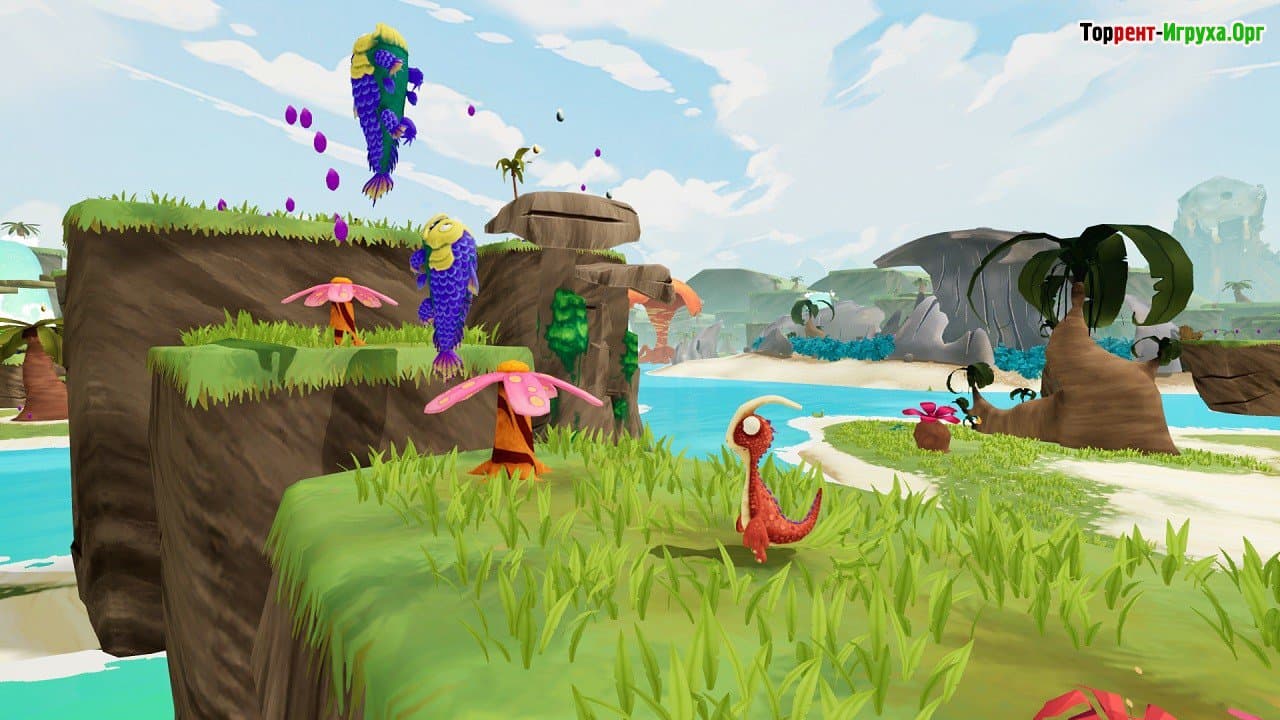
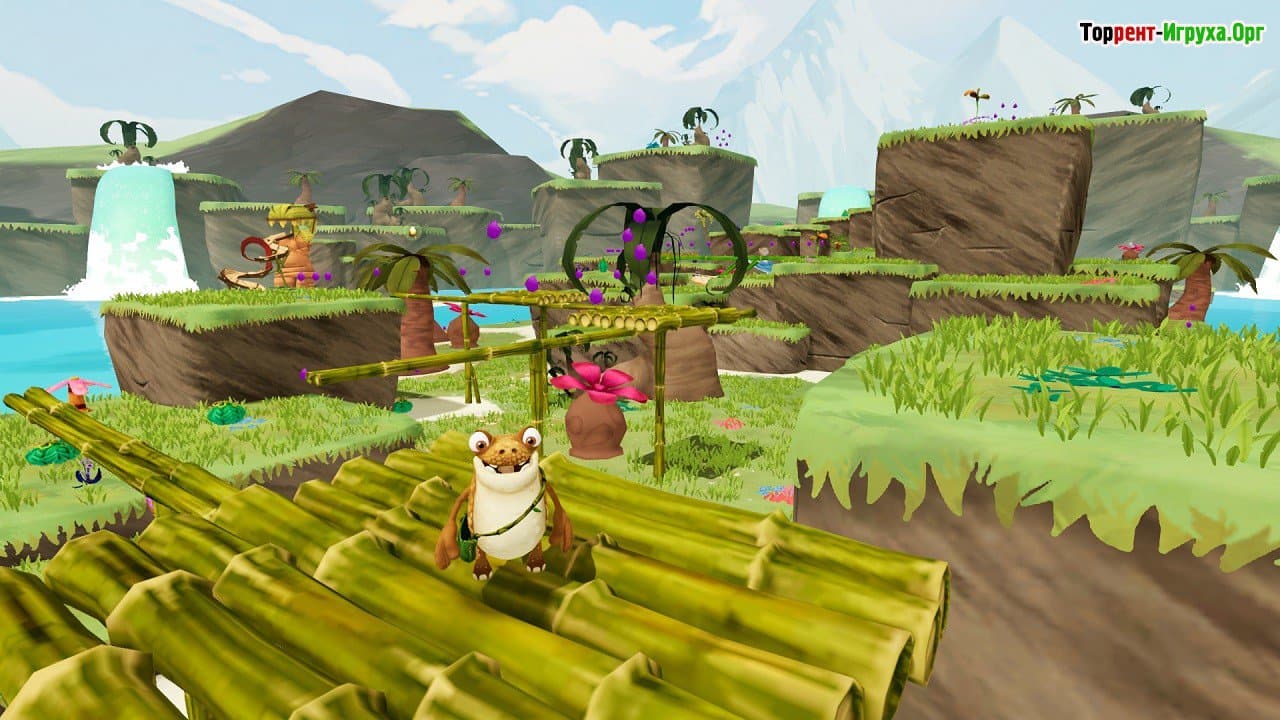
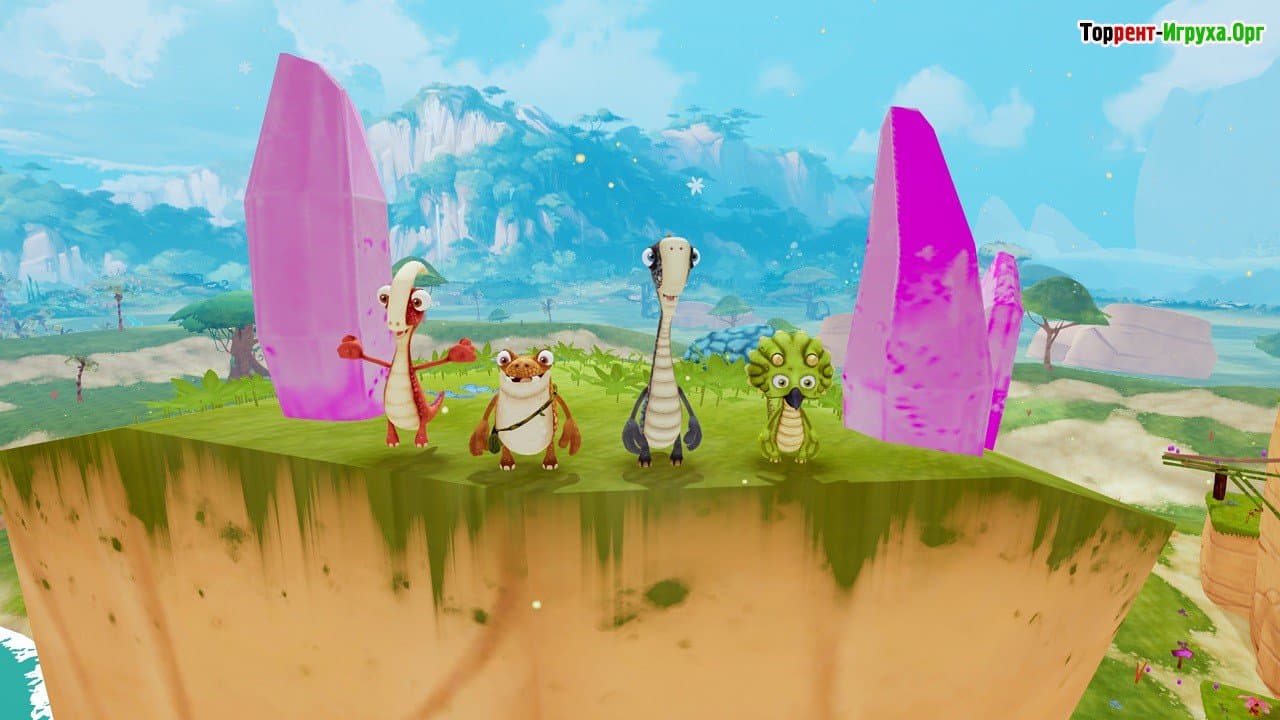
The main characters are taken from the cartoon: four young dinosaurs, Rocky, Tiny, Mazu, and Bill. This time, they're in trouble: a meteorite has blocked the Giganto volcano, and the friends need help. You navigate zones of the prehistoric world, solve puzzles, and rescue the heroes, sometimes even calling on the power of Gigantosaurus himself, the enormous dinosaur that everyone fears in the series. The challenges are simple and designed for children.
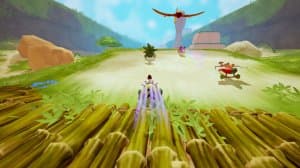
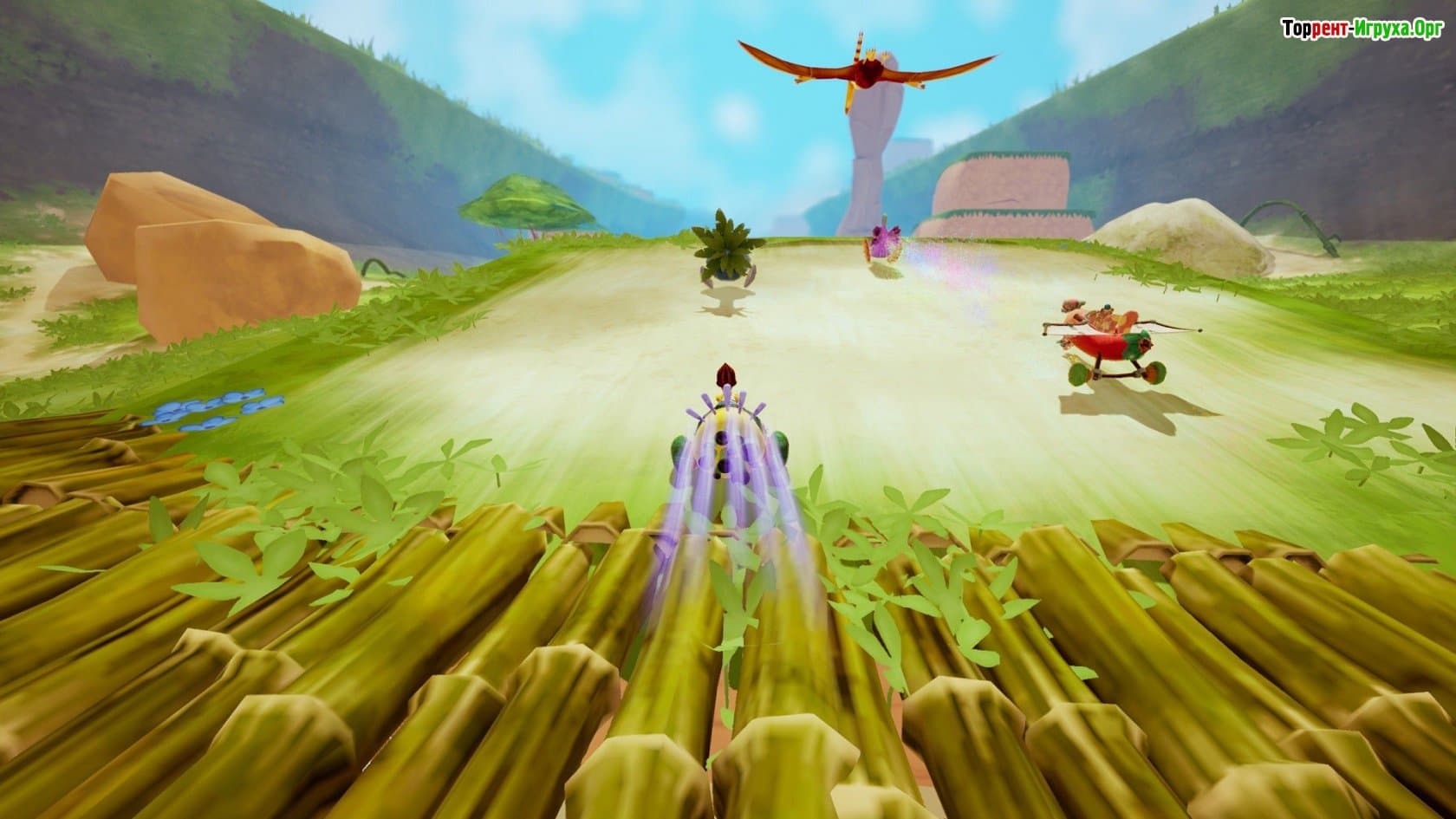
Each story zone ends with a race, and only by winning it can you advance to the next part of the world. Thus, the game constantly switches between leisurely exploration in the style of a 3D platformer and speed races. This is the main difference from Gigantosaurus: Dino Kart, which is also available on the website: while that game only features karting, here the races serve as the finale of the adventure chapters.
The game can be played solo or with two players on a split-screen computer, making it convenient for parent-child play. Remote Play Together is supported if the second player is playing at home. Download the torrent. Gigantosaurus The Game on PC you can see it below.
Installation:
1. Mount the image with a disc emulator.
2. Install the game following the setup instructions.
3. Copy the contents of the PLAZA folder to the folder with the installed game.
4. Play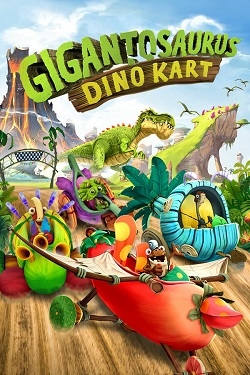 1.6 GB
 7.6 GB
 1.8 GB
 183 MB
 4.9 GB
 2.5 GB
Meteorite and volcano
The main characters are taken from the cartoon: four young dinosaurs, Rocky, Tiny, Mazu, and Bill. This time, they're in trouble: a meteorite has blocked the Giganto volcano, and the friends need help. You navigate zones of the prehistoric world, solve puzzles, and rescue the heroes, sometimes even calling on the power of Gigantosaurus himself, the enormous dinosaur that everyone fears in the series. The challenges are simple and designed for children.
A race at the end of every story
Each story zone ends with a race, and only by winning it can you advance to the next part of the world. Thus, the game constantly switches between leisurely exploration in the style of a 3D platformer and speed races. This is the main difference from Gigantosaurus: Dino Kart, which is also available on the website: while that game only features karting, here the races serve as the finale of the adventure chapters.
To play together
The game can be played solo or with two players on a split-screen computer, making it convenient for parent-child play. Remote Play Together is supported if the second player is playing at home. Download the torrent. Gigantosaurus The Game on PC you can see it below.
Features of the game
- Characters from the animated series "Gigantosaurus".
- Puzzles and exploration of prehistoric zones.
- A race at the end of every story.
- Split-screen co-op.
- Simple tasks for children.
We recommend:

81%



Trailer / Gameplay:
Screenshots:
Size: 1.56 GB
Installation:
1. Mount the image with a disc emulator.
2. Install the game following the setup instructions.
3. Copy the contents of the PLAZA folder to the folder with the installed game.
4. Play
Steam Tags
1.6 GB 7.6 GB
 1.8 GB183 MB4.9 GB2.5 GB
Comments: 0
No comments yet. You can leave the first one on the Russian page.
Open Russian page