Sniper Elite: Resistance
Updated:
/
968384
 75 GB
75 GB
731 following
731 following · Settings
Release date: Jan 30, 2025
Genre: Action, Adventure
Developer: Rebellion
Publisher: Rebellion
Platform: PC
Release type: Repack
Interface language: Russian, English, MULTi
Voice-over: English
Crack: Built-in (DenuvOwO)
System requirements:
OS: Windows 10, 11 (64-bit)
Processor: Intel Core i5-9400f
Memory: 16 GB
Graphics: Nvidia RTX 2060
Storage: 130 GB
Genre: Action, Adventure
Developer: Rebellion
Publisher: Rebellion
Platform: PC
Release type: Repack
Interface language: Russian, English, MULTi
Voice-over: English
Crack: Built-in (DenuvOwO)
System requirements:
OS: Windows 10, 11 (64-bit)
Processor: Intel Core i5-9400f
Memory: 16 GB
Graphics: Nvidia RTX 2060
Storage: 130 GB
Steam Reviews: Mostly Positive (75% of 6,425)
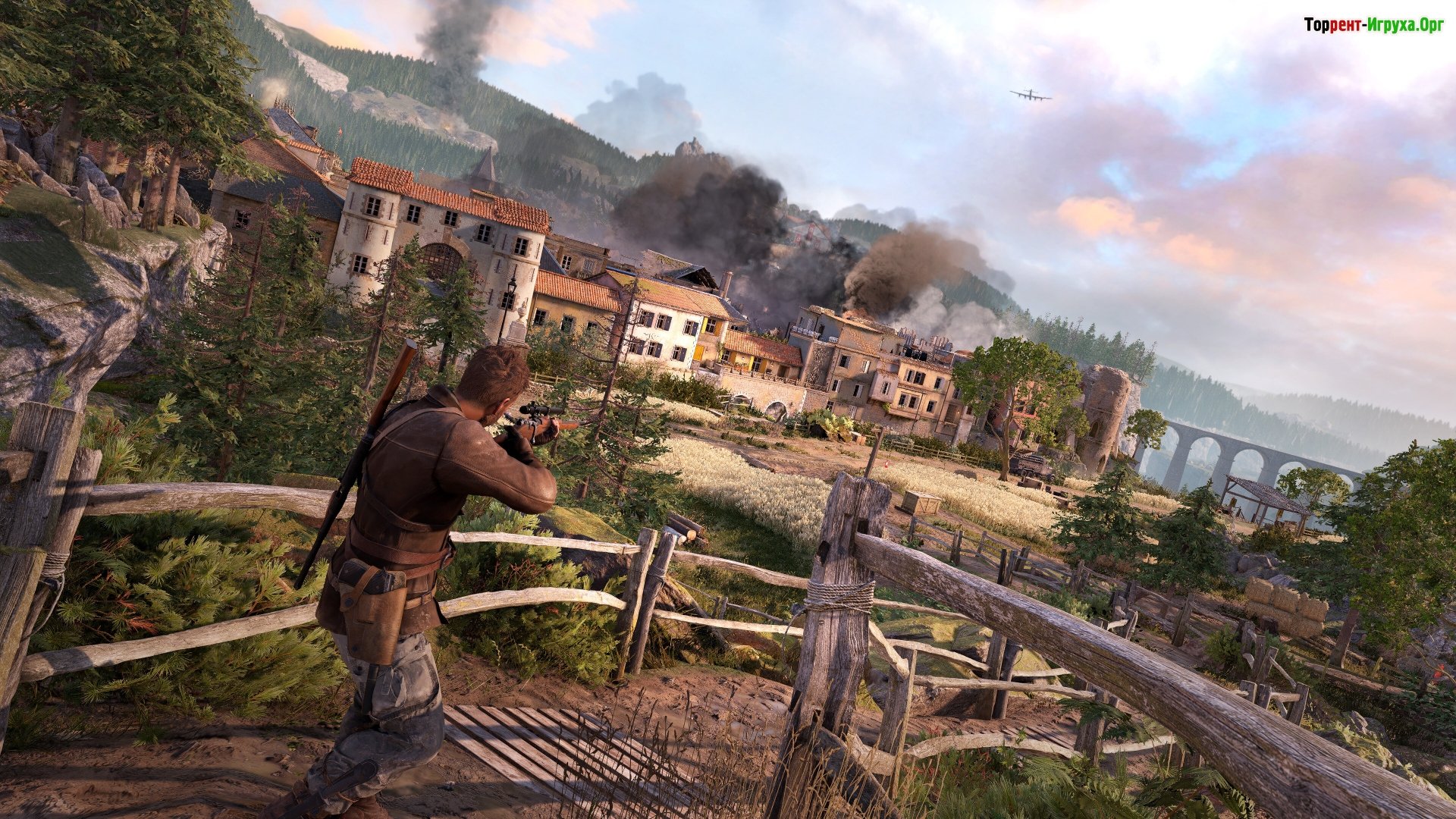
Sniper Elite: Resistance Stealth elements, tactical combat, and sophisticated sniper mechanics await you in this game! Simply put, it refocuses the renowned series on a covert war taking place far from the front, in the epicenter of occupied French territory. What are you waiting for?
Game overview
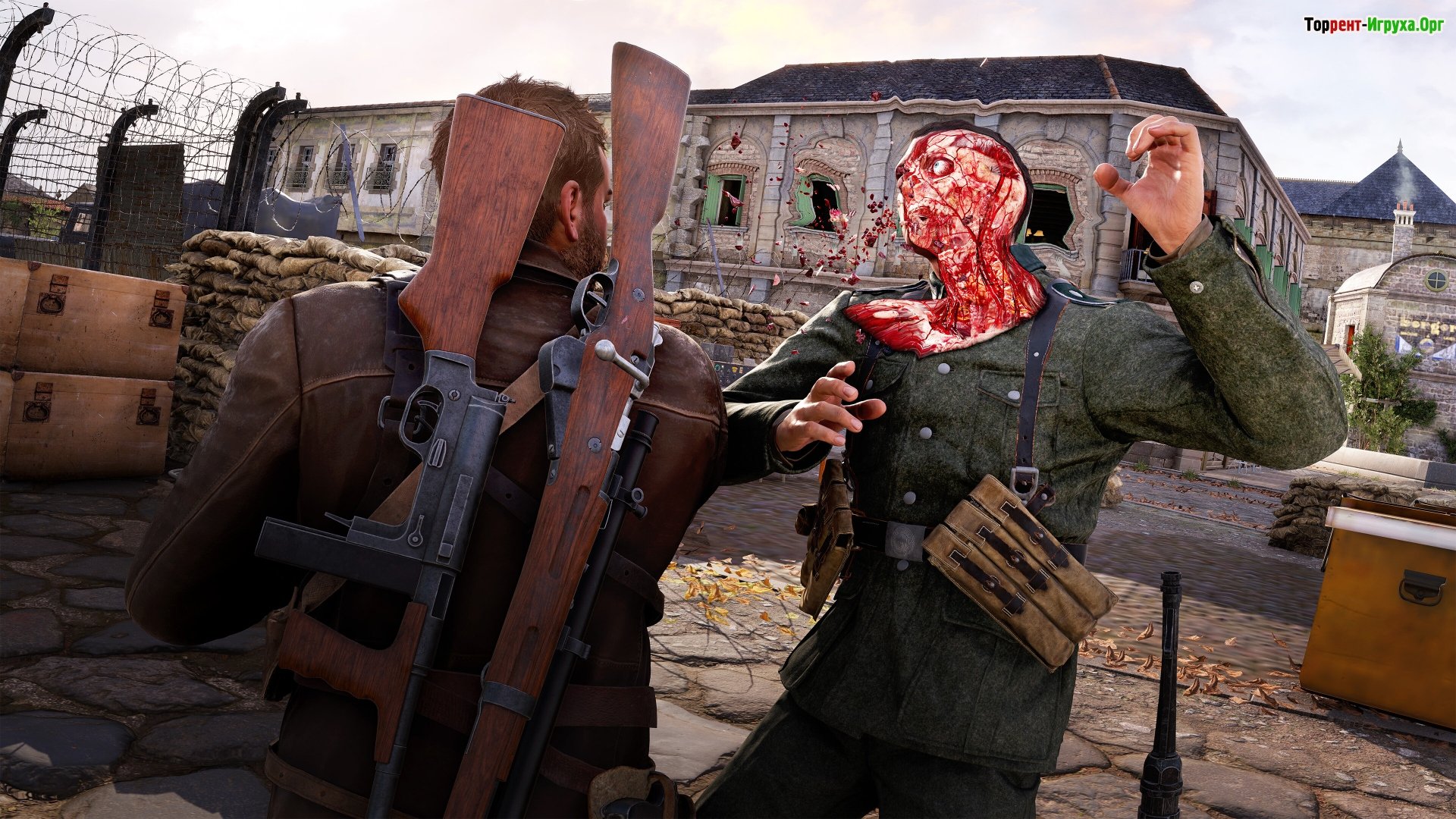
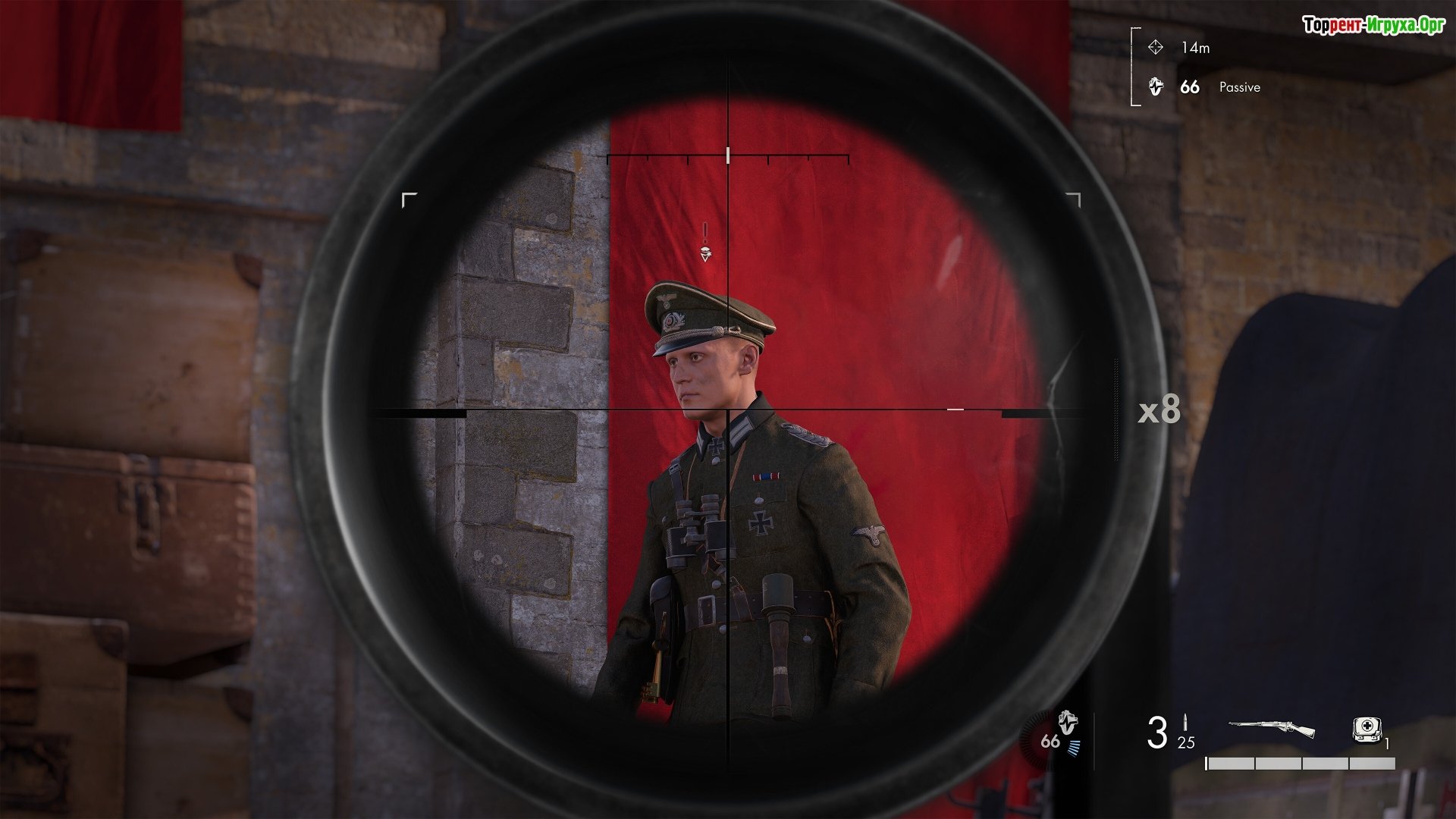
Meet the return of stylized X-ray kill animations, showcasing the destructive power of unique weapons. Bullets will ricochet off bone tissue and behave completely unpredictably in enemy bodies. Kills are triggered by SMGs and pistols. So take a close look at every bullet trajectory in our epic slow-mo!
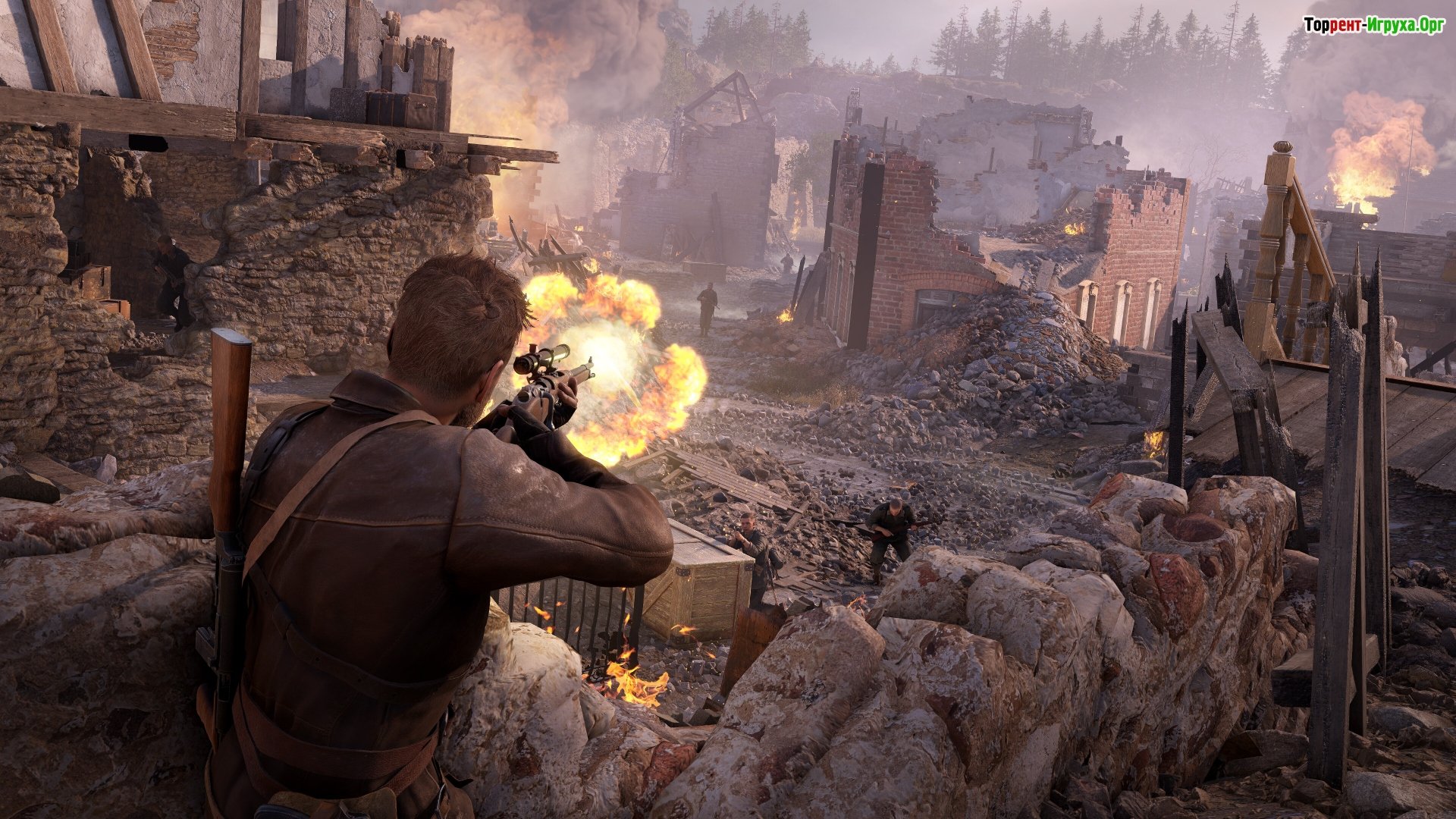
To ensure every shot hits your opponents, you'll have to try on the role of a real sniper. So aim as precisely as possible, taking into account the weapon's configuration, gravity, windage, and even your own physiological characteristics. Furthermore, the well-designed weapon, a throwback to WWII, and its ability to be fine-tuned are certainly worth noting. Sounds tempting, right?

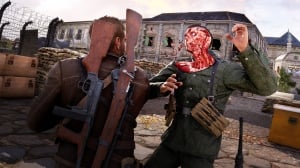


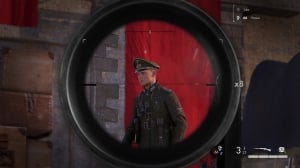
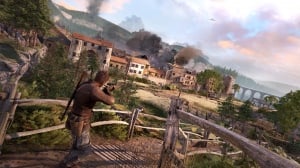
Repack features:
- Based on the Steam release
- Nothing cut / nothing re-encoded
- Game version: 1.31 (Build 19059708)
- Change the language in the game settings
- Installation time ~ 5 minutes (depends on your PC)
Extras:
Starting the game:
Why might the game not launch?
 34 GB
34 GB 70 GB
70 GB 4.3 GB
 3.4 GB
 8.5 GB
Game overview
Meet the return of stylized X-ray kill animations, showcasing the destructive power of unique weapons. Bullets will ricochet off bone tissue and behave completely unpredictably in enemy bodies. Kills are triggered by SMGs and pistols. So take a close look at every bullet trajectory in our epic slow-mo!
To ensure every shot hits your opponents, you'll have to try on the role of a real sniper. So aim as precisely as possible, taking into account the weapon's configuration, gravity, windage, and even your own physiological characteristics. Furthermore, the well-designed weapon, a throwback to WWII, and its ability to be fine-tuned are certainly worth noting. Sounds tempting, right?
Features of the game
- A refreshing, large-scale campaign with a new threat and a new operator
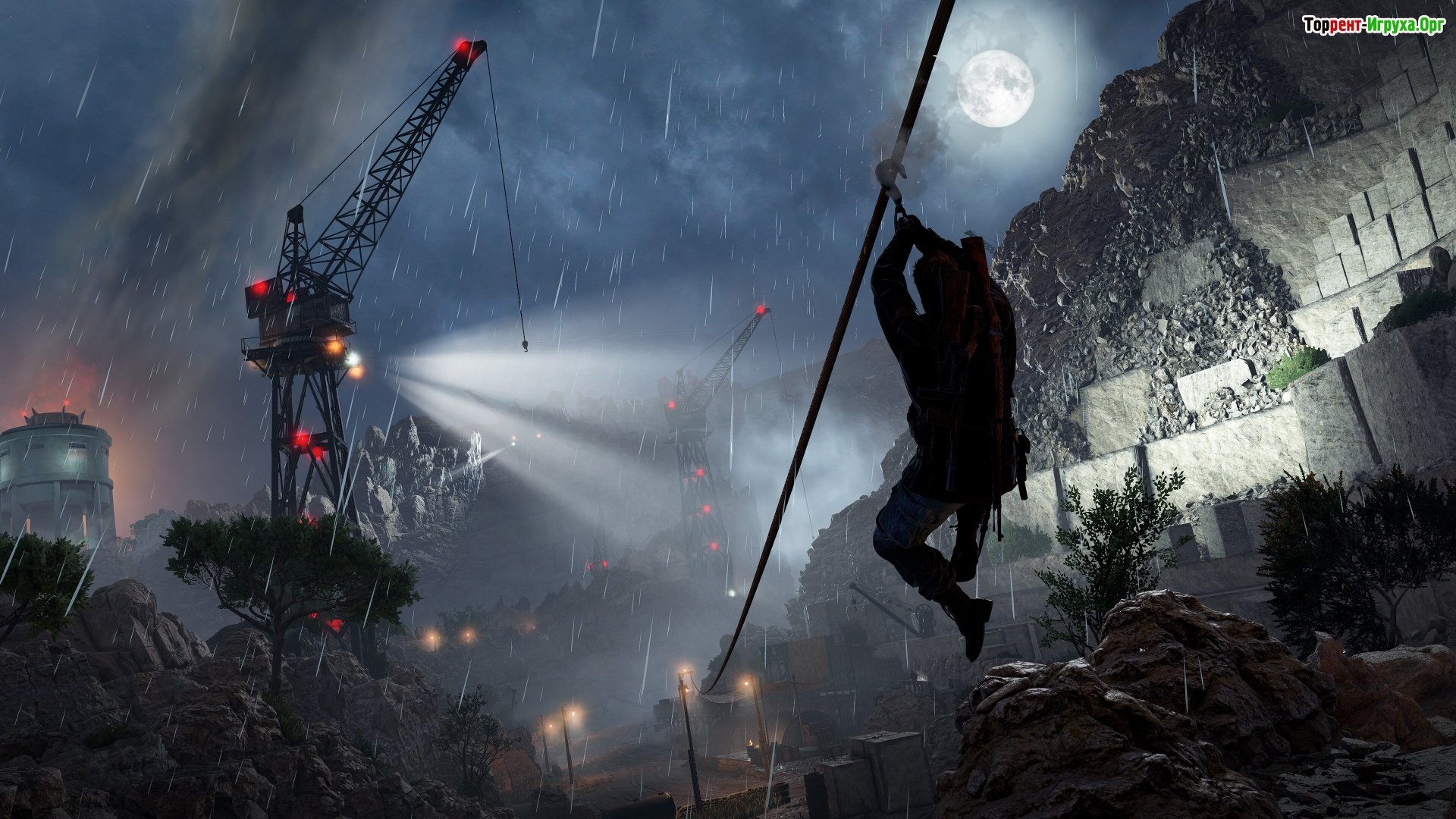
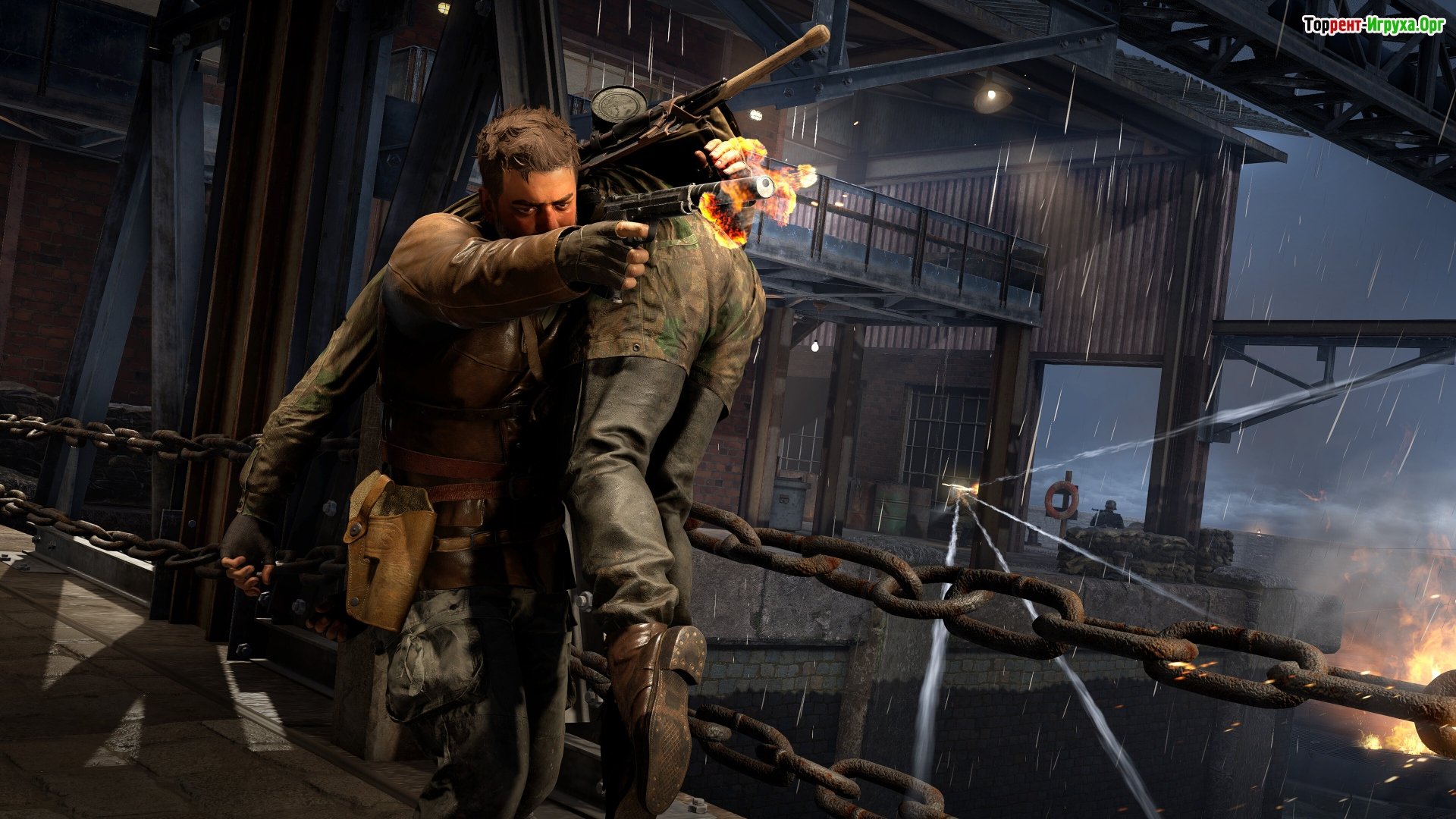
- Unique sniper mechanics, stealth missions, and updated scenery
- Each mission comes with multiple objectives, entry points, and complete freedom of action.
- Co-op play for even more epic shootouts
We recommend:

79%



Trailer / Gameplay:
Screenshots:
How to start playing
There is no crack yet - you can wait for it or buy license activation

Size: 74.61 GB | RePack by Igruha
Repack features:
- Based on the Steam release
- Nothing cut / nothing re-encoded
- Game version: 1.31 (Build 19059708)
- Change the language in the game settings
- Installation time ~ 5 minutes (depends on your PC)
Extras:
Starting the game:
Why might the game not launch?
Steam Tags
34 GB 70 GB4.3 GB
 3.4 GB
 8.5 GB

Comments: 170
170 comments in Russian. The discussion is on the Russian page, you can read it and reply there.
Read commentsOur picks

Popular games





