Two Point Museum
Updated:
/
63516
 5.9 GB
135 following
135 following · Settings
Release date: 4 Mar 2025
Genre: Casual, Indie, Simulation, Strategy
Developer: Two Point Studios
Publisher: SEGA
Platform: PC
Publication type: License
Interface language: Russian, English, MULTi
Voice-over: English, German, Chinese
Crack: See the spoiler "Game Launch"
System requirements:
OS: Windows 10, 11 (64-bit)
Processor: Intel Core i3-8100
RAM: 6 GB RAM
Video card: Nvidia GT 1030
Disk space: 8 GB
Genre: Casual, Indie, Simulation, Strategy
Developer: Two Point Studios
Publisher: SEGA
Platform: PC
Publication type: License
Interface language: Russian, English, MULTi
Voice-over: English, German, Chinese
Crack: See the spoiler "Game Launch"
System requirements:
OS: Windows 10, 11 (64-bit)
Processor: Intel Core i3-8100
RAM: 6 GB RAM
Video card: Nvidia GT 1030
Disk space: 8 GB
Steam Reviews: Overwhelmingly Positive (95% of 13,784)
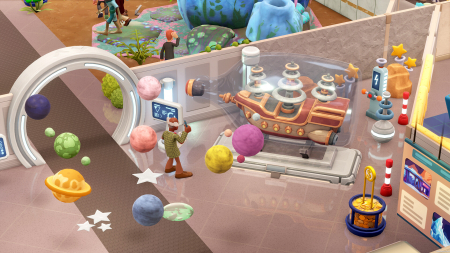
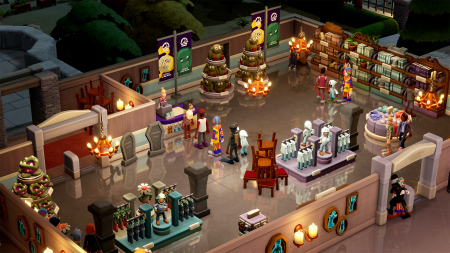
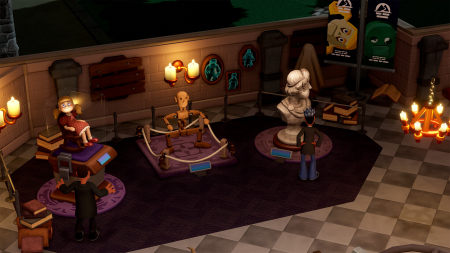
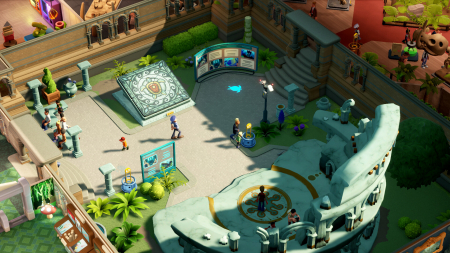
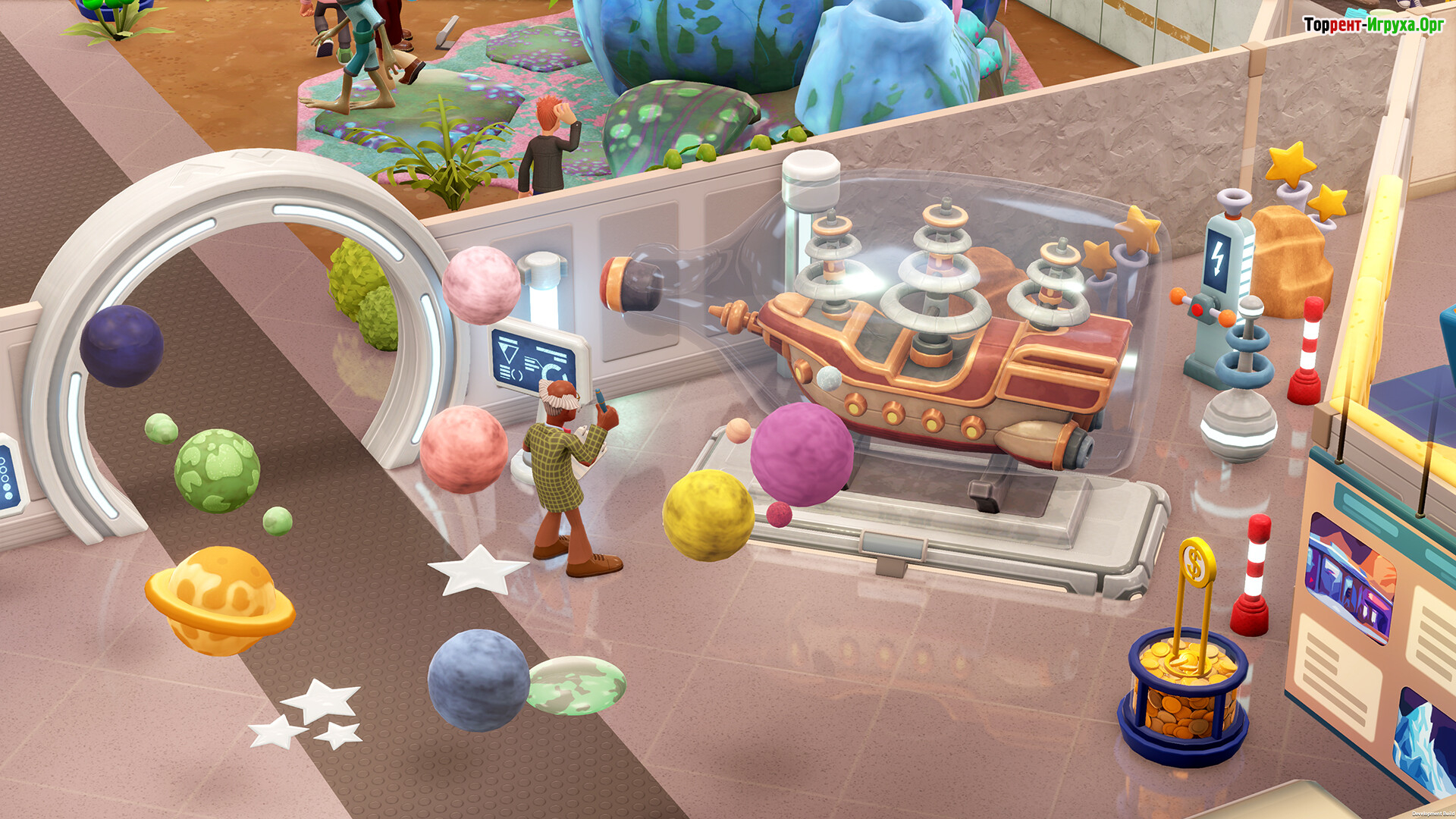
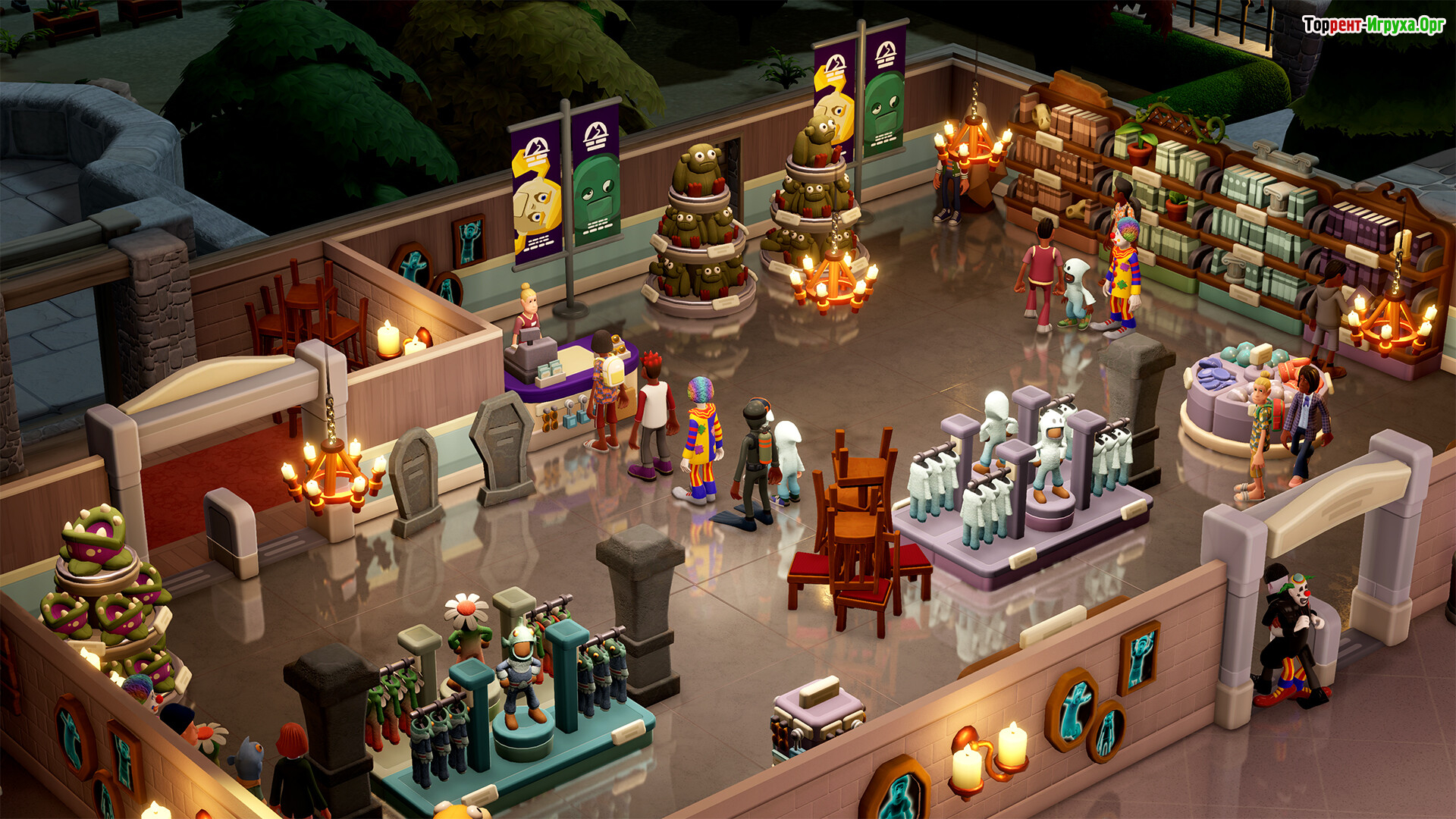
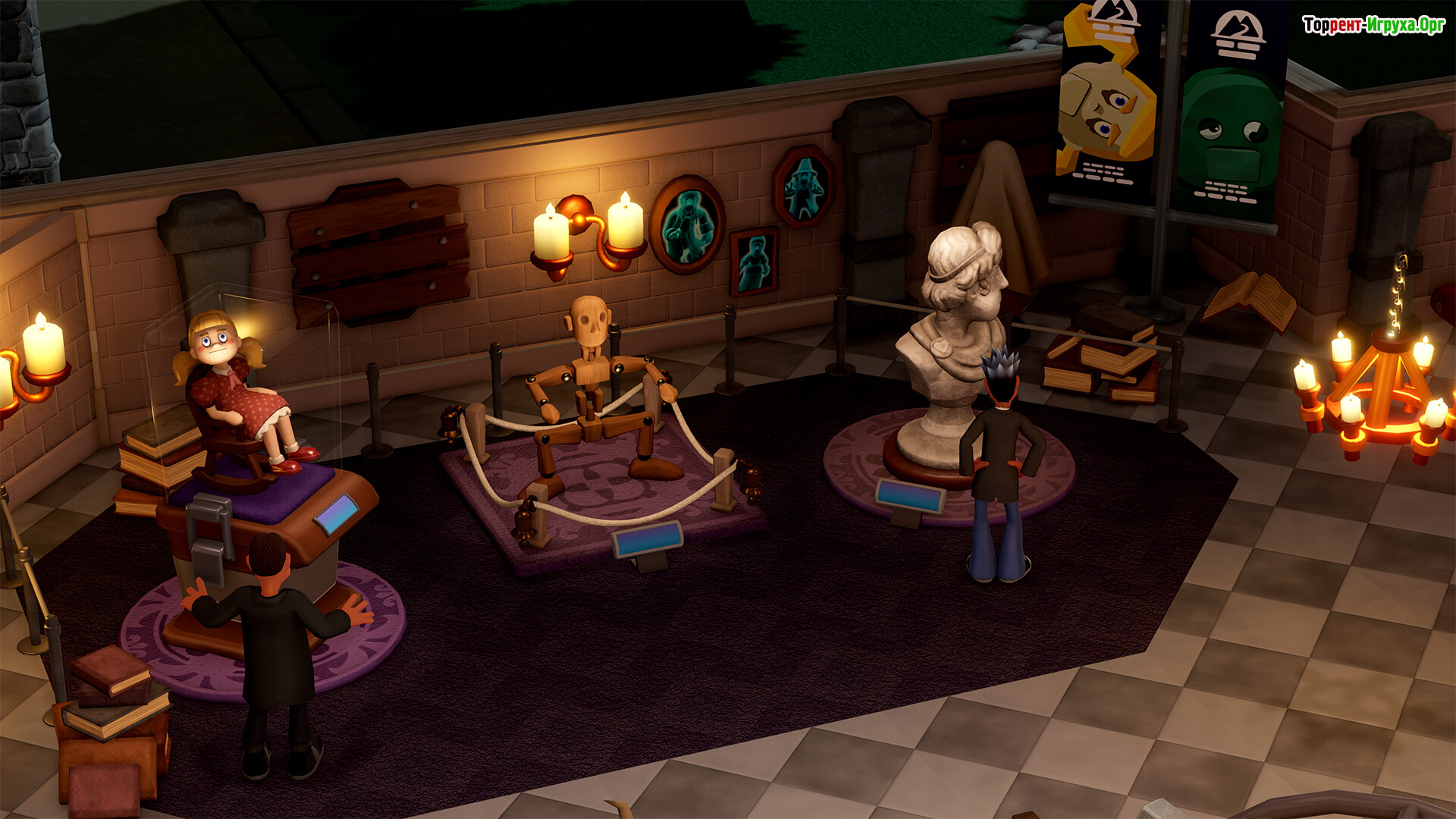
Two Point Museum How would you like to take over the management of an amazing museum? Then get ready to travel the world to collect exhibits! You'll need to work on the layout, organize your staff, raise donations, and, of course, restrict children's access to the exhibits...
Game plot
Become a budding curator, designing and modernizing museums. All with the goal of providing visitors with exceptional exhibition experiences! So send your experts around the world to discover new objects and create a real buzz to attract even more visitors hungry for knowledge and experiences.
And all this, of course, is predicated on safe and clean exhibits where staff are happy and children don't touch dinosaur bones! Simply put, as a museum curator, it's important to ensure its appearance and development. So, send your experts around the world to find rare and well-preserved artifacts. And when they return, proudly display their finds in the museum! You can also choose the direction of their journeys and gradually fill an album with brightly colored stickers to preserve the memory of their various discoveries. So what are you waiting for?




Starting the game:
Extras:
 5.6 GB
 870 MB
 912 MB
 1.6 GB
 1.4 GB
 Call of Duty: Modern Warfare 4616comments this week
 Uncharted The Nathan Drake Collection283comments this week
 Bloodborne226comments this week
 Valor Mortis195comments this week
 God of War 3 (III) Remastered186comments this week
 Clive Barker's Hellraiser: Revival136comments this week
 inFamous: Second Son135comments this week
 Gears of War: E-Day90comments this week
 Killzone: Shadow Fall67comments this week
 Shadow of the Colossus61comment this week
Game plot
Become a budding curator, designing and modernizing museums. All with the goal of providing visitors with exceptional exhibition experiences! So send your experts around the world to discover new objects and create a real buzz to attract even more visitors hungry for knowledge and experiences.
And all this, of course, is predicated on safe and clean exhibits where staff are happy and children don't touch dinosaur bones! Simply put, as a museum curator, it's important to ensure its appearance and development. So, send your experts around the world to find rare and well-preserved artifacts. And when they return, proudly display their finds in the museum! You can also choose the direction of their journeys and gradually fill an album with brightly colored stickers to preserve the memory of their various discoveries. So what are you waiting for?
Features of the game
- The important part is maintenance
- Creating a unique layout
- A charismatic tour guide will help the matter
- The need to adapt to the tastes of guests
We recommend:
80 %
84 %
67 %

77 %


87 %
Trailer / Gameplay:
Screenshots:





Size: 5.89 GB (Build 25616825) | Portable
Starting the game:

Extras:
Steam Tags
 5.6 GB870 MB912 MB1.6 GB
 1.4 GB
Similar games:






Trending in commentsthis week
Call of Duty: Modern Warfare 4616comments this week
Uncharted The Nathan Drake Collection283comments this week
Bloodborne226comments this week
Valor Mortis195comments this week
God of War 3 (III) Remastered186comments this week
Clive Barker's Hellraiser: Revival136comments this week
inFamous: Second Son135comments this week
Gears of War: E-Day90comments this week
Killzone: Shadow Fall67comments this week
Shadow of the Colossus61comment this week
Comments: 28To the latestp. 2
Information
Comments on this game are for VIP and Regular members only.