Dungeon Keeper
Updated:
/
50704
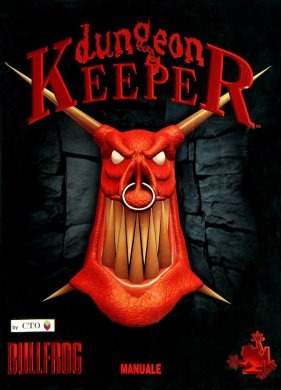 340 MB
24 following
24 following · Settings
Release date: Jun 26, 1997
Genre: Стратегии, Ролевые (RPG), Симуляторы
Developer: Bullfrog Productions
Publisher: Bullfrog Productions
Platform: PC
Release type: Repack
Interface language: Russian
Voice-over: Russian
Crack: Not required
System requirements:
OS: Windows 7 / 8 / 10
Processor: P-166
Memory: 64 MB
Graphics: 64 MB
Storage: 1 GB
Genre: Стратегии, Ролевые (RPG), Симуляторы
Developer: Bullfrog Productions
Publisher: Bullfrog Productions
Platform: PC
Release type: Repack
Interface language: Russian
Voice-over: Russian
Crack: Not required
System requirements:
OS: Windows 7 / 8 / 10
Processor: P-166
Memory: 64 MB
Graphics: 64 MB
Storage: 1 GB
Steam Reviews: Very Positive (93% of 619)
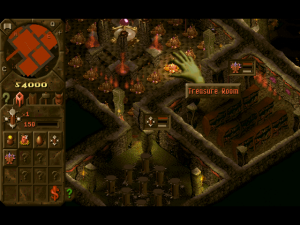
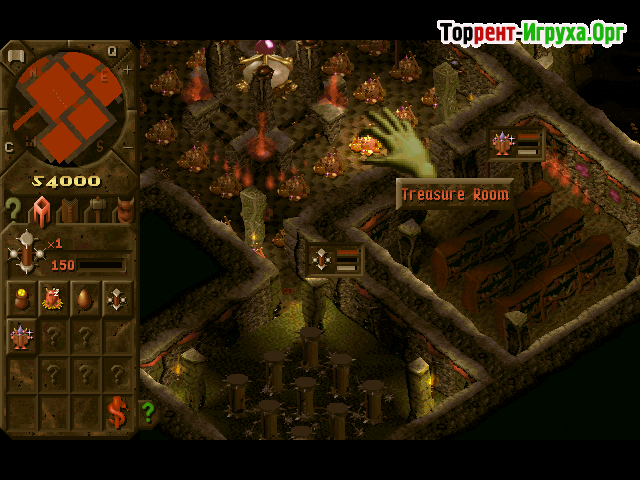
How long has humanity been fighting demons! But if you download Dungeon Keeper 1 via torrent in Russian, you'll have a unique opportunity to fight for the other side and try to eradicate the insignificant humans. This strategy, RPG, and simulation game will let you assume the role of the Dungeon Lord and fight the human race that is encroaching on your treasures.
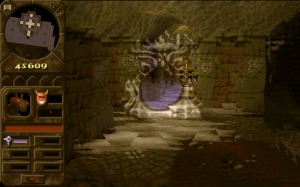
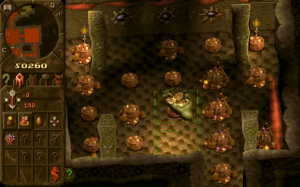
In-Game Dungeon Keeper 1, which was released back in 1997, but is still pleasing to the eye with its special effects and vibrant colors, the supreme demon, or, excuse me, you, will have at his disposal:
Interestingly, they're capricious, so you can't command them directly. You need to speak to them in vague hints, showing them what you want done, and all these evil spirits will enthusiastically carry it out. Once you succeed in building the Underground Temple, the Horned Reaper himself will become your ally — the pinnacle of your creative process of evil. And you should sic your minions on the humans calmly, without direct orders. Just show them, and they'll devour you whole!
But, incidentally, humans aren't portrayed as positive characters or innocent victims in this unusual strategy game. They delve into the depths of the earth not to eradicate evil, but to seize the riches it holds. Humanity is becoming increasingly sophisticated in its endeavors, but you, too, are acquiring new qualities, and when the Horned Reaper, who feeds on the energy of the Heart of Darkness, appears, your chances of success become even greater. Especially since you're a master at trapping humans. You gas them, poison them, and unleash lightning bolts.
 443 MB
 113 MB
 14 GB
14 GB 2.7 GB
 10 GB
10 GB 1.6 GB
 3.1 GB
In-Game Dungeon Keeper 1, which was released back in 1997, but is still pleasing to the eye with its special effects and vibrant colors, the supreme demon, or, excuse me, you, will have at his disposal:
- trolls;
- gnomes;
- various undead;
- werewolves;
- goblins;
- smaller demons and other "nice and cute" creatures.
Interestingly, they're capricious, so you can't command them directly. You need to speak to them in vague hints, showing them what you want done, and all these evil spirits will enthusiastically carry it out. Once you succeed in building the Underground Temple, the Horned Reaper himself will become your ally — the pinnacle of your creative process of evil. And you should sic your minions on the humans calmly, without direct orders. Just show them, and they'll devour you whole!
But, incidentally, humans aren't portrayed as positive characters or innocent victims in this unusual strategy game. They delve into the depths of the earth not to eradicate evil, but to seize the riches it holds. Humanity is becoming increasingly sophisticated in its endeavors, but you, too, are acquiring new qualities, and when the Horned Reaper, who feeds on the energy of the Heart of Darkness, appears, your chances of success become even greater. Especially since you're a master at trapping humans. You gas them, poison them, and unleash lightning bolts.
We recommend:

79%



Trailer / Gameplay:
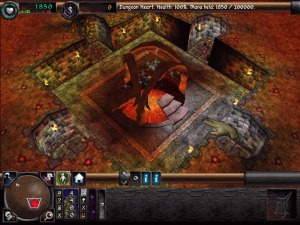
Screenshots:
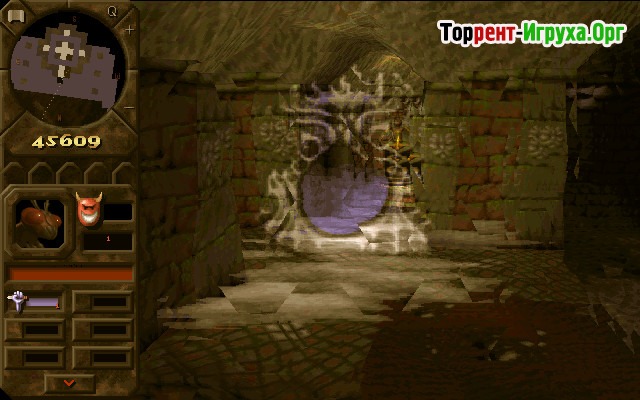
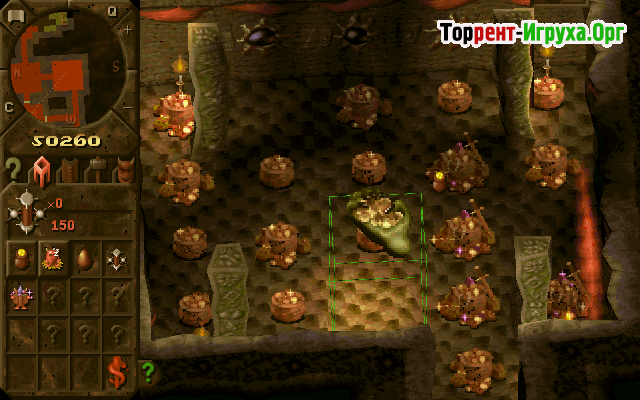
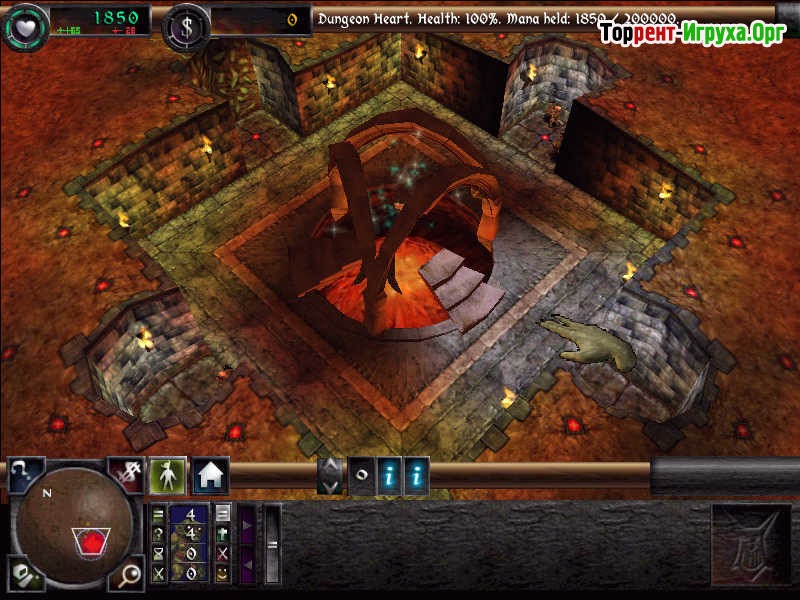
Size: 340 MB | RePack from miXun

Steam Tags
443 MB113 MB14 GB 2.7 GB10 GB1.6 GB3.1 GB
Comments: 2
2 comments in Russian. The discussion is on the Russian page, you can read it and reply there.
Read commentsOur picks

Popular games





