RONIN: Two Souls
Updated:
/
61004
 4.3 GB
23 following
23 following · Settings
Release date: Feb 18, 2021
Genre: Action, Adventure, Indie, RPG
Developer: M11 Studio
Publisher: M11 Studio
Platform: PC
Interface language: English / MULTi3
Voice-over: English / Turkish
Crack: Included (PLAZA)
System requirements:
OS: Windows 7 64-bit | Windows 8.1 64-bit | Windows 10 64-bit
Processor: i3-3110M 2.40GHz | AMD A8-3550MX
Memory: 8 GB
Graphics: NVIDIA GeForce GTX 710M | AMD R7 M260
DirectX: Version 11
Storage: 8+ GB
Genre: Action, Adventure, Indie, RPG
Developer: M11 Studio
Publisher: M11 Studio
Platform: PC
Interface language: English / MULTi3
Voice-over: English / Turkish
Crack: Included (PLAZA)
System requirements:
OS: Windows 7 64-bit | Windows 8.1 64-bit | Windows 10 64-bit
Processor: i3-3110M 2.40GHz | AMD A8-3550MX
Memory: 8 GB
Graphics: NVIDIA GeForce GTX 710M | AMD R7 M260
DirectX: Version 11
Storage: 8+ GB
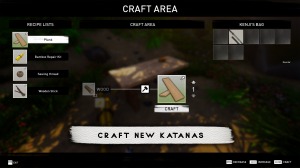
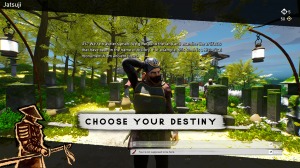
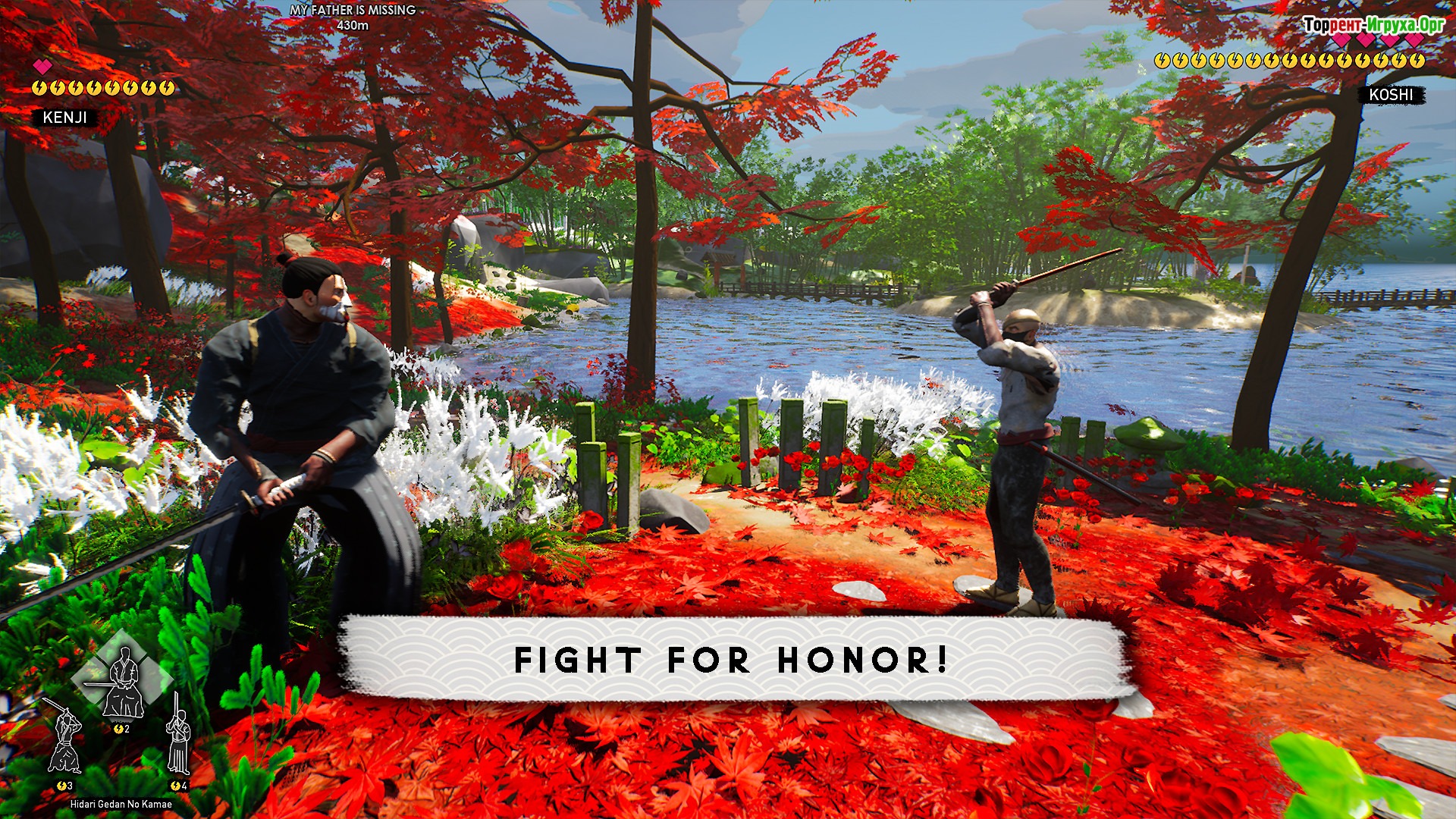
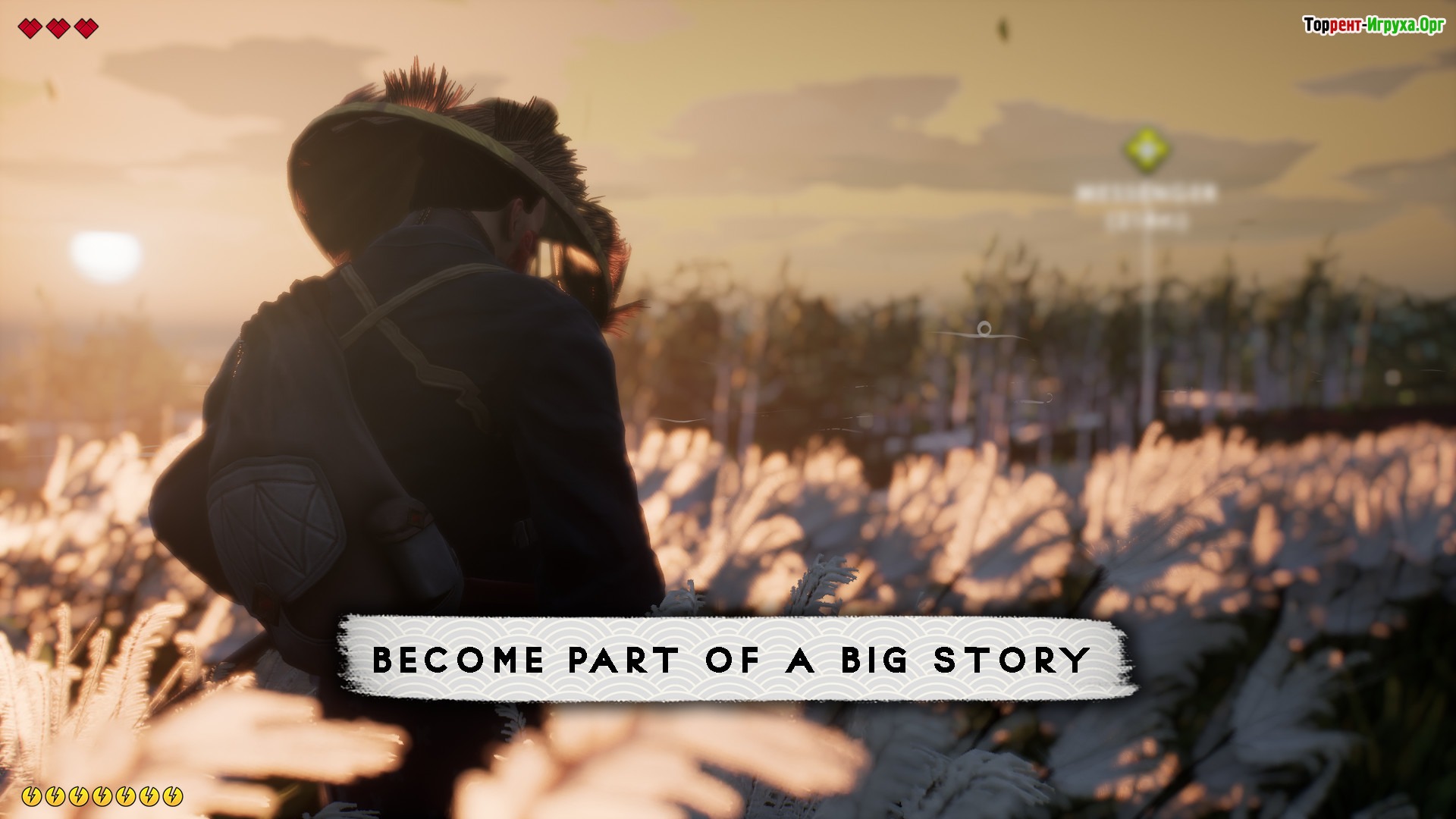
An original game from indie developers that invites you to journey through remote Japanese lands, where hordes of enemies and hundreds of deadly traps await. The protagonist is a young and courageous samurai named Kenji, who until recently lived quietly and peacefully on a small island. Certain events force him to leave his homeland and plunge headlong into an unfamiliar world fraught with secrets and dangers.
At first glance, you might think you're playing a typical action game, but in reality, things are quite different. For example, if you don't want to fight another enemy, you can try to build friendships with them, which will bring you many benefits. If you enjoy the aesthetics of Ancient Japan, we recommend downloading RONIN: Two Souls via torrent in Russian right now, something even a child can handle.
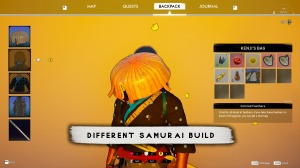
Explore vast wilderness locations, interact with the inhabitants of small villages, and don't forget to upgrade your character's skills with new weapons and equipment dropped by defeated enemies. But be careful, as the decisions you make will greatly impact your character's character. It's also worth noting that the game RONIN: Two Souls The atmosphere of the game can amaze even the most dedicated fans of the genre, and the local graphics are of the highest quality.
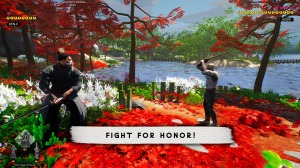
Chop your enemies into tiny pieces, forge loyal allies, and complete exciting missions, gradually moving closer to your ultimate goal. Always keep your weapon at the ready and leave your opponents no chance of success! Rest assured, this game will make you feel like a true samurai, capable of overcoming any blows of fate.


Installation:
1. Download the distribution.
2. Mount the image plaza-the.white.laboratory.iso* или любой другой с окончанием .iso, в эмулирующей дисковод программе (список программ ниже).
3. Start autorun/autorun, if this does not happen, go to this drive through Windows Explorer, this is usually a new drive with a previously unoccupied letter, if you had 2 drives, then it will appear as 3 (the third), run setup.exe.
4. Install the game, following these instructions.
At first glance, you might think you're playing a typical action game, but in reality, things are quite different. For example, if you don't want to fight another enemy, you can try to build friendships with them, which will bring you many benefits. If you enjoy the aesthetics of Ancient Japan, we recommend downloading RONIN: Two Souls via torrent in Russian right now, something even a child can handle.
Explore vast wilderness locations, interact with the inhabitants of small villages, and don't forget to upgrade your character's skills with new weapons and equipment dropped by defeated enemies. But be careful, as the decisions you make will greatly impact your character's character. It's also worth noting that the game RONIN: Two Souls The atmosphere of the game can amaze even the most dedicated fans of the genre, and the local graphics are of the highest quality.
Chop your enemies into tiny pieces, forge loyal allies, and complete exciting missions, gradually moving closer to your ultimate goal. Always keep your weapon at the ready and leave your opponents no chance of success! Rest assured, this game will make you feel like a true samurai, capable of overcoming any blows of fate.
We recommend:

79%



Trailer / Gameplay:
Screenshots:
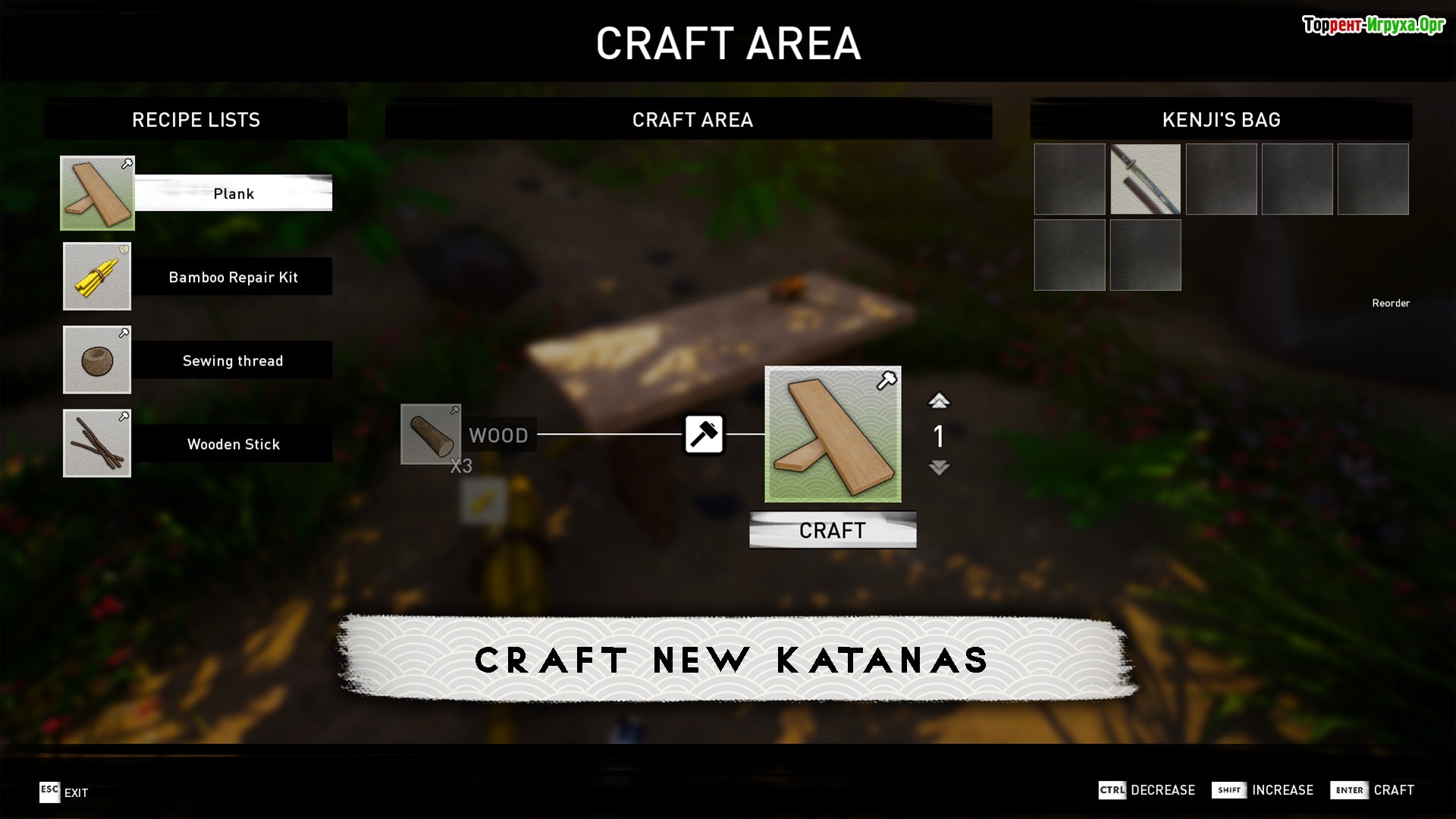
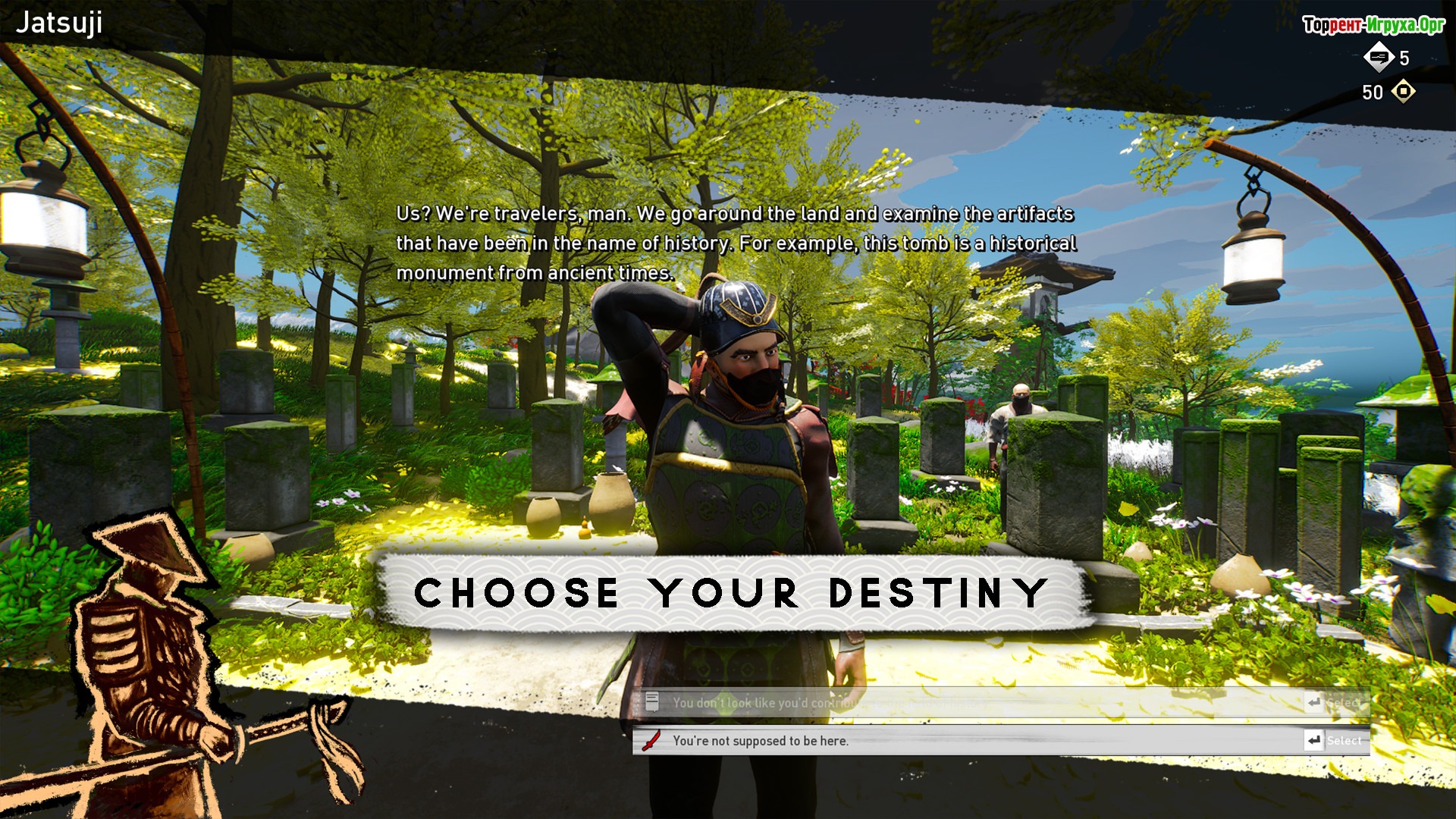
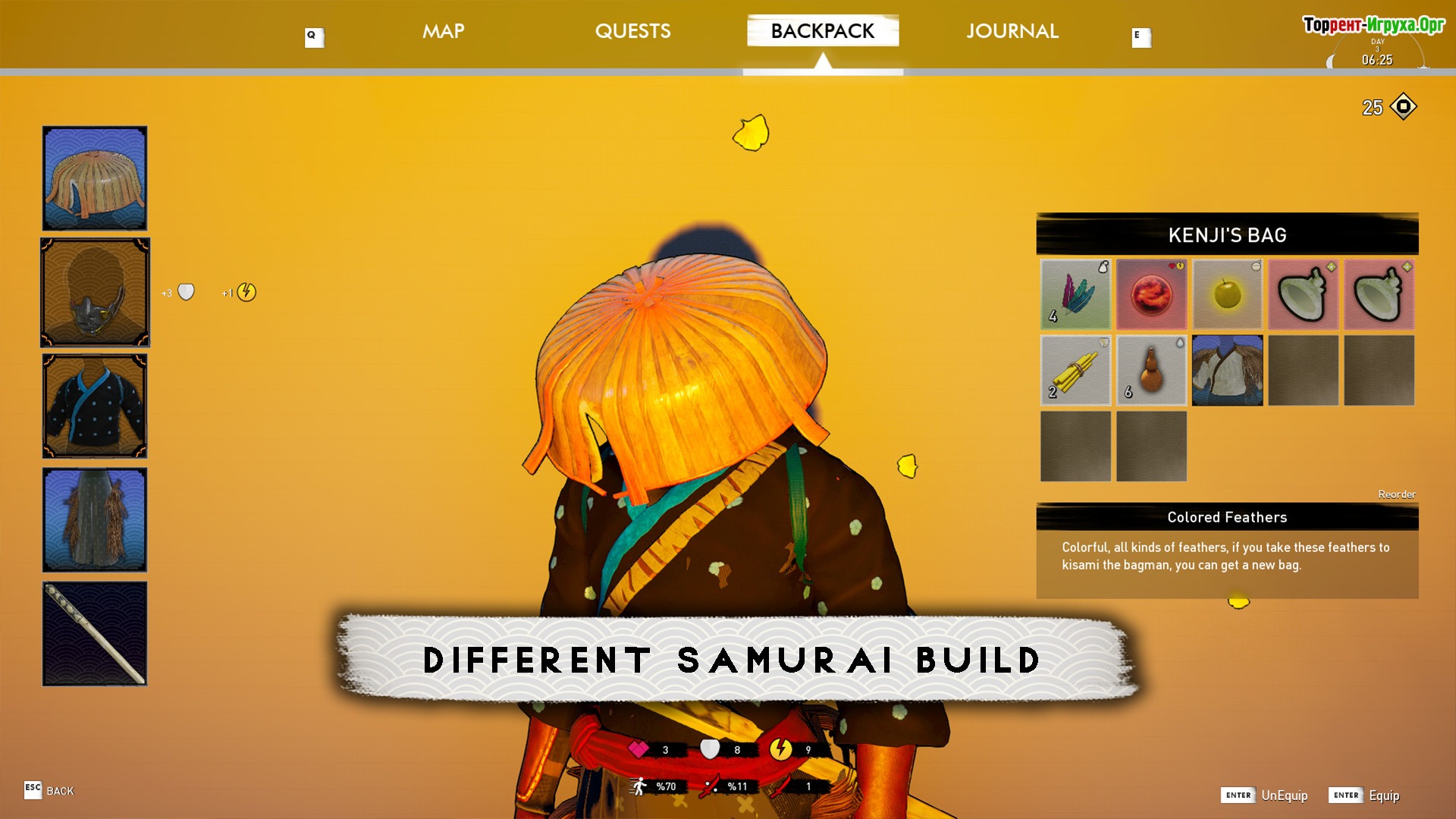
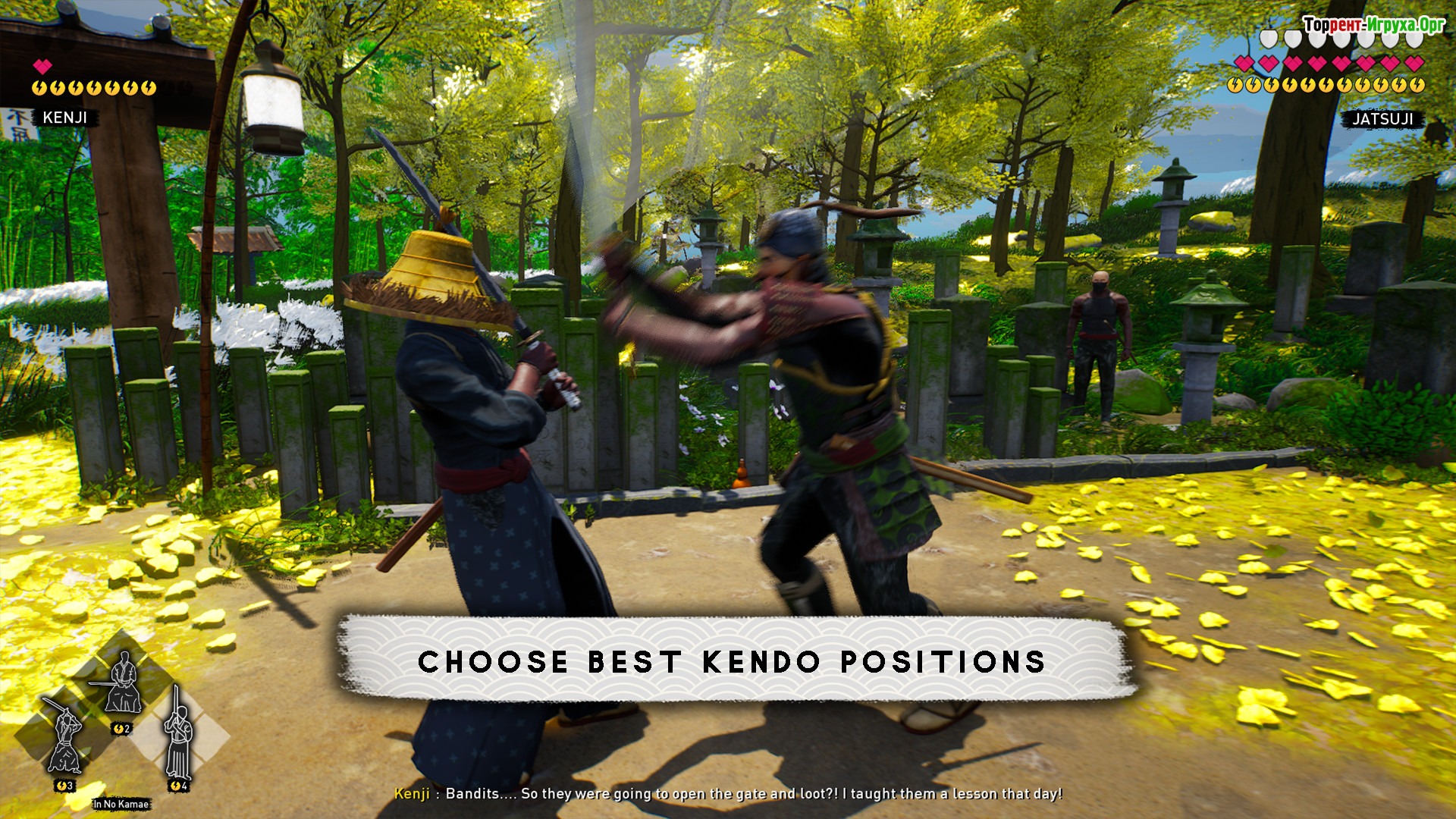
Size: 4.32 GB v1.01
Installation:
1. Download the distribution.
2. Mount the image plaza-the.white.laboratory.iso* или любой другой с окончанием .iso, в эмулирующей дисковод программе (список программ ниже).
3. Start autorun/autorun, if this does not happen, go to this drive through Windows Explorer, this is usually a new drive with a previously unoccupied letter, if you had 2 drives, then it will appear as 3 (the third), run setup.exe.
4. Install the game, following these instructions.
Similar games:






Comments: 0
No comments yet. You can leave the first one on the Russian page.
Open Russian page





