Redfall
Updated:
/
657278
 70 GB
70 GB
403 following
403 following · Settings
Release date: May 2, 2023
Genre: Action, Adventure
Developer: Arkane Austin
Publisher: Bethesda Softworks
Platform: PC
Release type: Repack
Interface language: Russian, English, MULTi
Voice-over: Russian, English, MULTi
Crack: Built-in (DenuvOwO)
System requirements:
OS: Windows 10, 11 (64-bit)
Processor: Intel Core i5-8400 2.80GHz or AMD Ryzen 5 1600
Memory: 16 GB
Graphics: AMD RX 580 / NV GTX 1070 / 6 GB VRAM
DirectX: Version 12
Storage: 100 GB
Genre: Action, Adventure
Developer: Arkane Austin
Publisher: Bethesda Softworks
Platform: PC
Release type: Repack
Interface language: Russian, English, MULTi
Voice-over: Russian, English, MULTi
Crack: Built-in (DenuvOwO)
System requirements:
OS: Windows 10, 11 (64-bit)
Processor: Intel Core i5-8400 2.80GHz or AMD Ryzen 5 1600
Memory: 16 GB
Graphics: AMD RX 580 / NV GTX 1070 / 6 GB VRAM
DirectX: Version 12
Storage: 100 GB
Steam Reviews: Mostly Negative (39% of 4,725)
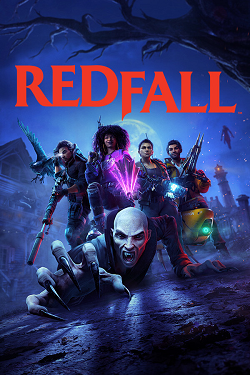
Download Redfall – a new exciting game is available via torrent for free. The release of this action-packed game is scheduled for 2023. The game, called Redfall is a cooperative open-world shooter.
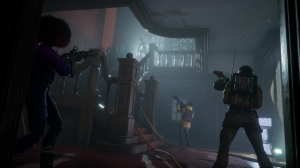
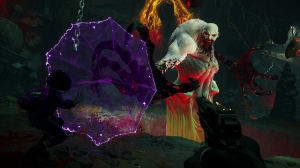
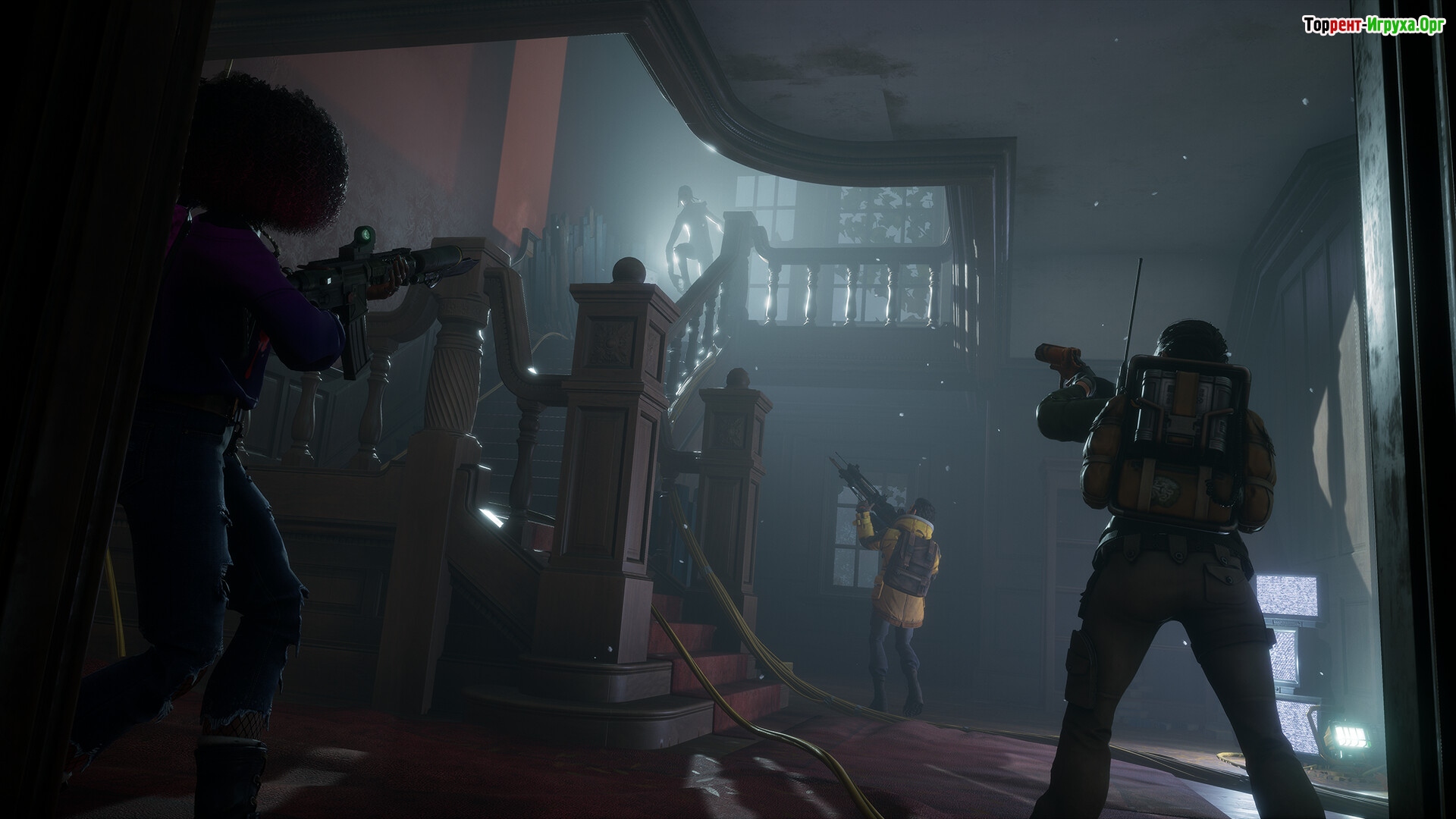
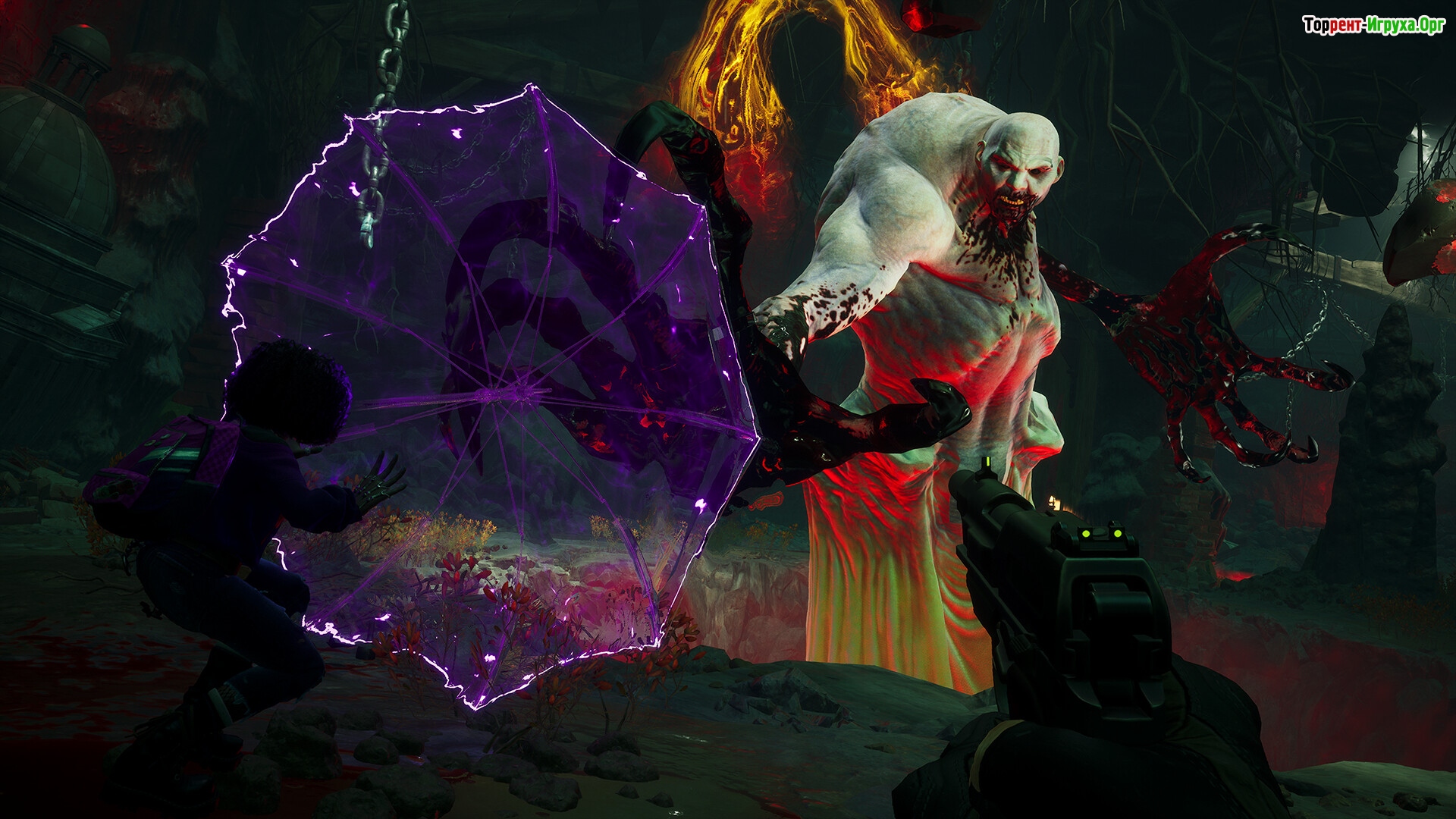
While it's not yet known exactly what the gameplay will be, it will feature co-op play for up to four players. Redfall seamlessly blends single-player and multiplayer, allowing players to venture into the darkness alone or team up with up to three friends for four-player co-op. Teammates can try out different hero loadouts and combine their powers to defeat a legion of vampires and their brood of maniacal followers.
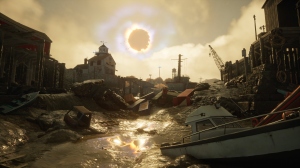
The official description provides a little more background information. The game takes place in Redfall, Massachusetts, where terrible events are unfolding. The town is under siege by a legion of vampires. They have blocked the residents' lives. The player must fight against their enemies and survive.
Redfall is set to launch exclusively on Xbox platforms, with the trailer specifically mentioning Xbox Series X/S and PC (and not Xbox One). It will be available on Xbox Game Pass from day one. Redfall You can do it via torrent for free and without any difficulties.
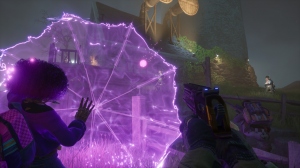
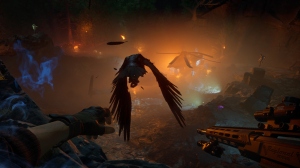
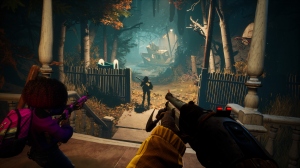
Repack features:
- Based on the Steam release
- Nothing cut / nothing re-encoded
- Game version: Build 14381250
- Change the language in the game settings
- Installation time ~ 5 minutes (depends on your PC)
Extras:
Starting the game:
Why might the game not launch?
 51 GB
51 GB 14 GB
14 GB 70 GB
70 GB 26 GB
26 GB 4.4 GB
Gameplay Mysteries
While it's not yet known exactly what the gameplay will be, it will feature co-op play for up to four players. Redfall seamlessly blends single-player and multiplayer, allowing players to venture into the darkness alone or team up with up to three friends for four-player co-op. Teammates can try out different hero loadouts and combine their powers to defeat a legion of vampires and their brood of maniacal followers.
Official description
The official description provides a little more background information. The game takes place in Redfall, Massachusetts, where terrible events are unfolding. The town is under siege by a legion of vampires. They have blocked the residents' lives. The player must fight against their enemies and survive.
A real discovery
Redfall is set to launch exclusively on Xbox platforms, with the trailer specifically mentioning Xbox Series X/S and PC (and not Xbox One). It will be available on Xbox Game Pass from day one. Redfall You can do it via torrent for free and without any difficulties.
We recommend:

79%



Trailer / Gameplay:
Screenshots:
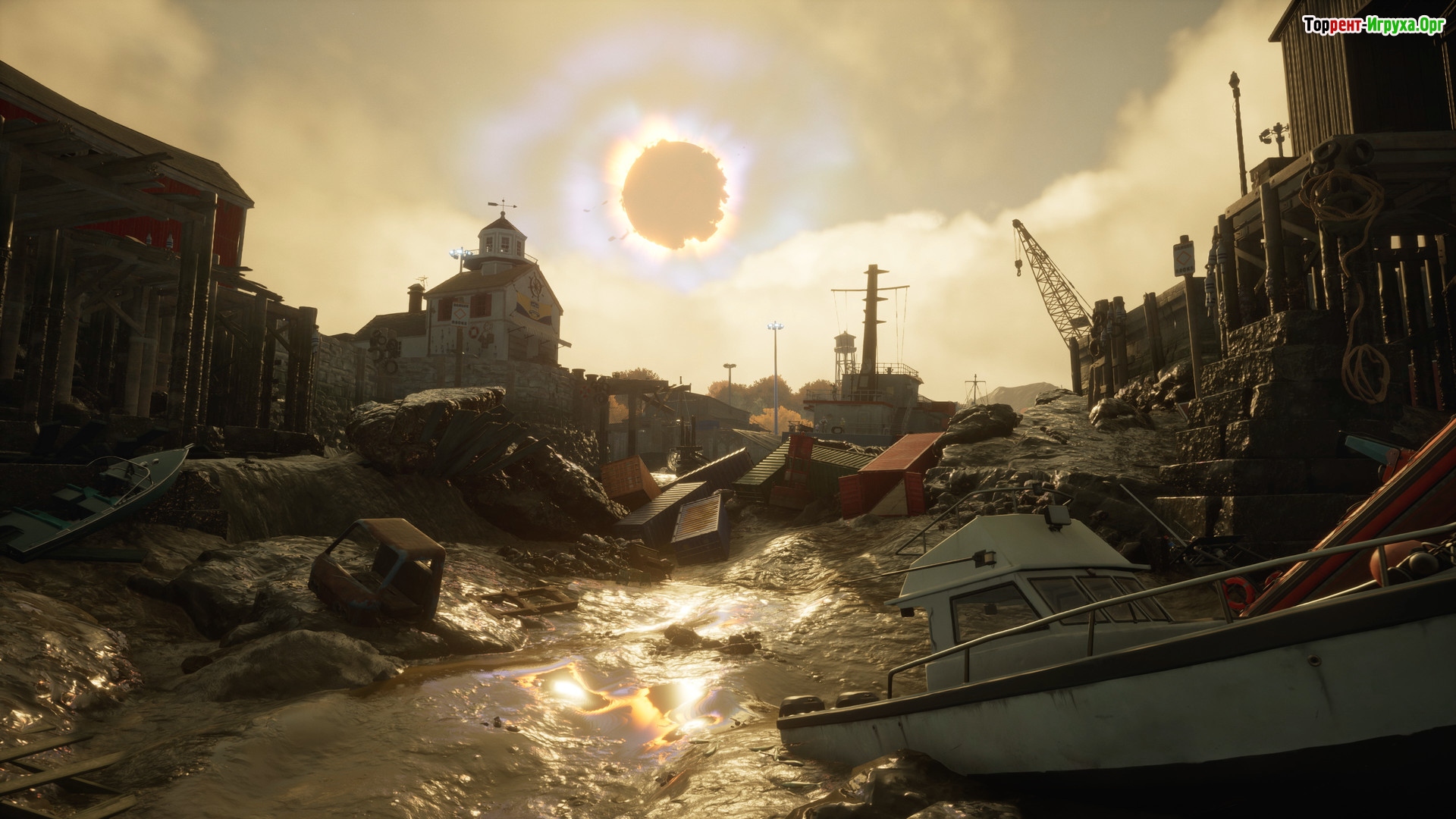
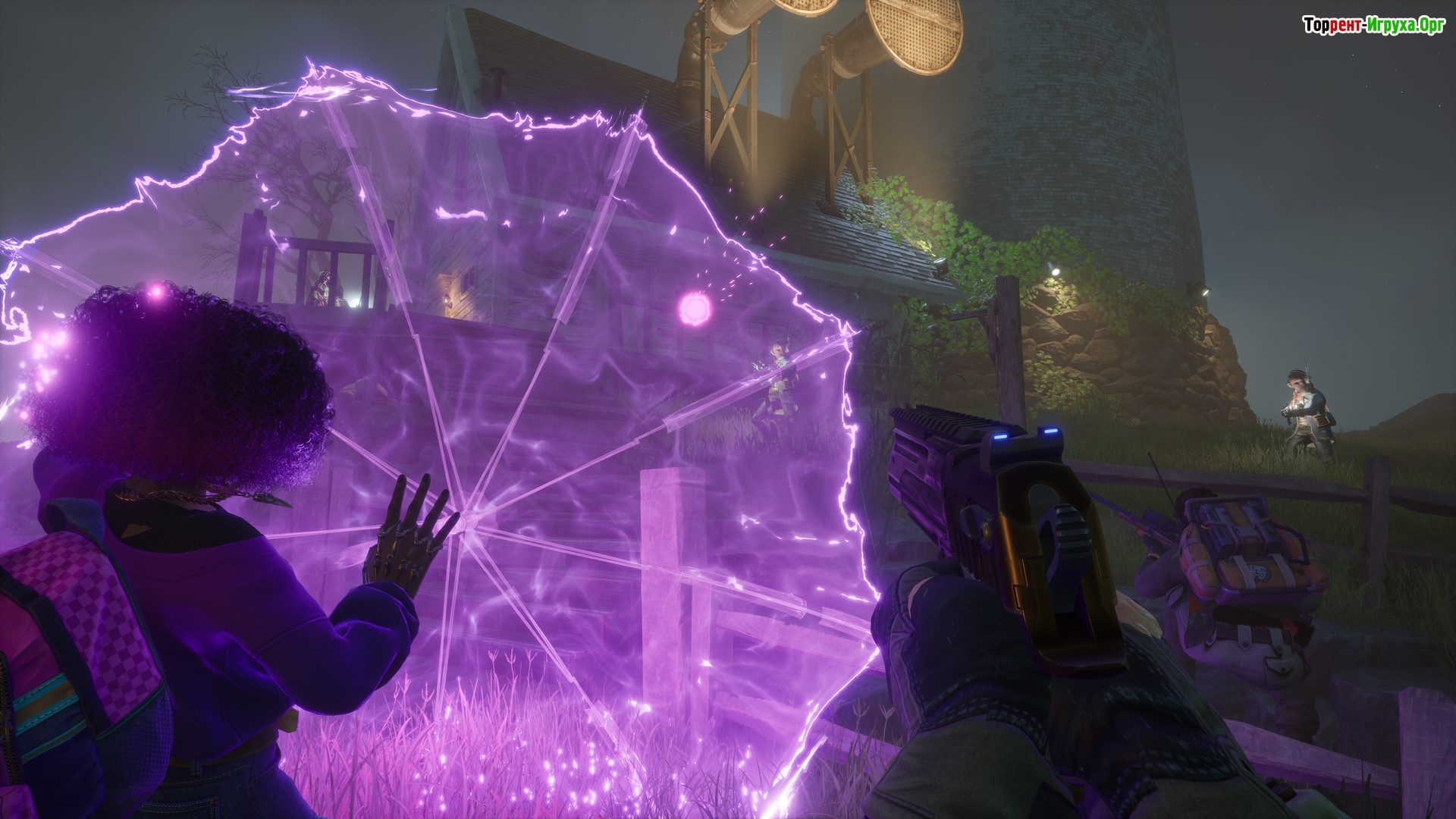
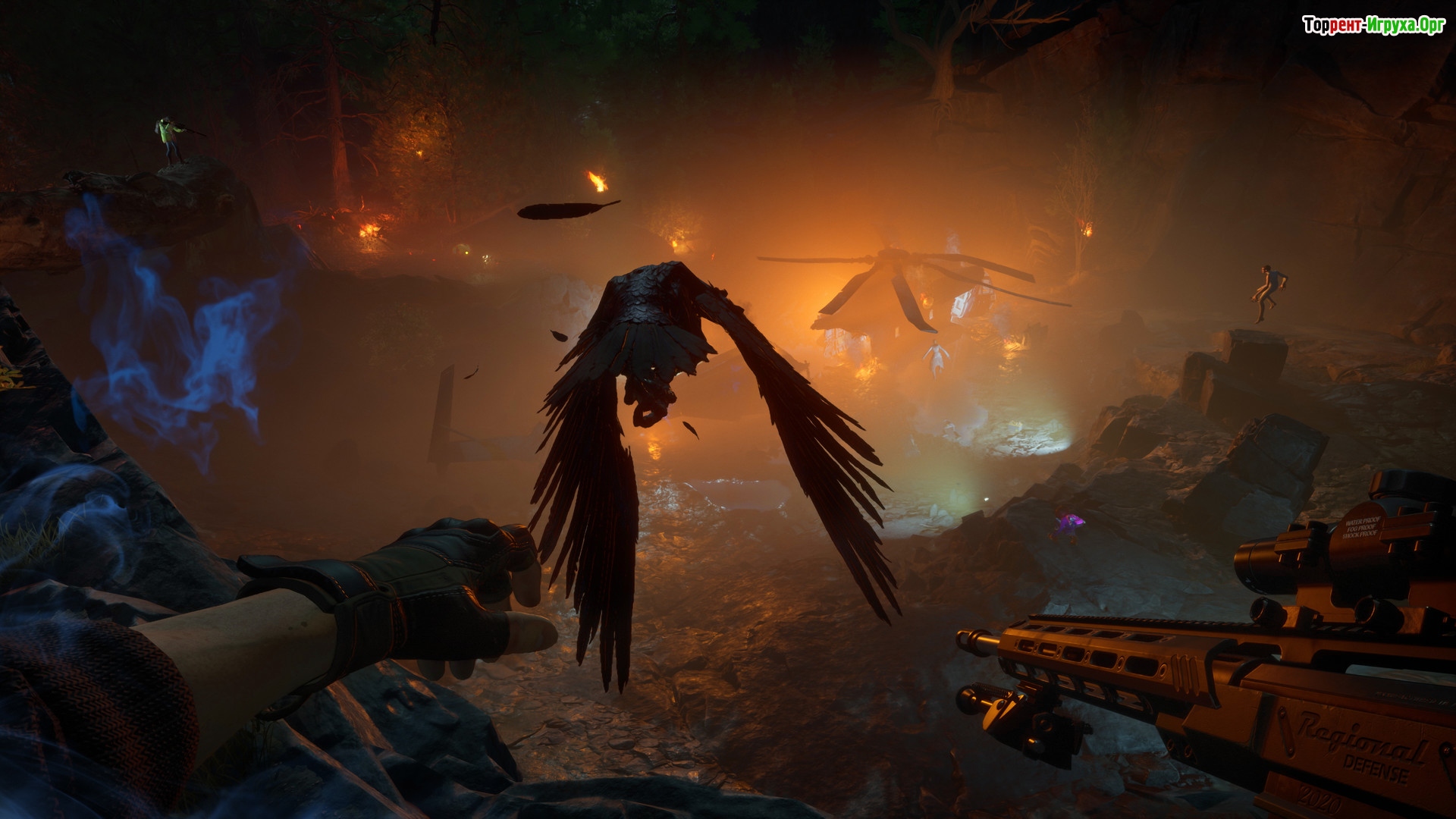
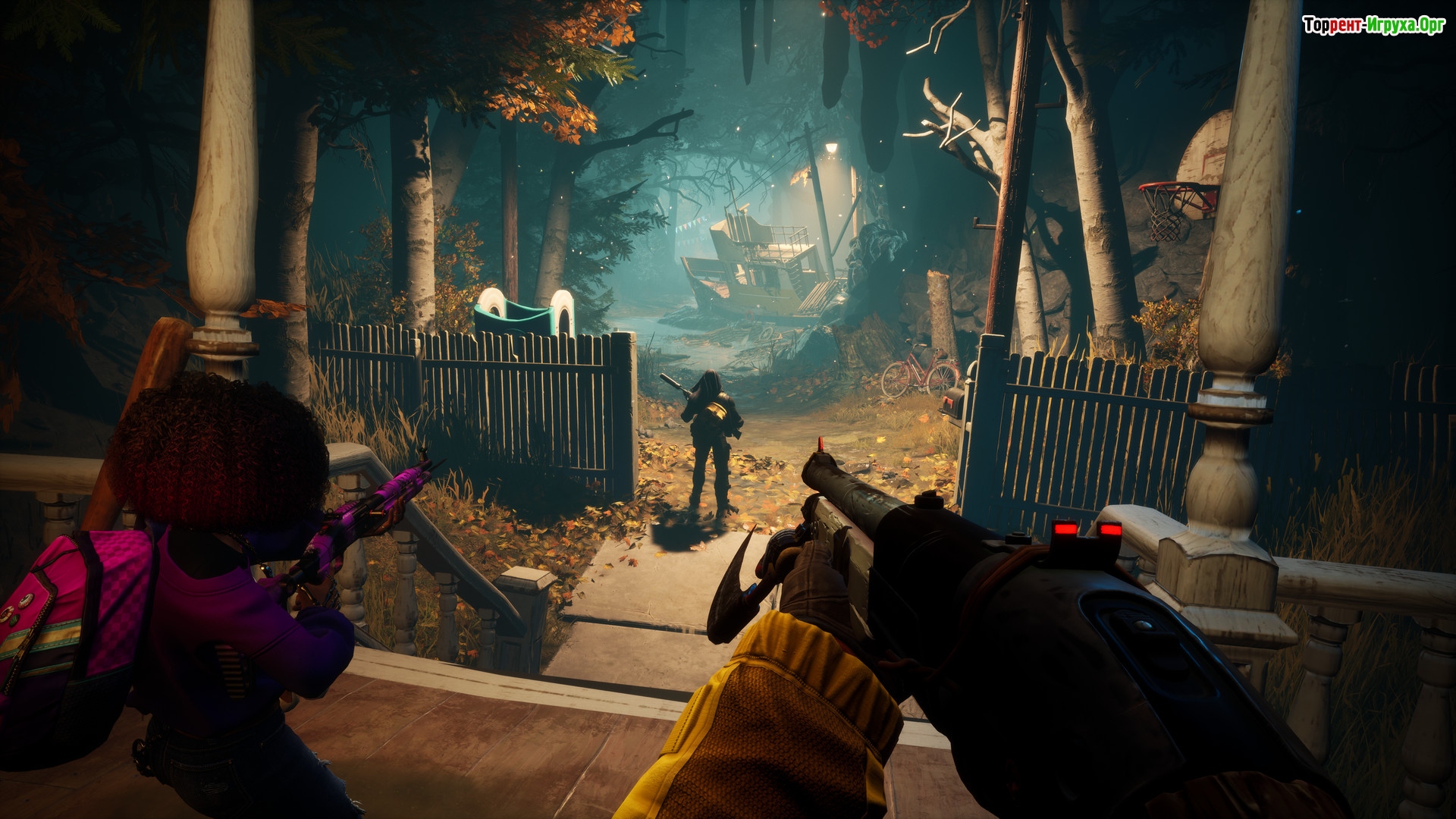
How to start playing
There is no crack yet - you can wait for it or buy license activation

Size: 69.90 GB | RePack by Igruha
Repack features:
- Based on the Steam release
- Nothing cut / nothing re-encoded
- Game version: Build 14381250
- Change the language in the game settings
- Installation time ~ 5 minutes (depends on your PC)
Extras:
Starting the game:
Why might the game not launch?
Steam Tags
 51 GB14 GB70 GB26 GB4.4 GB


Comments: 34
34 comments in Russian. The discussion is on the Russian page, you can read it and reply there.
Read comments





