The First Tree
Updated:
/
69112
 1.1 GB
19 following
19 following · Settings
Release date: Sep 14, 2017
Genre: Adventure
Developer: David Wehle
Publisher: David Wehle
Interface language: Russian, English, French, German and others
Voice-over: English
Crack: Not required (DRM-free)
System requirements:
OS: Windows XP SP2 and above
Processor: Dual Core 2.4 GHz
Memory: 8 GB
Graphics: Geforce GTX 750 / Radeon R7 260X 1 GB
Sound card: DirectX
Storage: 4 GB
Genre: Adventure
Developer: David Wehle
Publisher: David Wehle
Interface language: Russian, English, French, German and others
Voice-over: English
Crack: Not required (DRM-free)
System requirements:
OS: Windows XP SP2 and above
Processor: Dual Core 2.4 GHz
Memory: 8 GB
Graphics: Geforce GTX 750 / Radeon R7 260X 1 GB
Sound card: DirectX
Storage: 4 GB
Steam Reviews: Mostly Positive (75% of 5,858)
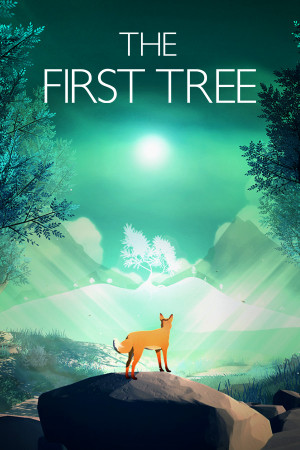
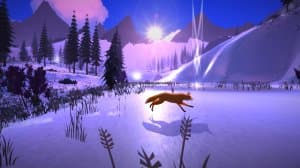
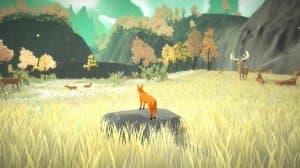
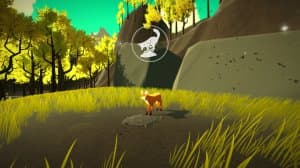
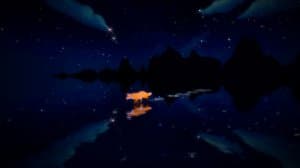
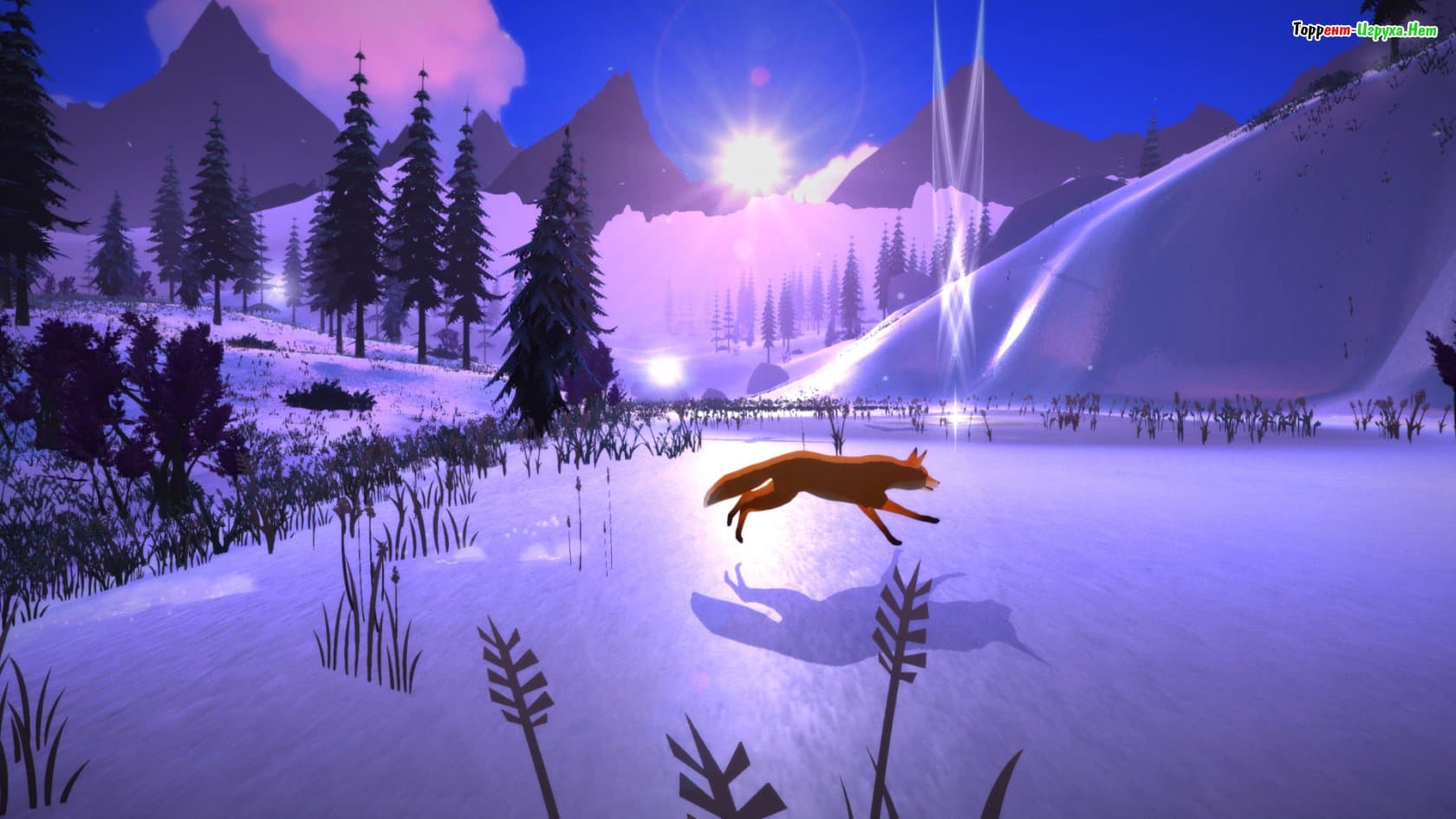
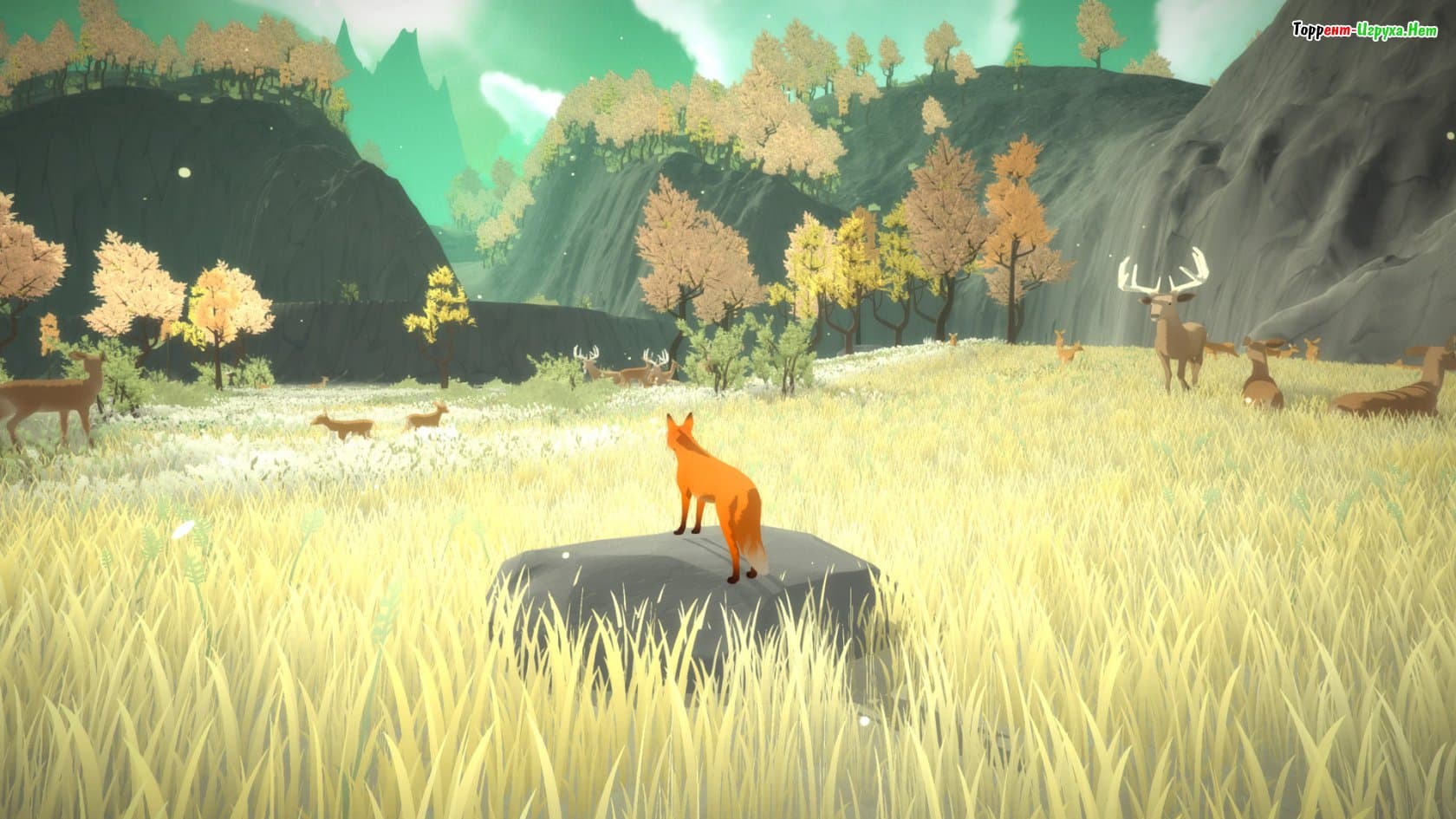
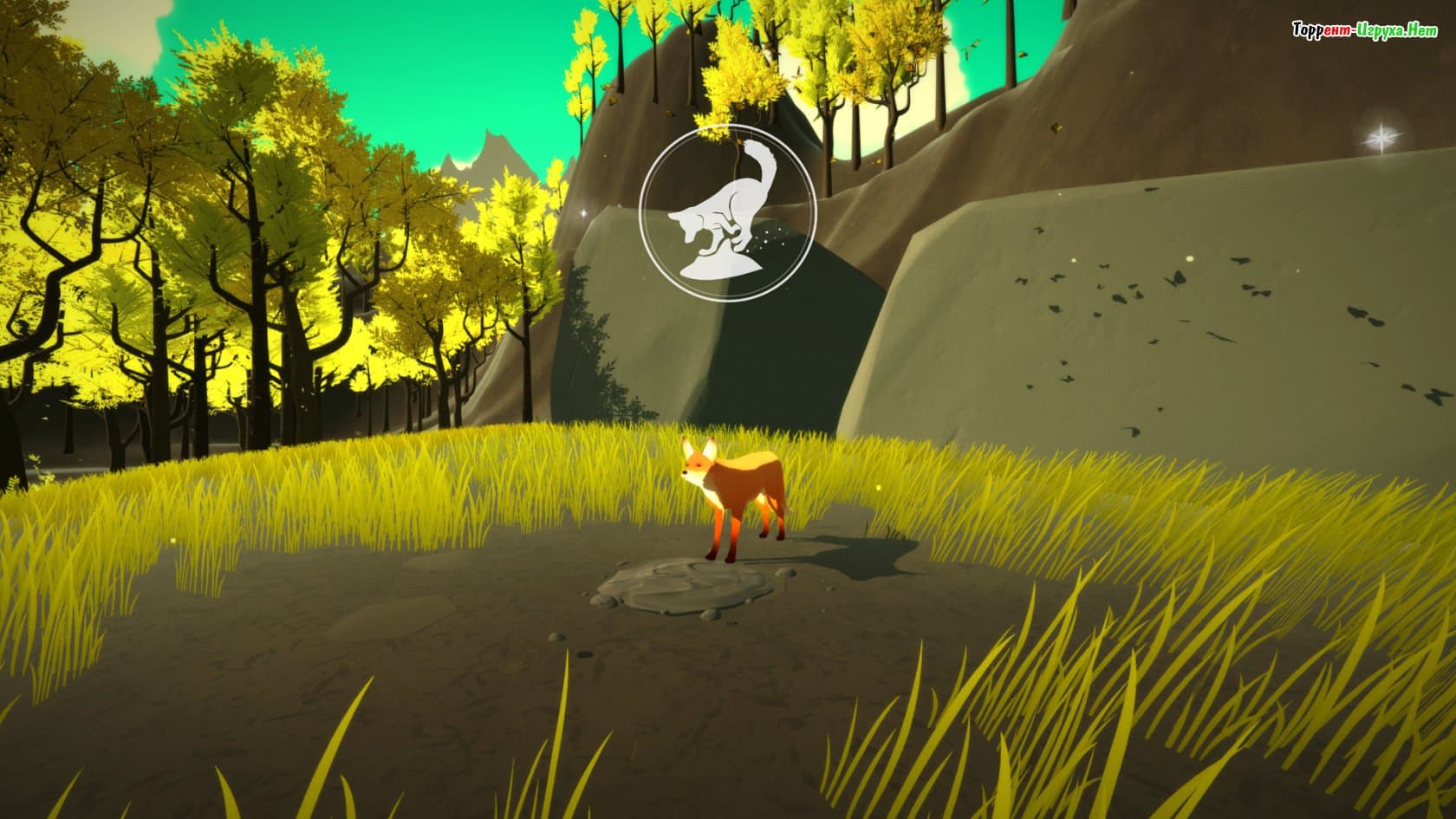
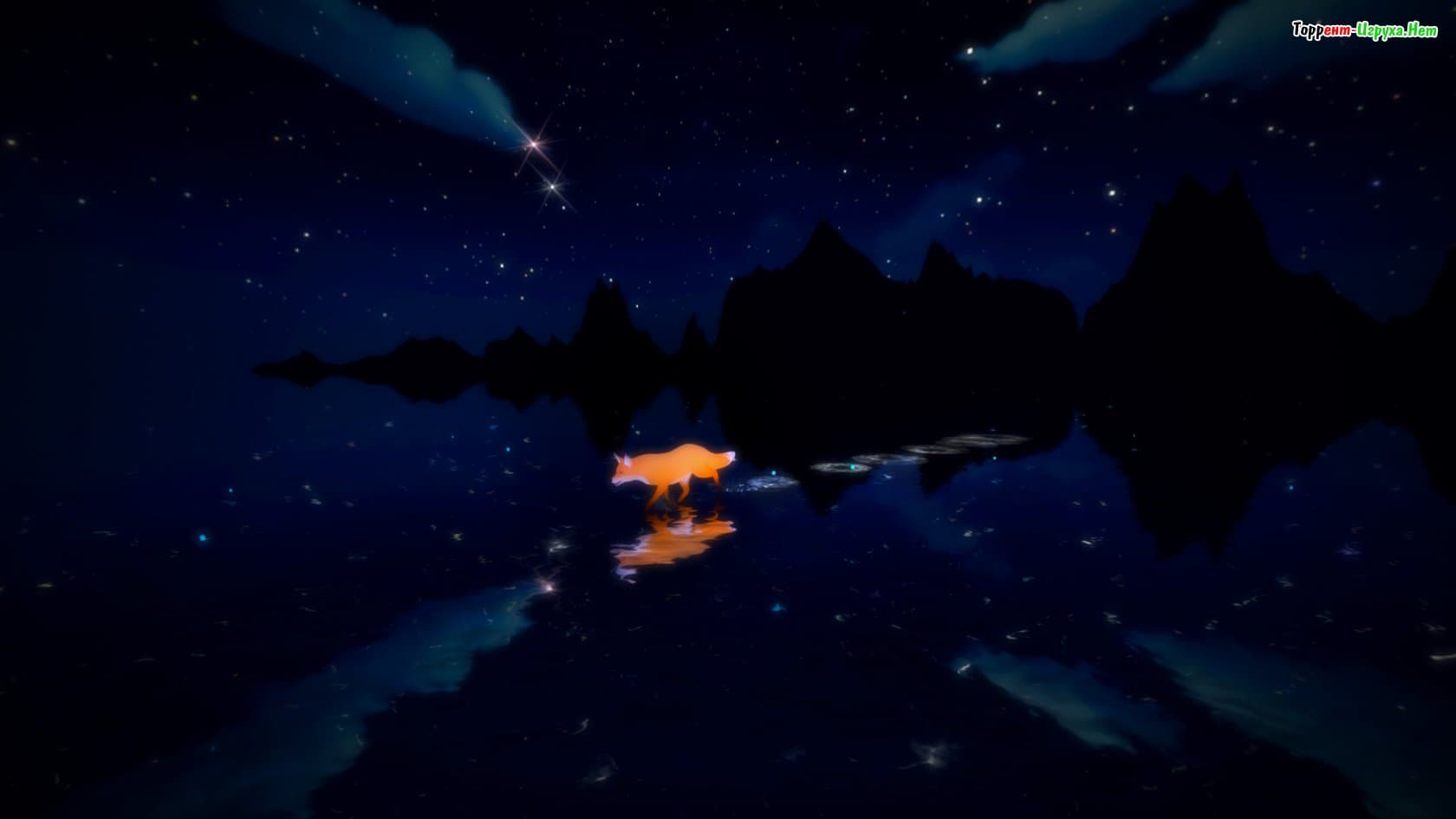
The First Tree – is a wonderful opportunity to experience an interesting and captivating story that will not only awaken your feelings but also allow you to appreciate the joys of life. This game tells two stories: in one, you play as a fox who wants to find her family, and in the other, you take control of a loving couple forced to endure a terrible tragedy.
A captivating adventure and world exploration await you, and you'll remember it for a long time. It's important to embrace all the joys of the game's adventure and complete all the objectives on time. All that's left to do is download. The First Tree via torrent for free and you can start.
Installation:
1. Run setup_the_first_tree_1.03_(25433).exe from the game folder.
2. Select the language of the future game from the list offered in the installer settings and install the game in the preferred directory, following the installer instructions.
3. Click on the game shortcut on your desktop and run it as administrator (Right-click on the shortcut ⇛ Properties ⇛ Compatibility ⇛ Run this program as administrator).
4. Explore the philosophy of life and death on this allegorical journey, full of boundless freedom, heartbreaking despair and saving hope, surrounded by enchanting wildlife and its inhabitants, accompanied by captivating melodic accompaniment.
To avoid any misunderstandings, disable your antivirus software during the above steps. It's also recommended to add all newly replaced files to your antivirus scanning exclusion list.
ATTENTION! To change the game interface language, open it using Notepad. D:The First Treesteam_api.ini (where D is the local drive where you installed the game, and The First Tree – the root folder with the installed game) and replace the line Language = English + Language = Russian or any other language supported by the game. The subtitle language can be changed through the settings in the in-game menu. 293 MB
 45 GB
45 GB 1.5 GB
 3.1 GB
 5.1 GB
 13 GB
13 GB
A captivating adventure and world exploration await you, and you'll remember it for a long time. It's important to embrace all the joys of the game's adventure and complete all the objectives on time. All that's left to do is download. The First Tree via torrent for free and you can start.
We recommend:

80%



Trailer / Gameplay:
Screenshots:
Size: 1.06 GB v1.03
Installation:
1. Run setup_the_first_tree_1.03_(25433).exe from the game folder.
2. Select the language of the future game from the list offered in the installer settings and install the game in the preferred directory, following the installer instructions.
3. Click on the game shortcut on your desktop and run it as administrator (Right-click on the shortcut ⇛ Properties ⇛ Compatibility ⇛ Run this program as administrator).
4. Explore the philosophy of life and death on this allegorical journey, full of boundless freedom, heartbreaking despair and saving hope, surrounded by enchanting wildlife and its inhabitants, accompanied by captivating melodic accompaniment.
To avoid any misunderstandings, disable your antivirus software during the above steps. It's also recommended to add all newly replaced files to your antivirus scanning exclusion list.
ATTENTION! To change the game interface language, open it using Notepad. D:The First Treesteam_api.ini (where D is the local drive where you installed the game, and The First Tree – the root folder with the installed game) and replace the line Language = English + Language = Russian or any other language supported by the game. The subtitle language can be changed through the settings in the in-game menu.
Steam Tags
293 MB45 GB
 1.5 GB3.1 GB5.1 GB13 GB


Comments: 1
1 comment in Russian. The discussion is on the Russian page, you can read it and reply there.
Read comments