Like a Dragon: Pirate Yakuza in Hawaii
Updated:
/
159944
 35 GB
35 GB
251 following
251 following · Settings
Release date: Feb 20, 2025
Genre: Action, Adventure, RPG
Developer: Ryu Ga Gotoku Studio
Publisher: SEGA
Platform: PC
Release type: Repack
Interface language: Russian, English, MULTi
Voice-over: English, Japanese, Chinese
Crack: Built-in (DenuvOwO)
System requirements:
OS: Windows 10, 11 (64-bit)
Processor: Intel Core i5-3470
Memory: 8 GB
Graphics: Nvidia GTX 1650
Storage: 56 GB
Genre: Action, Adventure, RPG
Developer: Ryu Ga Gotoku Studio
Publisher: SEGA
Platform: PC
Release type: Repack
Interface language: Russian, English, MULTi
Voice-over: English, Japanese, Chinese
Crack: Built-in (DenuvOwO)
System requirements:
OS: Windows 10, 11 (64-bit)
Processor: Intel Core i5-3470
Memory: 8 GB
Graphics: Nvidia GTX 1650
Storage: 56 GB
Steam Reviews: Very Positive (88% of 10,042)
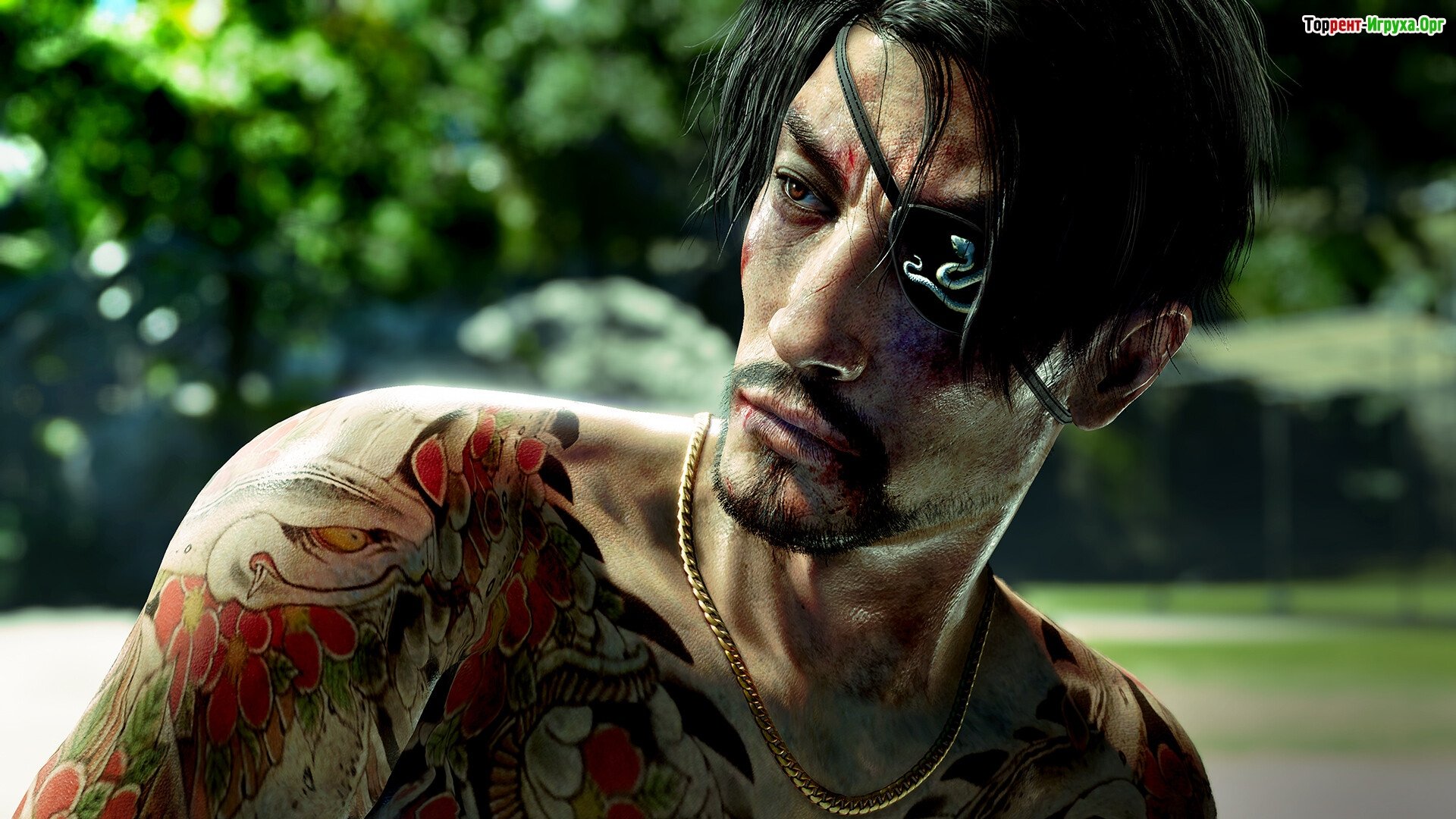
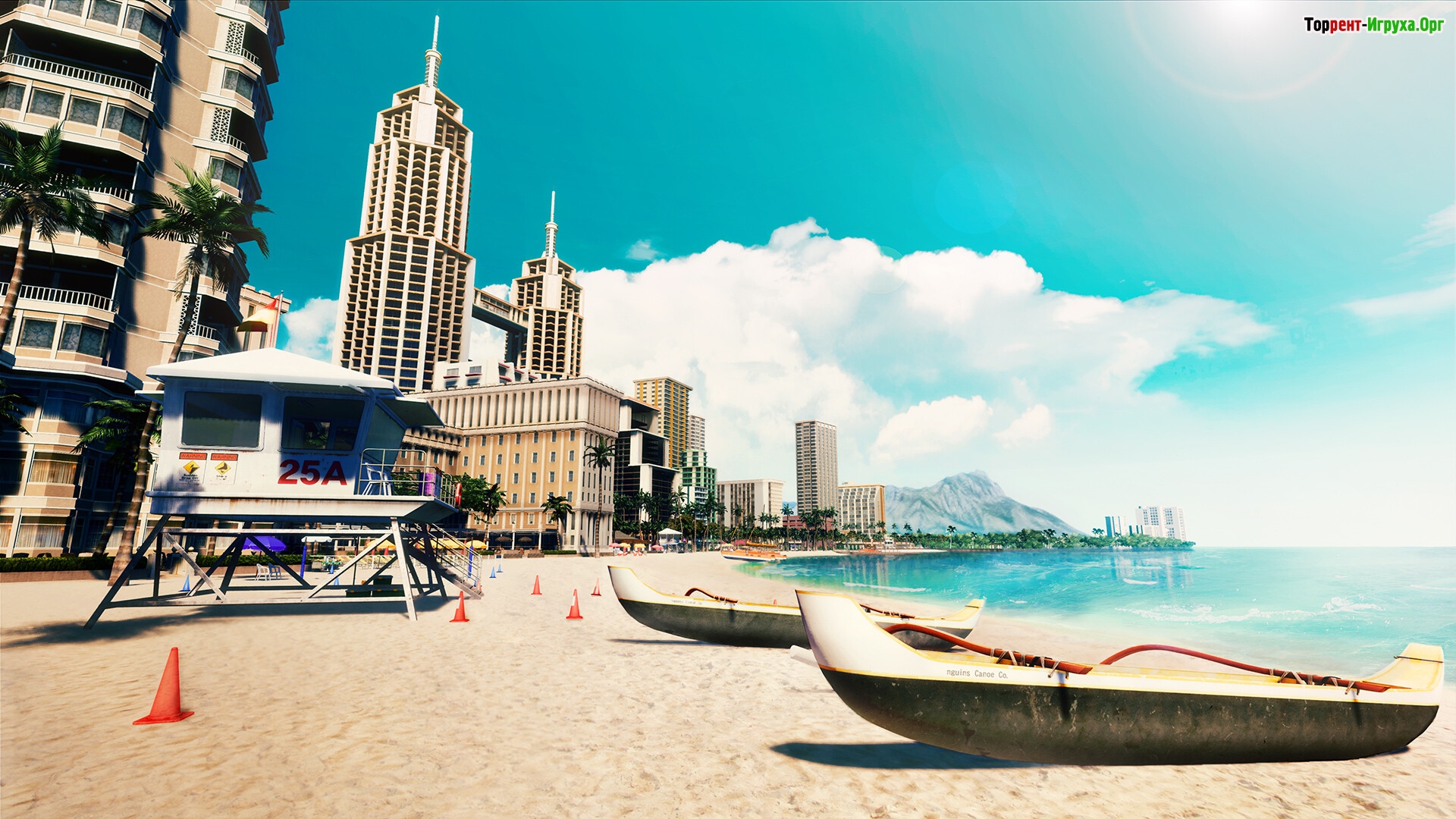
Like a Dragon: Pirate Yakuza in Hawaii Embark on incredible adventures with a former yakuza, now a true pirate captain! Join his crew and participate in spectacular battles both on land and at sea. Do you think you can restore your lost memories and find the legendary treasure?
About the game
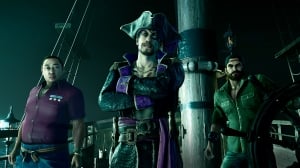
It's time for a new legend to become a pirate of the high seas, and a man who's lost his memory! Join his motley crew and find the legendary treasure. It all starts with the infamous and now former yakuza washed up on an island in the Pacific Ocean. He doesn't even remember his own name, but he sets out to sail to regain at least some of his memories...
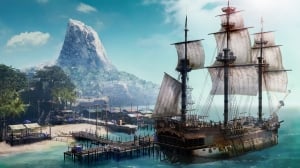
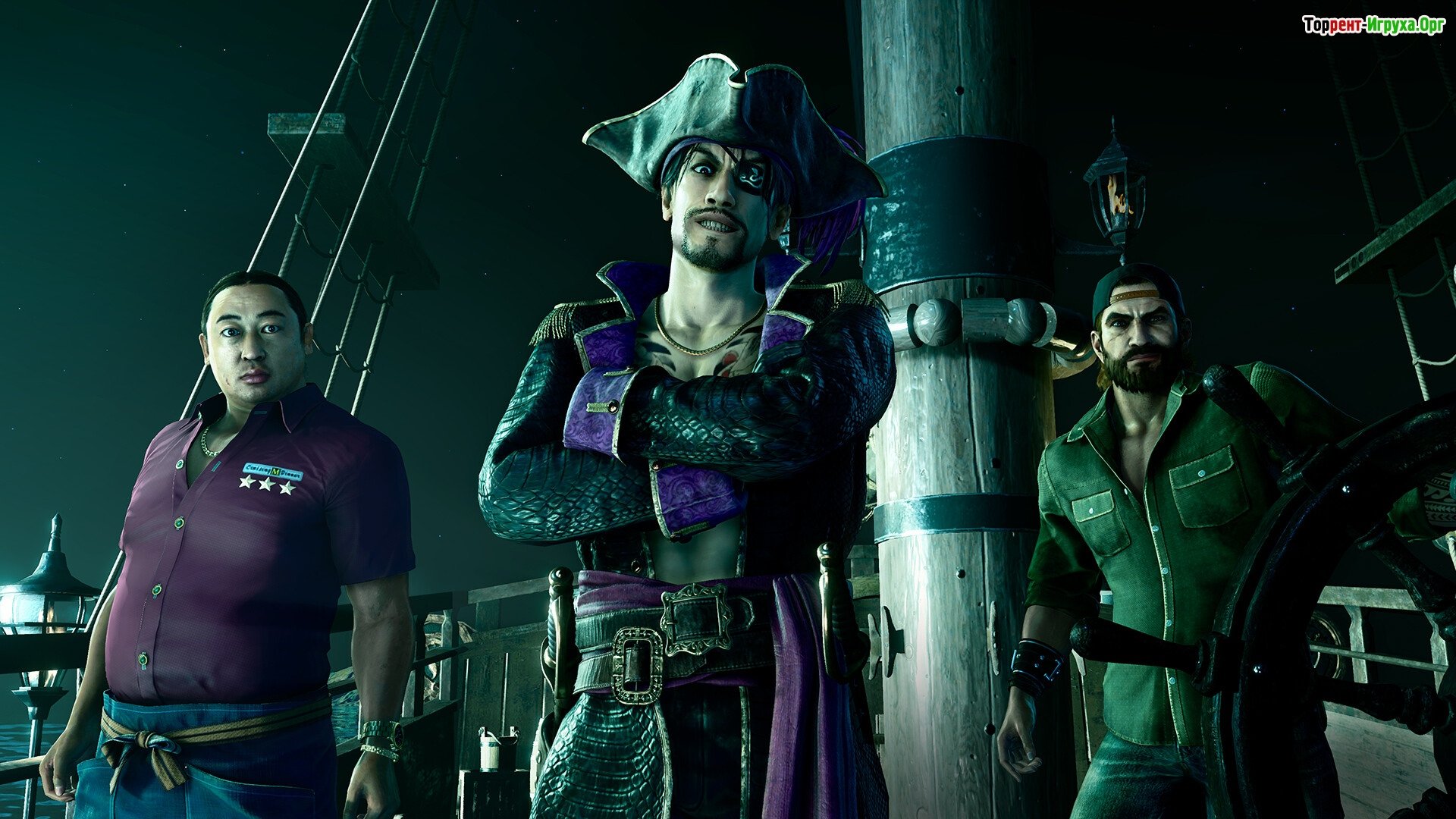
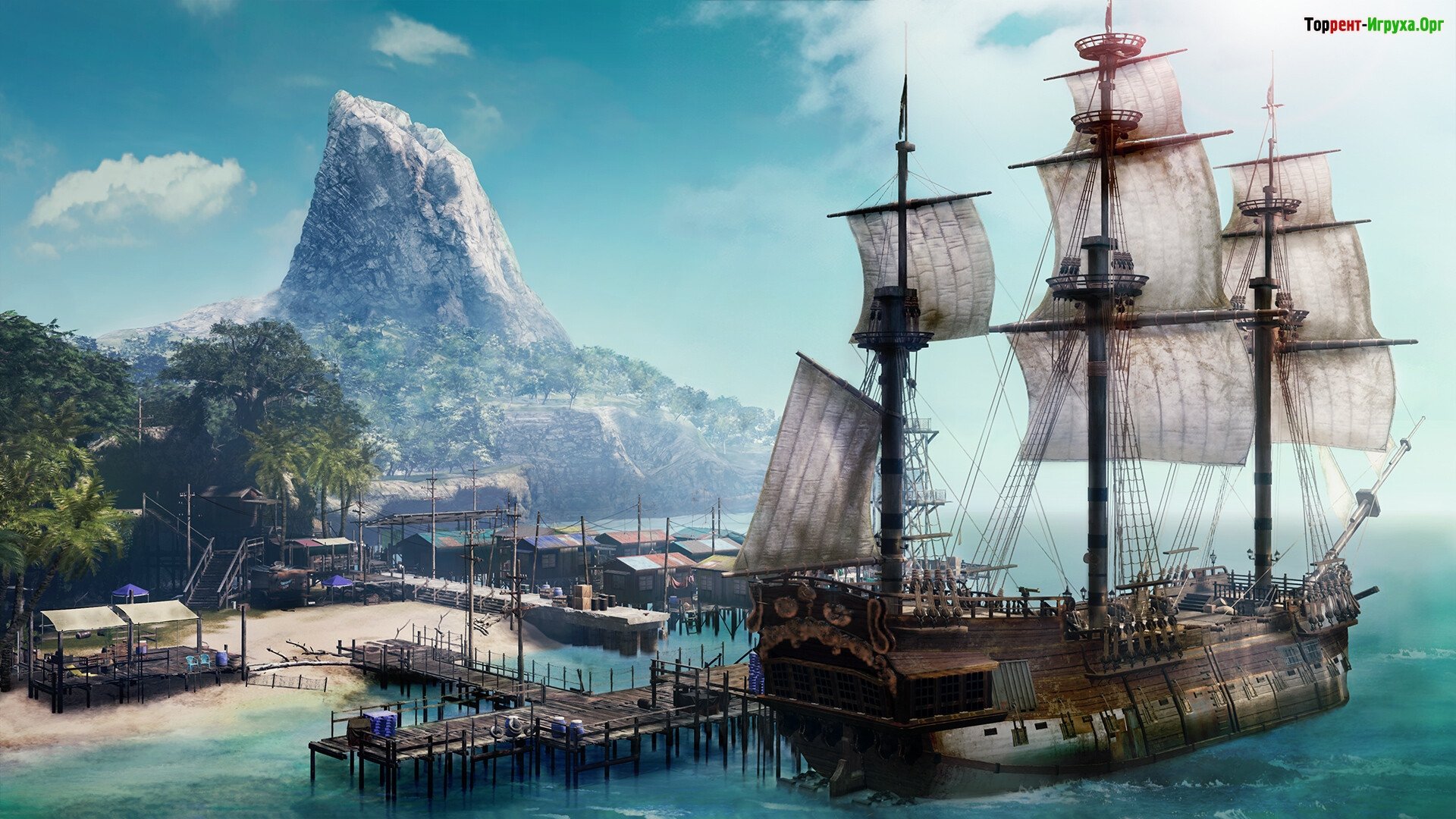
His companion is a boy named Noah, who previously saved his life. Soon, they find themselves in the middle of a conflict revolving around a legendary treasure. And it all erupts between notorious criminals, modern-day pirates, and other villains! So, quickly create your own unique ship, recruit a crew, set out to explore the high seas, and write your own unique legend.




Repack features:
- Based on the Steam release
- Nothing cut / nothing re-encoded
- Game version: Build 18023911
- Change the language in the game settings
- Installation time ~ 5 minutes (depends on your PC)
Extras:
Starting the game:
Why might the game not launch?
 1.4 GB
 529 MB
 9.2 GB
 2.2 GB
 301 MB
About the game
It's time for a new legend to become a pirate of the high seas, and a man who's lost his memory! Join his motley crew and find the legendary treasure. It all starts with the infamous and now former yakuza washed up on an island in the Pacific Ocean. He doesn't even remember his own name, but he sets out to sail to regain at least some of his memories...
His companion is a boy named Noah, who previously saved his life. Soon, they find themselves in the middle of a conflict revolving around a legendary treasure. And it all erupts between notorious criminals, modern-day pirates, and other villains! So, quickly create your own unique ship, recruit a crew, set out to explore the high seas, and write your own unique legend.
Features of the game
- The opportunity to make friends and enemies, and to accumulate wealth
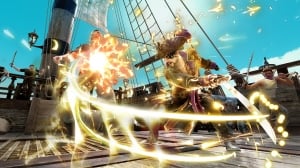
- Experience incredible cannon combat in real time
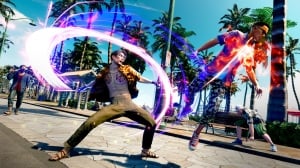
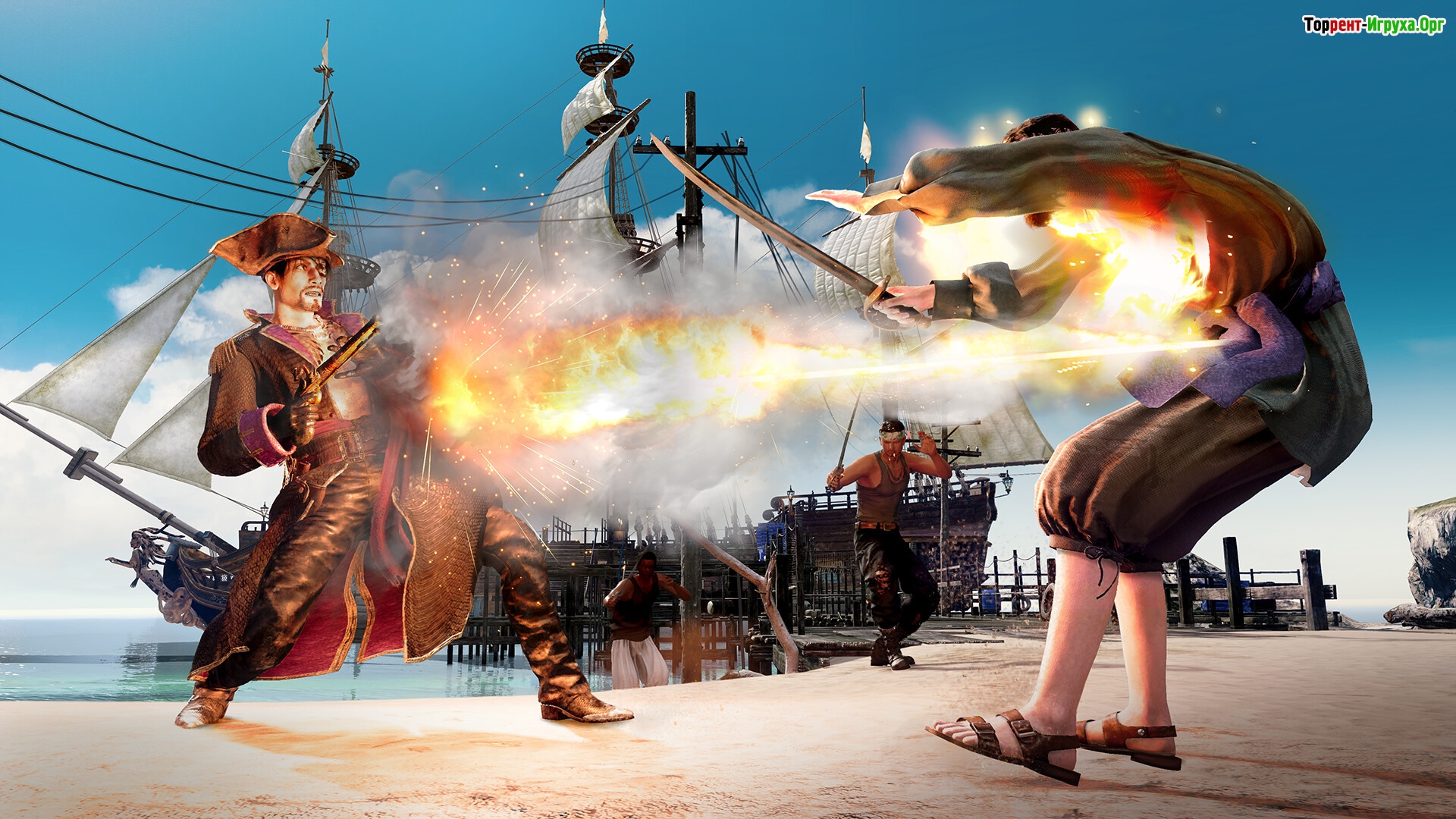
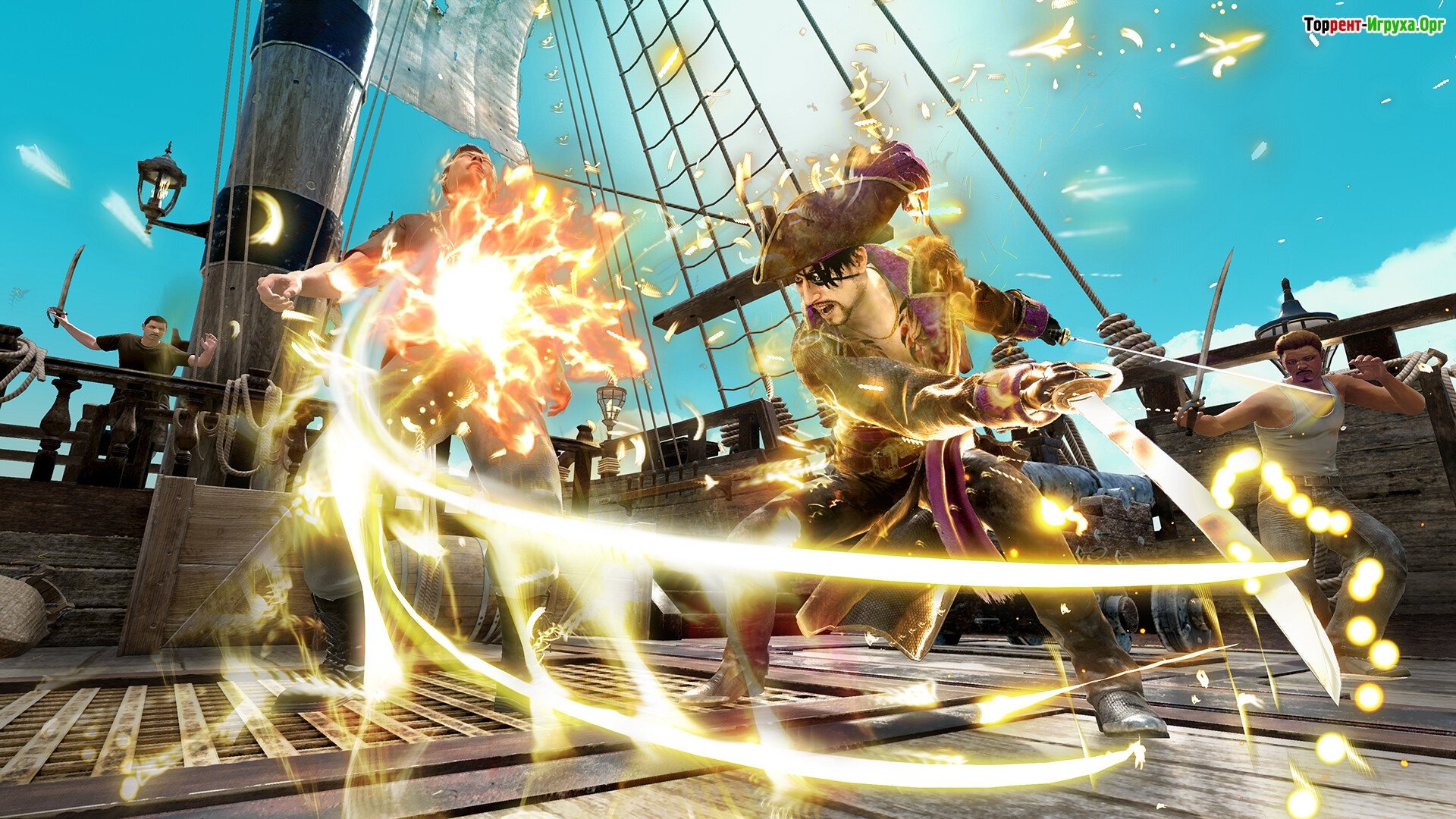
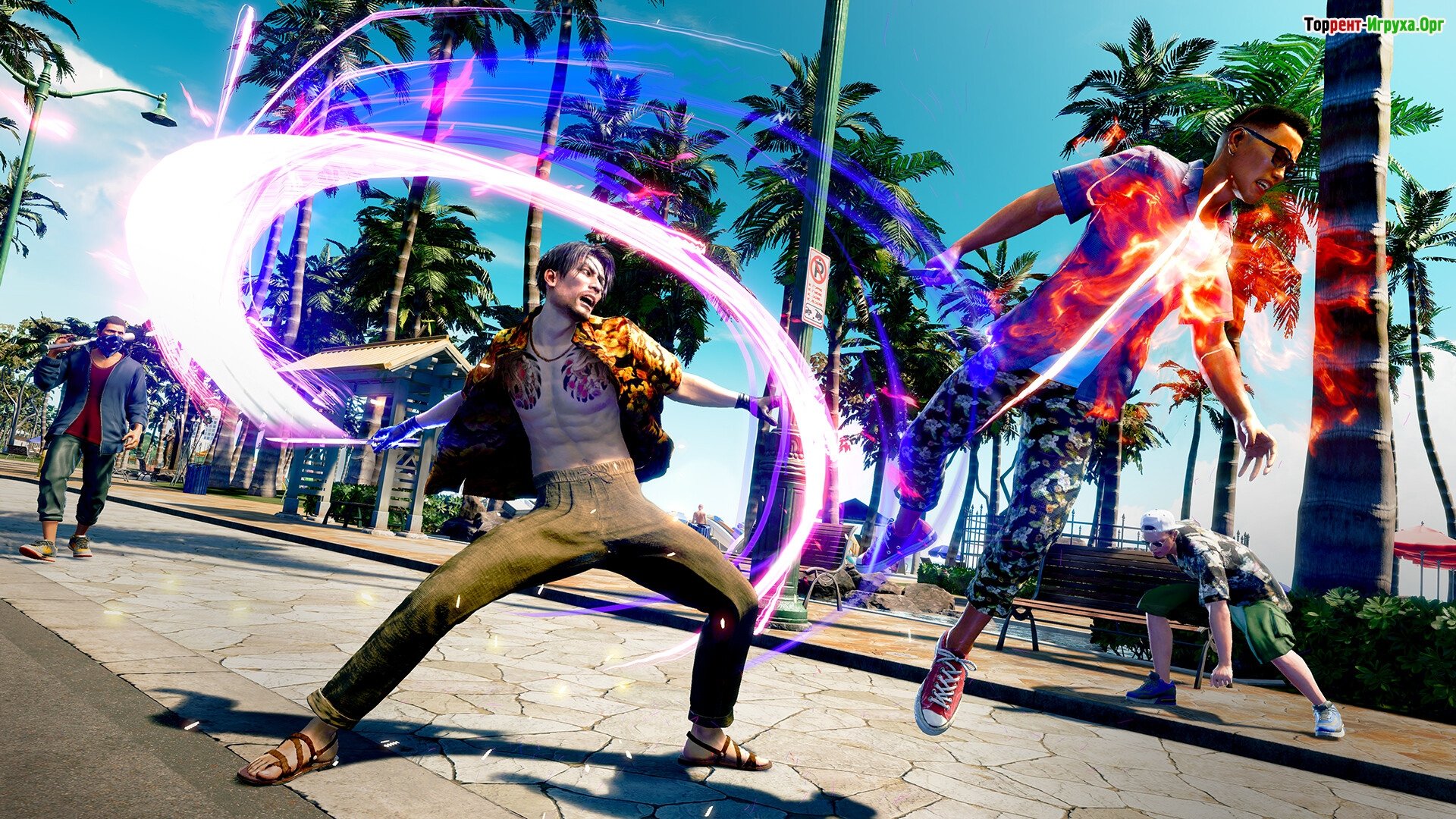
- Two fighting styles to choose from (Mad Dog and Pirate)
- Performing truly explosive combos for spectacular victories
We recommend:

80%



Trailer / Gameplay:
Screenshots:

How to start playing
There is no crack yet - you can wait for it or buy license activation

Size: 34.66 GB | RePack by Igruha
Repack features:
- Based on the Steam release
- Nothing cut / nothing re-encoded
- Game version: Build 18023911
- Change the language in the game settings
- Installation time ~ 5 minutes (depends on your PC)
Extras:
Starting the game:
Why might the game not launch?
Steam Tags

 1.4 GB529 MB9.2 GB2.2 GB301 MB


Comments: 65
65 comments in Russian. The discussion is on the Russian page, you can read it and reply there.
Read comments





