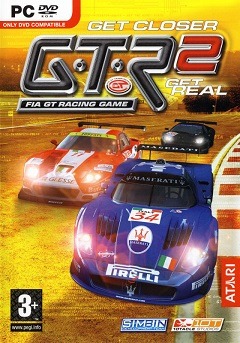
GTR 2 - FIA GT Racing Game
Updated:
/
80619
 1.3 GB
19 following
19 following · Settings
Release date: Sep 10, 2006
Genre: Racing, Sports
Developer: SimBin Studios AB
Publisher: SimBin
Platform: PC
Interface language: Russian
Voice-over: Russian
Crack: Included
System requirements:
OS: Windows ME / 2000 / XP / Vista / 7
Processor: Pentium® 4 1,8 GHz
Memory: 512 MB
Graphics: 1 GB
Storage: 1.7 GB
Genre: Racing, Sports
Developer: SimBin Studios AB
Publisher: SimBin
Platform: PC
Interface language: Russian
Voice-over: Russian
Crack: Included
System requirements:
OS: Windows ME / 2000 / XP / Vista / 7
Processor: Pentium® 4 1,8 GHz
Memory: 512 MB
Graphics: 1 GB
Storage: 1.7 GB
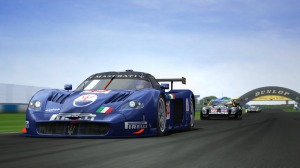
A popular driving simulator that invites you to compete in incredible competitions in cool cars. This game offers dozens of high-speed vehicles from renowned automotive giants, allowing you to feel like a real racer.
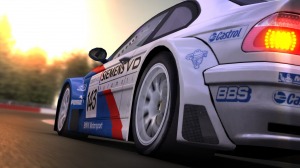
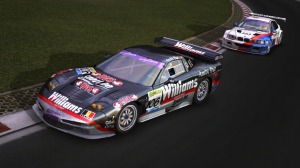
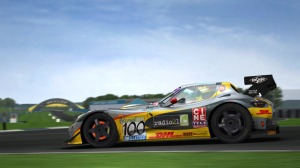
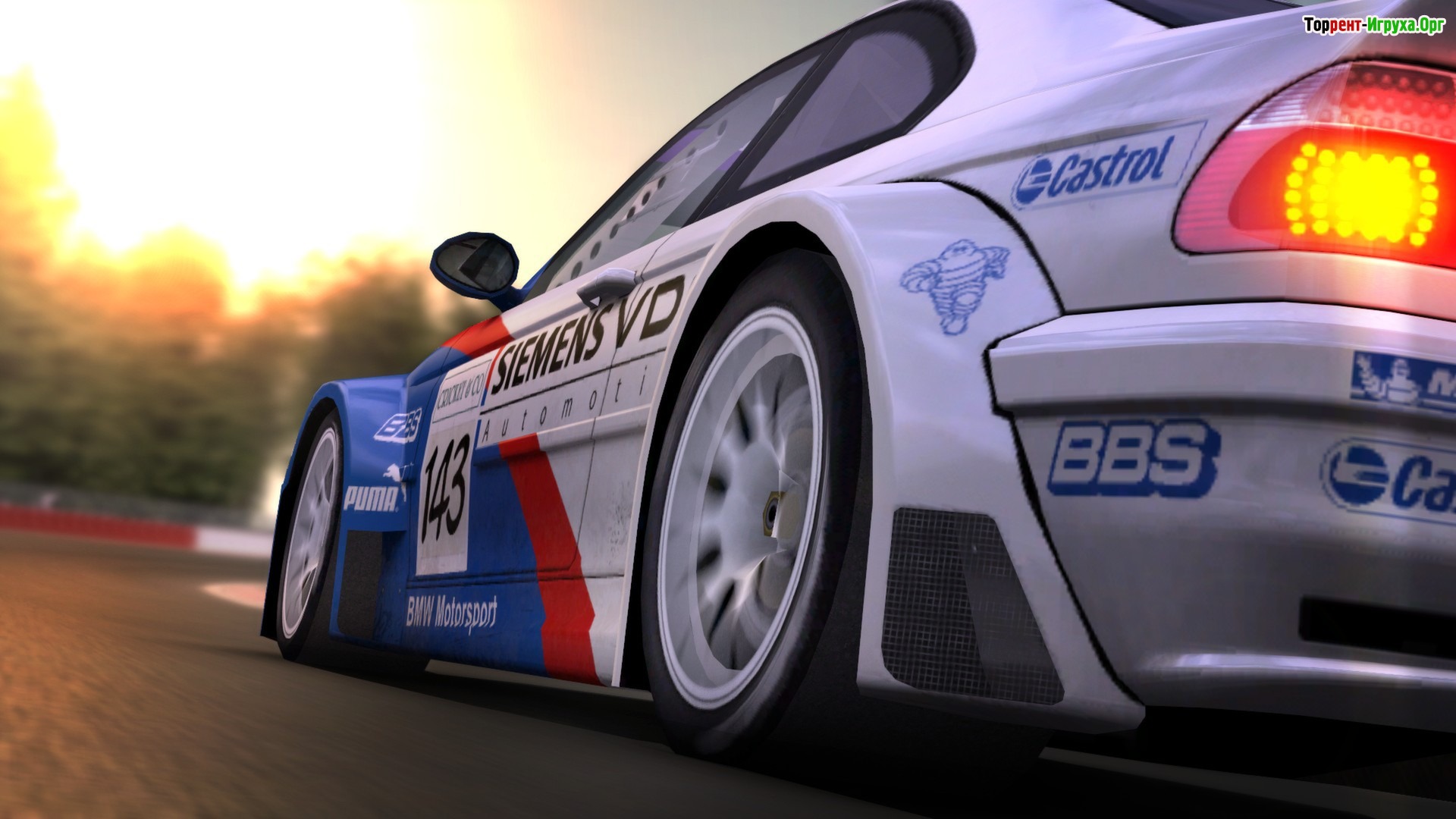
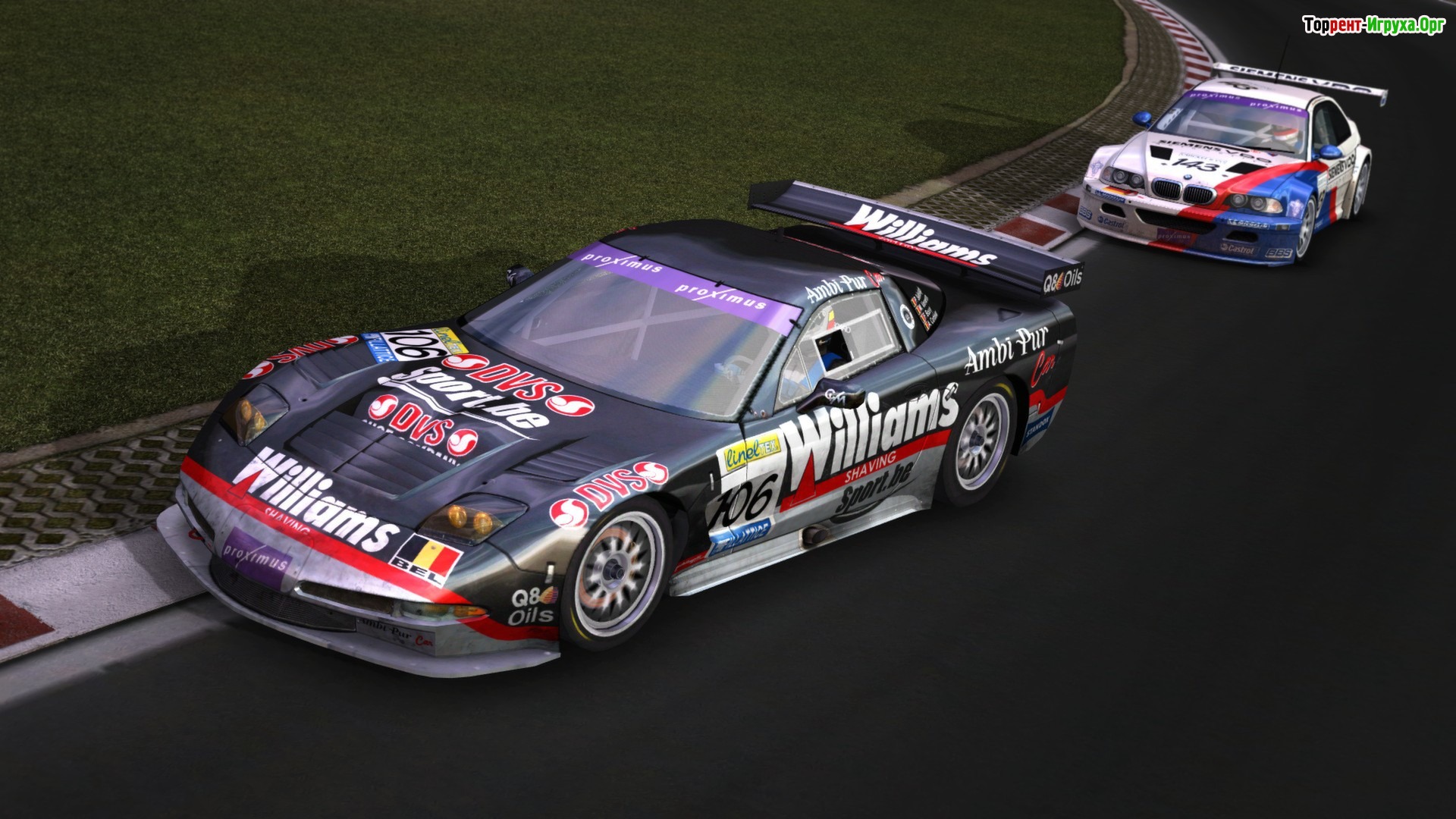
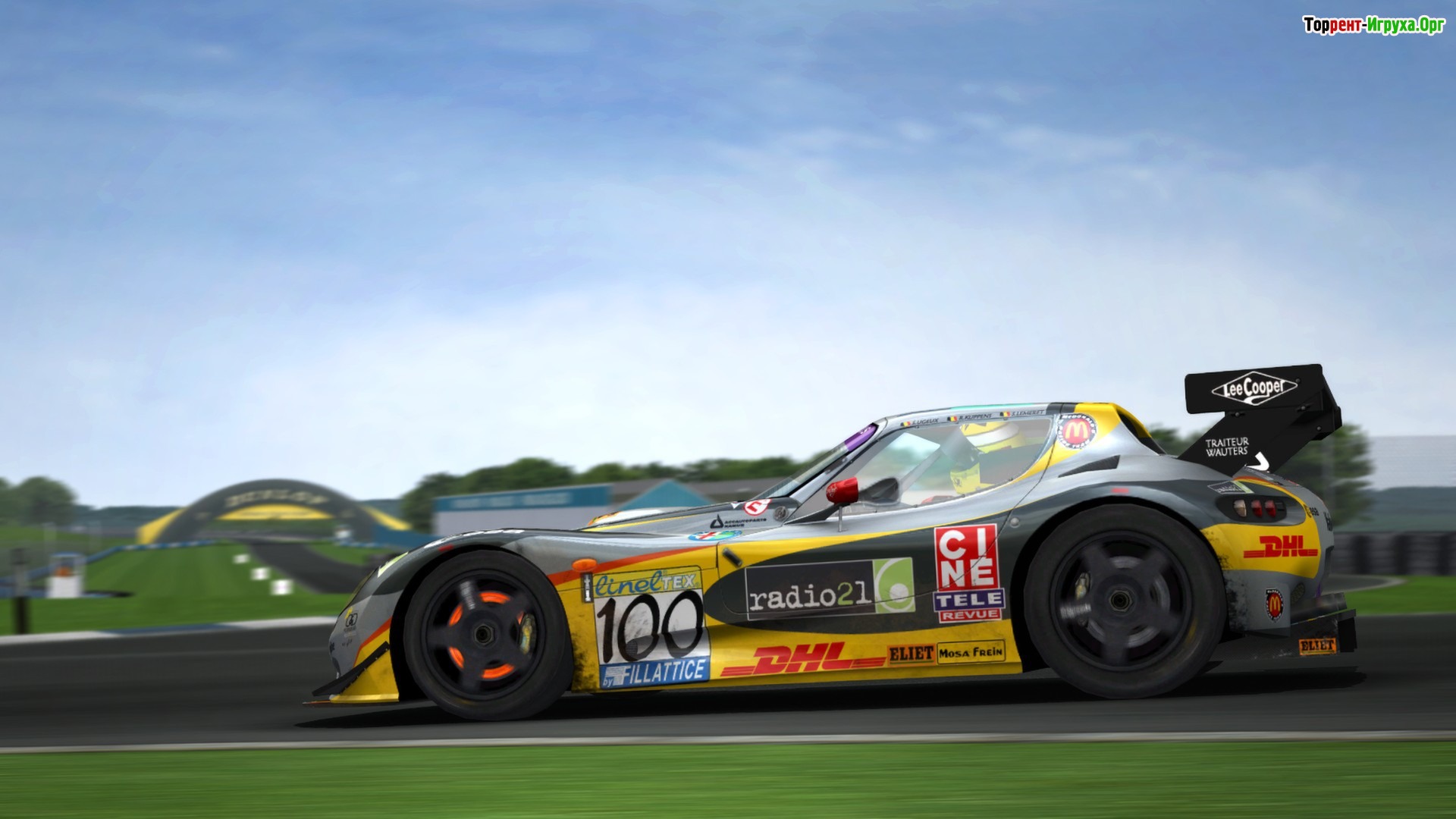
Take control of one of the featured cars and try to get to the top of the leaderboard, defeating all your opponents! To download GTR 2 - FIA GT Racing Game Even a novice user can handle the game via torrent in Russian. It's also worth noting that this game is sure to delight you with its incredible graphics, executed in the best traditions of the genre.
Compete against the world's best racers, improve your driving skills, and become the ultimate champion! If you're still a beginner, the game features a tutorial system that will help you discover all the joys of your car. In addition to stunning graphics, the developers have created realistic driving physics that will appeal to every fan of the genre.
The game supports three modes: beginner, advanced, and simulation. Participate in tournaments, earn money, and build your own collection of sports cars to achieve worldwide fame! The game also features dynamic weather and time-of-day changes, something other racing games of this type can only dream of.
Tear through winding tracks, keep an eye on your opponents, and leave them in the dust! Remember, the more victories you achieve, the more serious the other racers will become, so be very careful. If you're a big fan of dynamic racing and sports cars, then this game is perfect for you!
Installation:
Mount the image using a drive emulation program (Alcohol 120%, UltraISO, or Daemon Tools), install the game. Apply the patch. Copy and replace the file from the No-DVD folder to the game folder. Play.
You can also run the game without using No-DVD. However, to do this, you'll need to update your StarForce drivers using the SFUPDATE utility: launch the game, it will prompt you to install StarForce. After installation, it will ask you to restart your computer. Decline the prompt, run SFUPDATE, and wait for a message confirming the drivers have been updated. Only then restart your computer.
Take control of one of the featured cars and try to get to the top of the leaderboard, defeating all your opponents! To download GTR 2 - FIA GT Racing Game Even a novice user can handle the game via torrent in Russian. It's also worth noting that this game is sure to delight you with its incredible graphics, executed in the best traditions of the genre.
Compete against the world's best racers, improve your driving skills, and become the ultimate champion! If you're still a beginner, the game features a tutorial system that will help you discover all the joys of your car. In addition to stunning graphics, the developers have created realistic driving physics that will appeal to every fan of the genre.
The game supports three modes: beginner, advanced, and simulation. Participate in tournaments, earn money, and build your own collection of sports cars to achieve worldwide fame! The game also features dynamic weather and time-of-day changes, something other racing games of this type can only dream of.
Tear through winding tracks, keep an eye on your opponents, and leave them in the dust! Remember, the more victories you achieve, the more serious the other racers will become, so be very careful. If you're a big fan of dynamic racing and sports cars, then this game is perfect for you!
We recommend:

80%



Trailer / Gameplay:
Screenshots:
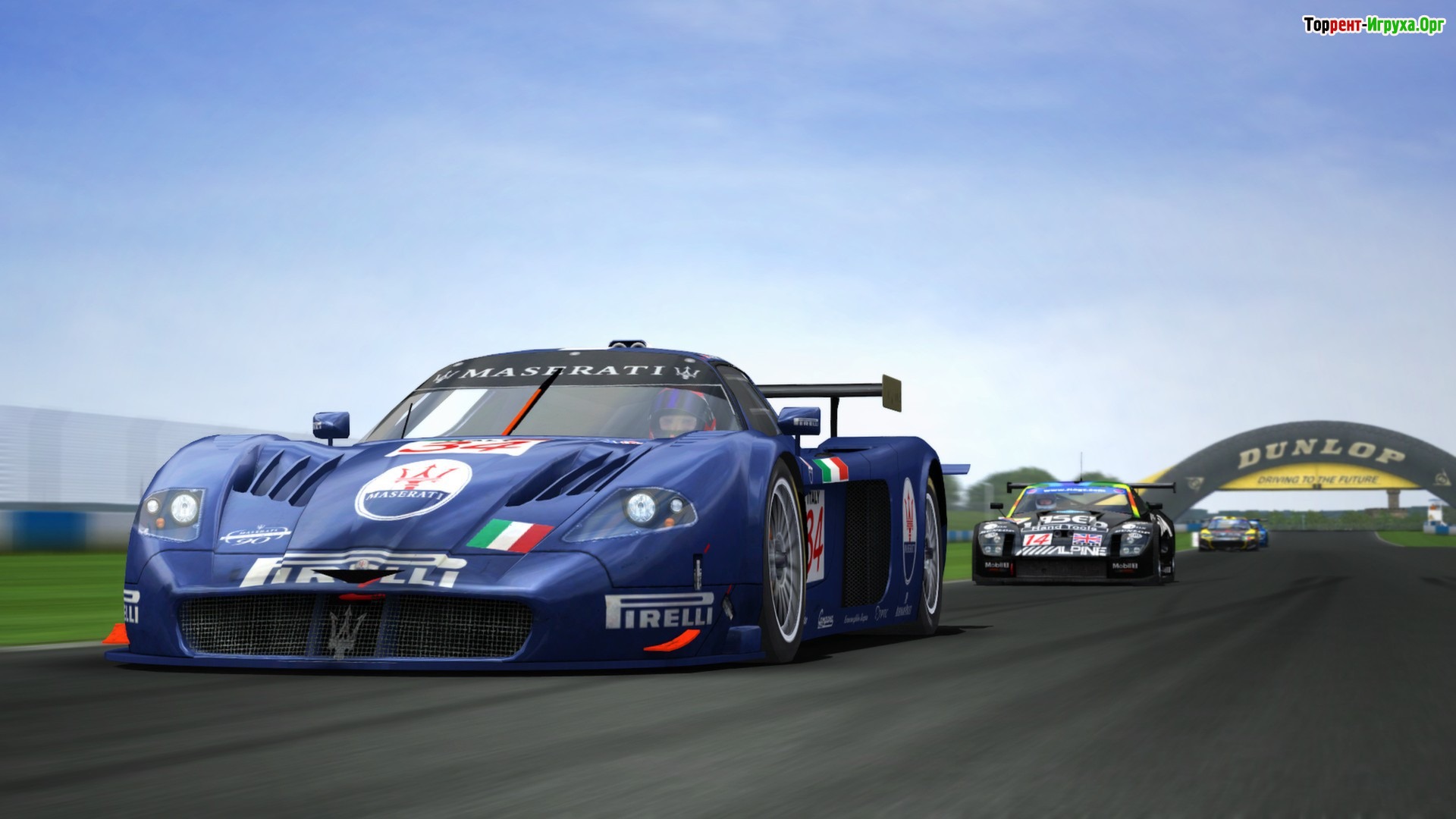
Size: 1.27 GB
Installation:
Mount the image using a drive emulation program (Alcohol 120%, UltraISO, or Daemon Tools), install the game. Apply the patch. Copy and replace the file from the No-DVD folder to the game folder. Play.
You can also run the game without using No-DVD. However, to do this, you'll need to update your StarForce drivers using the SFUPDATE utility: launch the game, it will prompt you to install StarForce. After installation, it will ask you to restart your computer. Decline the prompt, run SFUPDATE, and wait for a message confirming the drivers have been updated. Only then restart your computer.
Similar games:





Comments: 5
5 comments in Russian. The discussion is on the Russian page, you can read it and reply there.
Read comments





